





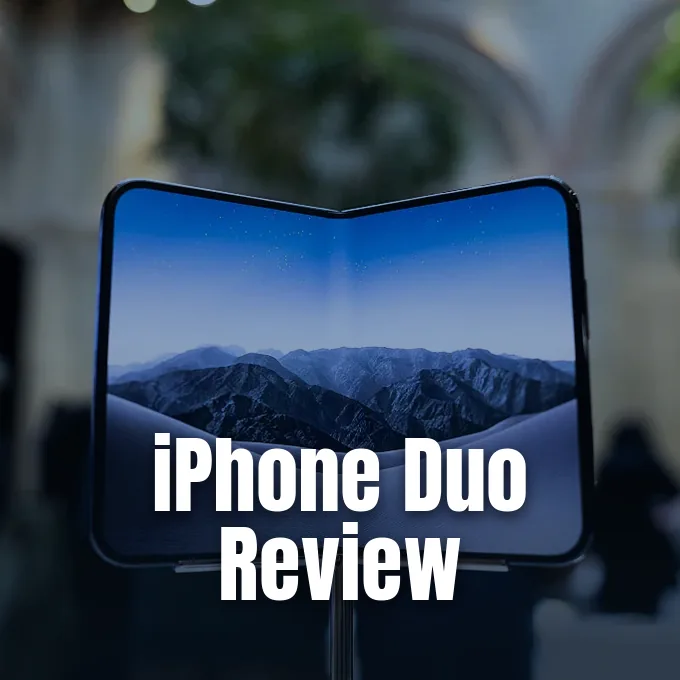
Long-term testing of Apple’s foldable phone shows how a flexible panel reshapes daily software routines while exposing real hardware compromises. Tech journalist Sarah Perez at TechCrunch reported after nearly a month of daily testing that the device altered her mobile habits, while Ben Lovejoy at 9to5Mac published an early iPhone Duo review diary documenting the balance between tablet utility and pocket portability [1]. Both accounts describe how a folding screen alters the way people multitask, read books, and organize mobile tools [2].
Early iPhone Duo Review Findings
Moving from a conventional slab phone to a folding chassis involves immediate physical adjustments. Lovejoy explained that he shelved his iPhone 18 Pro to carry the Duo as his sole handset, testing whether strong curiosity about the foldable format justified paying more than $2,000 for the hardware. To him, an Apple handset typically functions as “about 50% ultra-slim camera, 49% pocket computer, and 1% phone,” so giving up top-tier optical lenses on the company’s priciest model felt like a major trade-off. He said his colleague Ryan mostly interacted with the outer screen, a habit where carrying a heavier phone brings little real benefit [1]. Ryan preferred using the front screen.
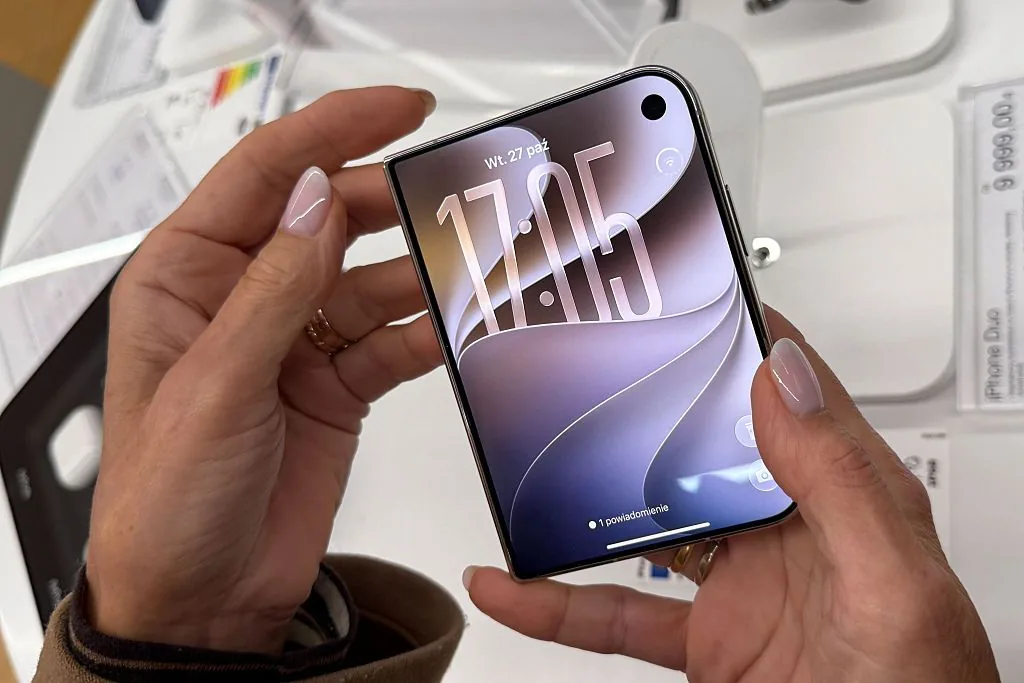
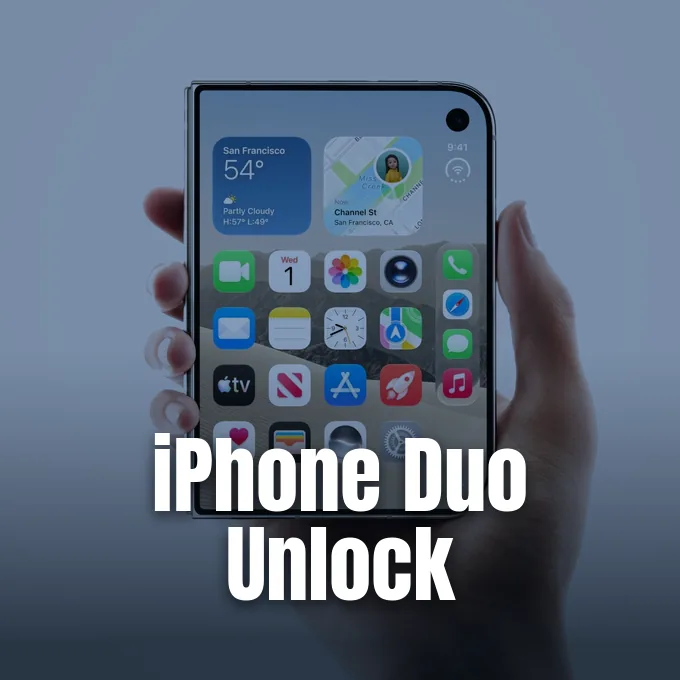
Folded up, the Duo feels surprisingly compact in hand despite its weight. Perez compared the closed phone to a heavier iPhone mini, observing that it slips easily into jeans pockets and lets users reach every corner with one thumb. She keeps only basic widgets and dock icons on the front panel [2].
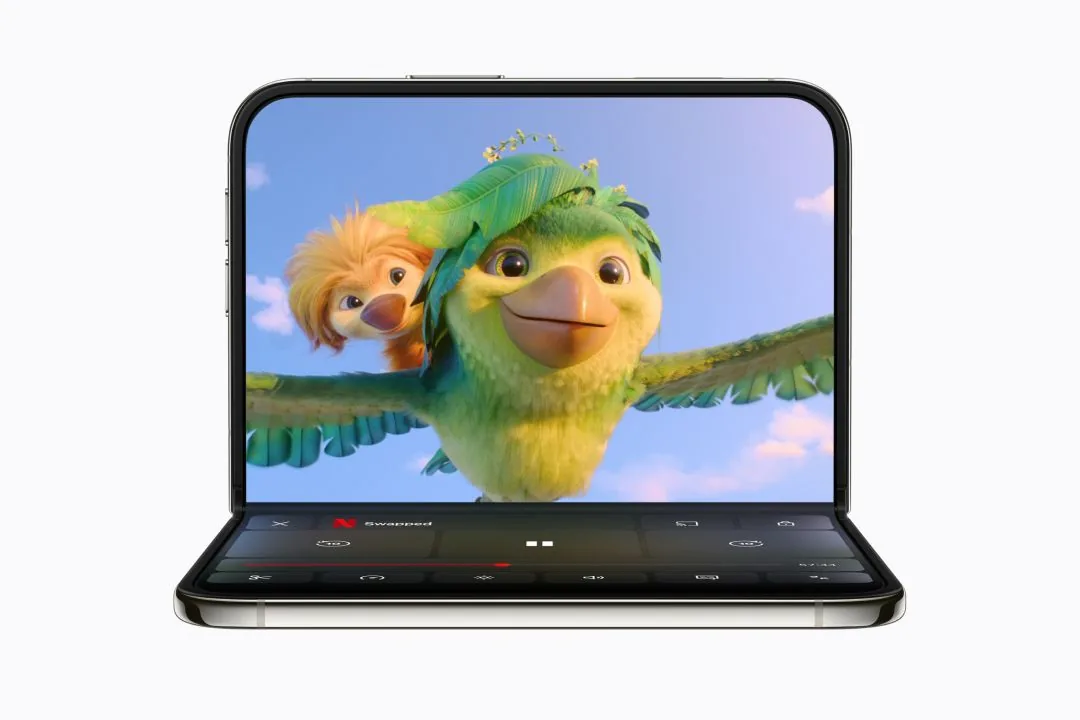
Unfolding the handset changes the experience into something closer to an iPad mini. Lovejoy found that the wider inner display offered a much more engaging view for watching YouTube videos, though letterbox bars on certain video formats reduced that visual advantage. Showing personal photos to friends also worked far better on the larger screen whenever image dimensions matched the panel. But holding the unfolded device with one hand quickly causes fatigue due to leverage, forcing users to support both sides with two hands during long reading or browsing sessions [1]. Two hands provide much better balance.
Multitasking and Daily App Routines
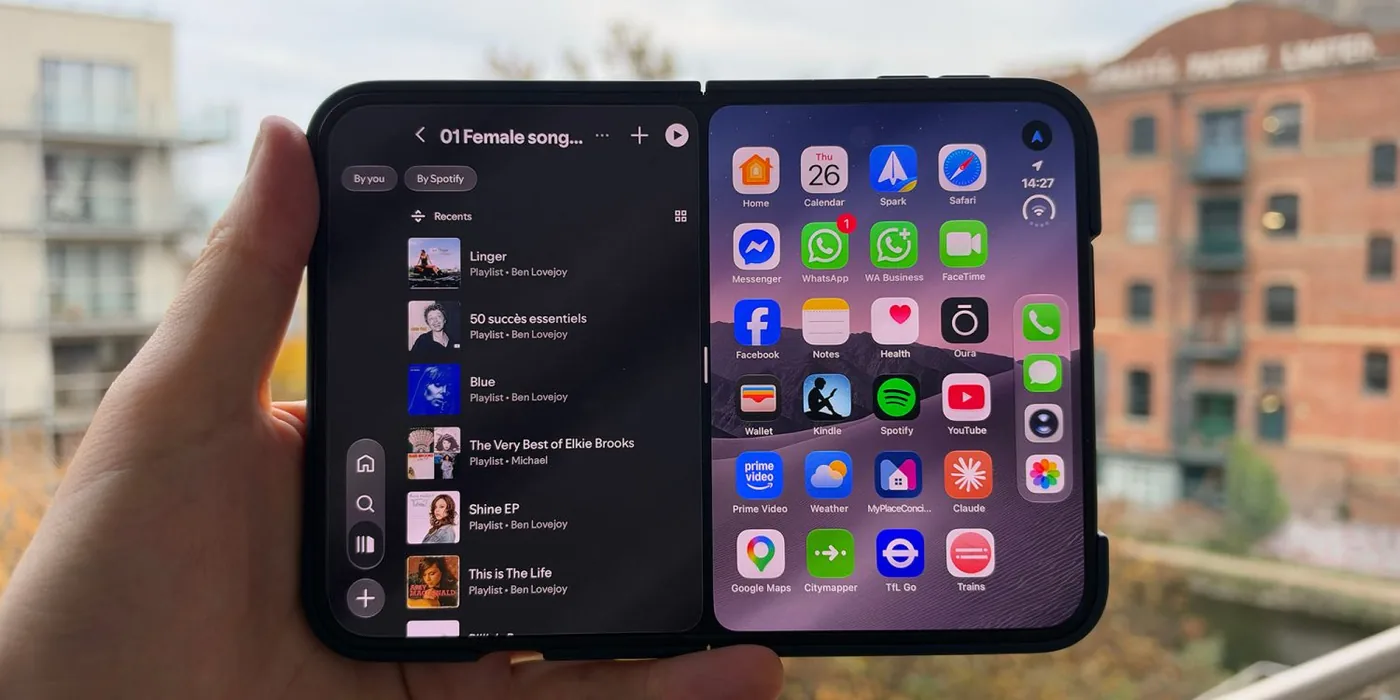
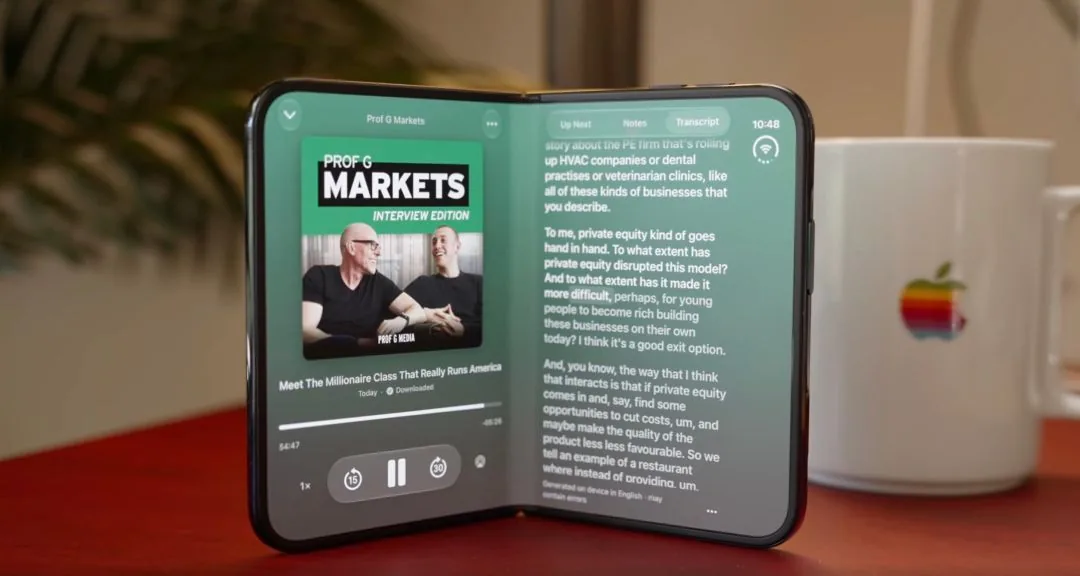
Software multitasking represents one of the biggest departures from older iOS devices. Apple built a split-screen gesture where dragging an app window to the left or right edge snaps it cleanly into place. The interface lets people run two tools side by side without constantly switching between full-screen views [2].
This dual layout quickly changed how users consume media and handle work messages. Perez said she watched the Love is Blind reunion on Netflix on one side of the panel while reading social discussions about the cast on the other half. What media observers once called second-screen viewing shifted onto a single piece of glass [2]. Lovejoy similarly used the split view to follow instructions in Claude while setting up an e-SIM transfer from an older handset, saying the AI assistant guided the process better than Apple’s built-in Siri AI [1]. Claude solved the eSIM issue quickly.
Application support grew quickly after the retail launch. Apple said in mid-November that developers had updated more than 200,000 apps for the Duo, removing the black border bands that troubled early buyers. Streaming apps like Spotify gained useful breathing room, though key Google services like Gmail and Google Drive still lacked updates [2].

Reading Habits on the Unfolded Screen
The inner screen’s special surface treatment turns the foldable phone into a strong alternative to dedicated digital book readers. Apple applied a matte anti-reflective coating to the flexible glass, creating a softer, paper-like look that cuts down annoying reflections under bright room lights. Lovejoy treated the unfolded phone as an addition to his Kindle Paperwhite Signature Edition and Kindle Scribe, praising how the panel felt calmer than a glossy screen in 9to5Mac [1]. Perez noticed a similar shift, finding that she spent less time with her Kindle because the unfolded phone worked well for reading during daily commutes [2]. Kindle devices remained Lovejoy’s primary e-readers.
Holding the phone slightly bent in landscape orientation mimics the shape of an open paperback book. Perez said turning on the Kindle page-turn animation paired naturally with the angled displays, while using the Do Not Disturb focus mode blocked alerts. Apps like Book2Life even showed book covers on the exterior screen [2].
The phone’s folding geometry also changed how users hold the device without needing extra grips. Perez pointed out that while her older iPhone 17 Pro Max required an adhesive PopSocket grip to balance its wide footprint, the Duo’s narrower folded body rested comfortably against her pinky finger. When opened, the phone props itself up like a tent on a desk or bends like a tiny laptop during video calls. Apple and outside makers sold cases with built-in kickstands in shades like navy and taupe to keep the screens upright [2]. Navy and taupe cases included stands.
Hardware Compromises in Everyday Use
Despite the versatile screen, hardware trade-offs remain obvious in everyday use. The phone lacks a dedicated telephoto camera and the manual shutter controls found on standard Pro models. Lovejoy said missing optical reach limits the device for photography, while Perez agreed that she occasionally missed having longer zoom [1].
Biometric security created another ongoing headache for testers accustomed to facial recognition. Apple dropped Face ID sensors from the phone, relying instead on a Touch ID fingerprint scanner built into the side power button. Lovejoy said the lack of Face ID annoyed him because the power button moves depending on how you turn the unfolded chassis. When biometric prompts caused friction during early testing, Apple Watch authentication allowed device unlocking without repeated fingerprint scans. Apple later pushed software face unlock in beta builds to cut down login delays, but the system still asks for fingerprints for secure actions [1].
Total weight creates an extra burden during prolonged one-handed tasks. The phone weighs more than an iPhone 18 Pro Max, making it tiring to hold closed for long periods. Adding a protective case adds even more bulk, but high replacement costs make a case almost mandatory [1].
Long-Term iPhone Duo Review Takeaways
App developers continue finding inventive ways to adapt their software for the flexible format. Independent teams built unique interfaces ranging from digital notebooks with Apple Pencil support to retro music players and tiny typewriters. Media tracking app Sofa showed how software could stretch gracefully, displaying a slim navigation column when closed and opening into an organized two-column layout on the wide display. Social platforms like TikTok and Instagram also updated their software so videos fit the exterior glass without ugly black borders [2]. Sofa added a clean two-column layout.
After a month of daily testing, the practical perks of the folding screen outweighed its hardware cutbacks for many daily tasks. Perez said the ease of expanding the screen to compare shopping items and read articles made the phone a welcome upgrade over rigid handsets [2].
Deciding whether to buy Apple’s folding phone comes down to daily computing priorities. For people who want the best cameras and lighter hardware, the iPhone 18 Pro remains the smarter purchase. Yet as detailed iPhone Duo review accounts show, buyers who accept Touch ID quirks and extra pocket bulk get a remarkably flexible pocket computer that fills the space between phone and tablet [1]. Camera buyers still favored the Pro.
- ONLINE NEWS Lovejoy, B. (2026, November 27). iPhone Duo Diary: Pros & cons in early real-life use. 9to5Mac. [Article Link]
- ONLINE NEWS Perez, S. (2026, November 26). A month with the iPhone Duo has changed how I use my phone. TechCrunch. [Article Link]


