





Can a routine monthly patch dismantle the fundamental mechanics of modern data entry? A newly confirmed Excel copy paste bug has disabled basic clipboard operations for spreadsheet users worldwide following the deployment of Microsoft’s September 2026 security updates across supported desktop platforms [1]. Microsoft acknowledged that cells fail silently across four editions of its application, leaving destination tables completely blank without generating errors. The disruption stems from security update KB5002914, released during the September 2026 Patch Tuesday cycle [2].
How the Excel Copy Paste Bug Silently Breaks Spreadsheets
The defining characteristic of the glitch is its complete lack of warning. When users attempt to copy information across workbooks, the source cell remains highlighted with its animated border, yet the destination cell remains entirely unchanged after triggering the paste command. According to Microsoft support documentation, the paste operation might fail silently in Excel 2024, 2021, 2019, and 2016 without producing an alert tone or dialog window. Nothing alerts the spreadsheet operator. The Excel copy paste bug leaves destination cells entirely unchanged until someone spots the missing figures [1].
User frustration quickly spilled over into community discussion channels, where administrators uncovered deeper breakdowns in standard grid navigation tools. Discussions across Reddit and the Microsoft Q&A forums revealed that the failure extends well beyond keyboard shortcuts, disabling automated mouse-driven features like the fill handle and cell dragging routines. Formula dragging routines that populate complex financial projections simply cease functioning, leaving formulas trapped in their initial origin cells rather than applying across rows and columns. Sergiu Gatlan of BleepingComputer reported that thousands of spreadsheet specialists encountered these identical symptoms immediately after installing the KB5002914 Office package [2].
Data refuses to transfer. Spreadsheet calculations grind to a halt while financial teams struggle to explain why basic tabular functions suddenly vanished overnight [2].
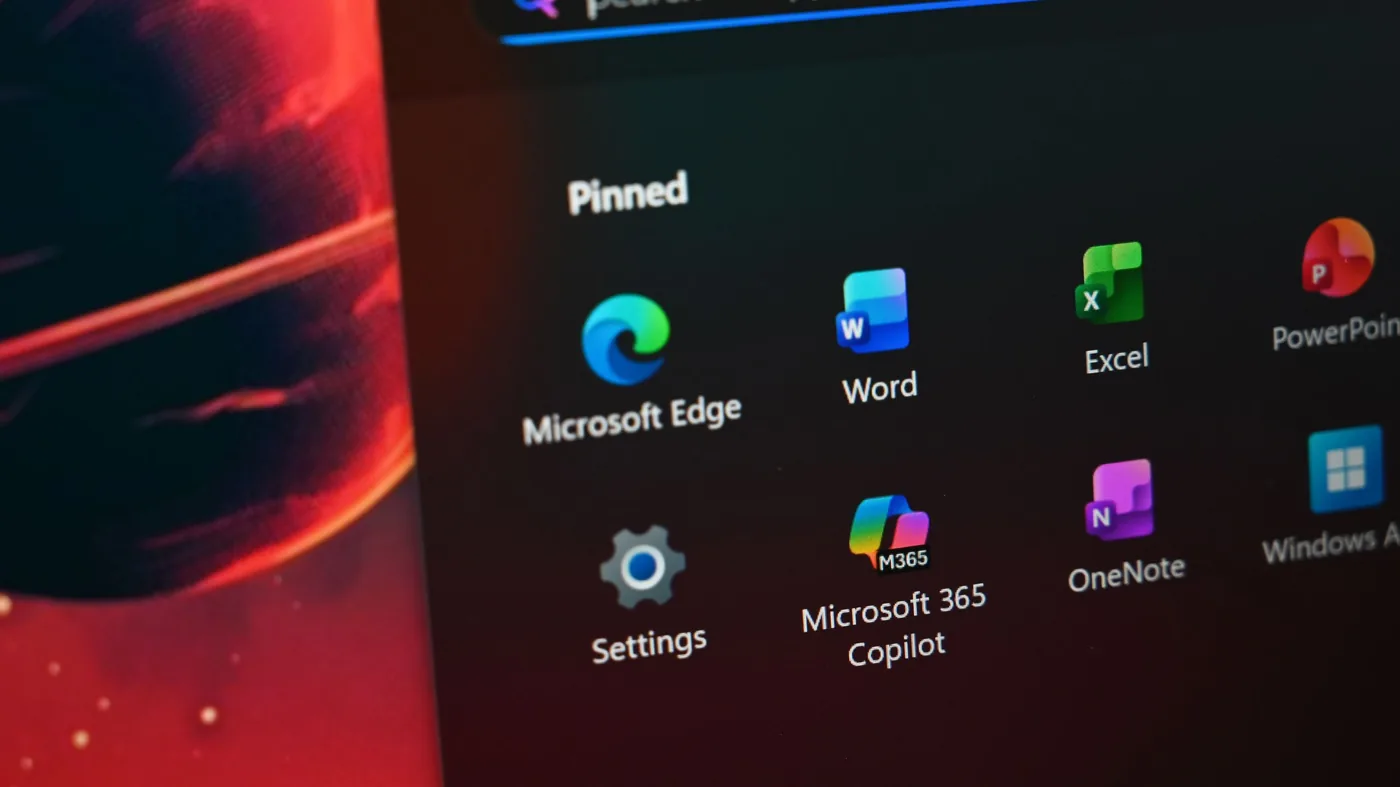
Patch Tuesday Flaws Across Remote Desktop and Audio
The faulty spreadsheet update arrived as one small component within a massive monthly security package that addressed severe vulnerabilities across the wider Microsoft Windows ecosystem. During the September 2026 Patch Tuesday release, Microsoft shipped almost 1,000 security fixes designed to close critical remote code execution vulnerabilities and block unauthorized information disclosure pathways across both server and client operating systems [1]. Security defenses took clear priority. However, Richard Speed at The Register observed that deploying the expansive bundle created simultaneous operational hazards by disrupting audio peripherals, remote workstation access, and regular office productivity software [3].
Immediate collateral damage struck core administrative components, forcing corporate IT departments to manage overlapping infrastructure emergencies while fielding complaints from bewildered spreadsheet users across different branch offices. Microsoft confirmed severe connectivity failures within Remote Desktop Services, accompanied by hardware driver incompatibilities that silenced external USB audio equipment on multiple updated Windows 11 client machines. Virtualization systems also buckled when Hyper-V Linux folder shares (a protocol enabling seamless file exchange across virtual environments) failed to mount directories correctly between host operating systems and local virtual machines. Engineers faced multiple failing subsystems before they could even evaluate the quiet spreadsheet defects affecting desktop worker stations [1].
To stabilize mission-critical infrastructure, Microsoft released emergency out-of-band updates on Monday targeting the broken Remote Desktop connections, USB audio, and Hyper-V drivers [2]. Those out-of-band patches restored remote server administration and enabled virtualized networking, yet left the troublesome Excel copy paste bug completely untouched on customer machines across the globe. Why did basic clipboard operations remain broken while server components received rapid emergency attention from software engineers? Sean Endicott of Windows Central emphasized that enterprise patching often prioritizes system-level communications before addressing application-specific regressions in everyday productivity tools [1].


Microsoft Confirms Service Alert and Code Regression
Behind closed doors, Microsoft acknowledged that the spreadsheet breakdown stemmed from internal coding errors introduced during the rapid compilation of recent software maintenance packages. In a private service alert reviewed by BleepingComputer, the developer admitted that a code regression contained within a recent service update caused the clipboard failure. Microsoft stated that development and validation of fixes targeting each impacted version remains ongoing, promising an estimated deployment timeline once engineering checks conclude. Four distinct releases suffer from the defect, encompassing desktop editions of Microsoft Excel 2016, Excel 2019, Excel 2021, and the newer Excel 2024 suite [2]. Until targeted fixes clear quality assurance, the Excel copy paste bug continues to stall operations for enterprise accounting personnel [1].
In July, Microsoft resolved a defect preventing third-party enterprise programs from launching Word, Excel, PowerPoint, Access, and other core Office applications or opening documents on up-to-date Windows computers. One month earlier in June, glitches blocked Office for the web users from opening spreadsheets, while simultaneously preventing Windows 365 cloud subscribers from downloading and installing the suite [2]. Update cycles introduced repeated obstacles.
Corporate system administrators facing disrupted finance teams expressed frustration over the recurrence of functional bugs during mandatory security patch rollouts. Technicians on the Microsoft Q&A platform questioned how regression testing (software checks ensuring updates do not damage existing capabilities) failed to detect an unusable clipboard mechanism in widespread spreadsheet tools. With no official patch ready for deployment, IT personnel engineered their own temporary solutions [2].
Command Line Rollbacks to Restore Clipboard Function
Organizations struggling with the Excel copy paste bug must manually remove update KB5002914 to restore spreadsheet functionality. Restoring the clipboard requires opening an elevated Command Prompt window with full administrator privileges, allowing technical staff to execute targeted rollback commands across local workstations. This manual intervention reverses the flawed patch packages while returning Microsoft Office binaries to their prior stable build configurations [2]. Rollbacks require exact syntax.
For MSI-based installations of Microsoft Office 2016, technicians must invoke the specialized Oarpmany.exe executable located within the Microsoft Shared directory structure of the operating system. Executing the command requires specifying patch identifier {90160000-0012-0000-1000-0000000FF1CE} coupled with GUID {27882596-A8ED-4382-9C71-6CD2DD19F732} (a unique registry string identifying the Office patch package) with language code 1033 to successfully strip the faulty update. Meanwhile, modern Click-to-Run installations of Office 2019 rely on OfficeC2RClient.exe to downgrade the desktop client to version 16.0.10417.20197, effectively bypassing the flawed September build files. Similarly, deployments running Office 2021 and Office 2024 utilize the same client management utility to revert local workstation binaries to version 16.0.20326.20132 [2].

While these command-line maneuvers successfully eliminate the Excel copy paste bug, rolling back security updates introduces serious defensive trade-offs that leave corporate networks exposed to external threats [1]. Uninstalling update KB5002914 reopens the remote code execution flaws and information disclosure vulnerabilities that Microsoft engineers originally intended to patch during the September security cycle [2]. Separate lifestyle reporting from PerEXP Teamworks examines how Cup Noodles became an enduring pantry staple for busy office workers. System administrators must weigh immediate spreadsheet usability against the real threat of unpatched vulnerabilities lingering on active enterprise endpoints [1].
Update Fatigue and the Windows K2 Initiative
The recurring string of patch regressions has magnified user dissatisfaction with the ongoing maintenance demands of modern Windows 11 desktop environments. Writing in his weekly Windows Wrap column for Windows Central, technology analyst Sean Endicott explained that repetitive patching cycles steadily erode customer trust across corporate and consumer sectors. Microsoft remains well aware of customer frustration surrounding fragile updates, motivating executive leadership to launch an internal quality program designated as the Windows K2 initiative to overhaul the Windows 11 experience [1]. System reliability requires renewed focus.
A primary objective of the Windows K2 framework centers on reducing friction points by decreasing the total number of updates users must install each month. In practice, however, administrators faced multiple mandatory restarts in September alone, spanning standard Patch Tuesday distributions and emergency out-of-band updates (an emergency out-of-band release) dispatched to fix audio hardware and remote desktop services. Endicott, who earned a broadcast journalism degree from Nottingham Trent University and earned recognition as BAFCA Youth Coach of the Year in 2024, observed that cumulative update fatigue undermines user confidence in both Surface hardware and commercial PCs [1]. Can software vendors genuinely reduce maintenance burdens while deploying hundreds of monthly security patches across complex global hardware configurations?
For millions of spreadsheet operators currently grappling with silent clipboard failures, abstract engineering promises provide little relief during daily accounting and data processing tasks [1]. Until Microsoft validates individual software fixes for every version of Excel, system operators must navigate manual command-line rollbacks while waiting for permanent corrective packages to arrive through Windows Update [2]. Balancing almost 1,000 security protections against the operational chaos of the Excel copy paste bug highlights the delicate compromises defining enterprise desktop management today [1].
- ONLINE NEWS Gatlan, S. (2026, September 15). Microsoft confirms KB5002914 Excel update breaks copy and paste. *BleepingComputer*. [Article Link]
- ONLINE NEWS Endicott, S. (2026, September 15). The latest Windows 11 update breaks copy and paste in Microsoft Excel. *Windows Central*. [Article Link]
- ONLINE NEWS Speed, R. (2026, September 14). Microsoft patches Windows and Excel – breaks audio, remote access, and paste. *The Register*. [Article Link]


1 comment