





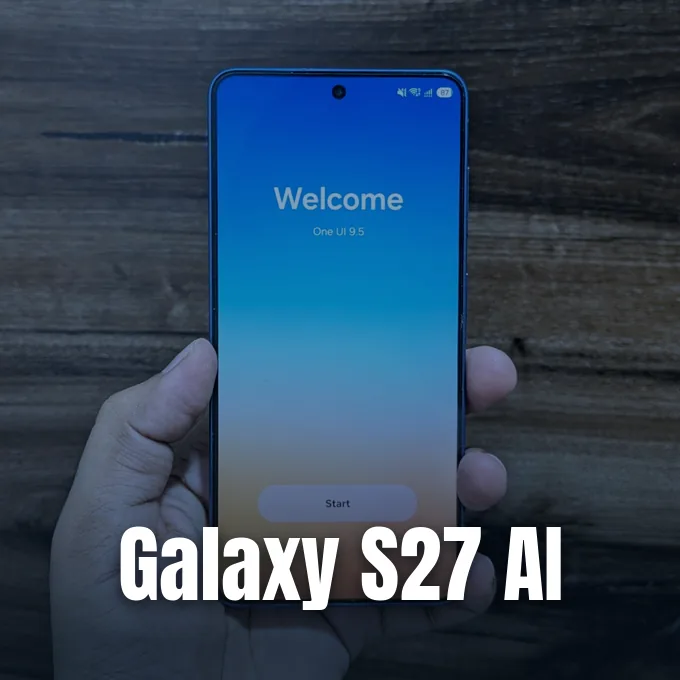
Android Authority reported on November 27, 2026, that Samsung is restricting dozens of next-generation software features to its future smartphone lineup. An analysis of One UI 9.5 Beta 1 firmware conducted on a Galaxy S26 Ultra revealed that Samsung is reserving dozens of Galaxy S27 AI additions behind internal software gates. Samsung’s firmware code designates these upcoming tools under the version label 20271, a tier that the software explicitly associates with the Galaxy S27. The gated capabilities span automated camera framing, video generation credits, call screening improvements, and cloud data extraction. Although Samsung previously brought several Galaxy S26 tools to earlier mobile hardware, the current firmware keeps these new capabilities locked away from existing owners [1].
Galaxy S27 AI Version Details
Every Samsung smartphone with artificial intelligence capabilities carries a version identifier within its system software to govern access to specific tools. Two system applications in the One UI 9.5 beta firmware name these release tiers outright. The Voice Recorder application and the One UI Home launcher assign version 20261 to the Galaxy S26 baseline, while assigning version 20271 to the Galaxy S27. The Galaxy S26 Ultra tested by reporter Aamir Siddiqui reports version 20263 on both One UI 9 stable and One UI 9.5 beta code. That higher numbering points to an interim software bump linked to the code name “Q8_B8,” which refers to the Galaxy Z Fold 8 and Z Flip 8 foldables that launched with the stable One UI 9 build. Samsung uses these internal gates to prevent older phones from switching on unfinished tools before their intended hardware launch [1].
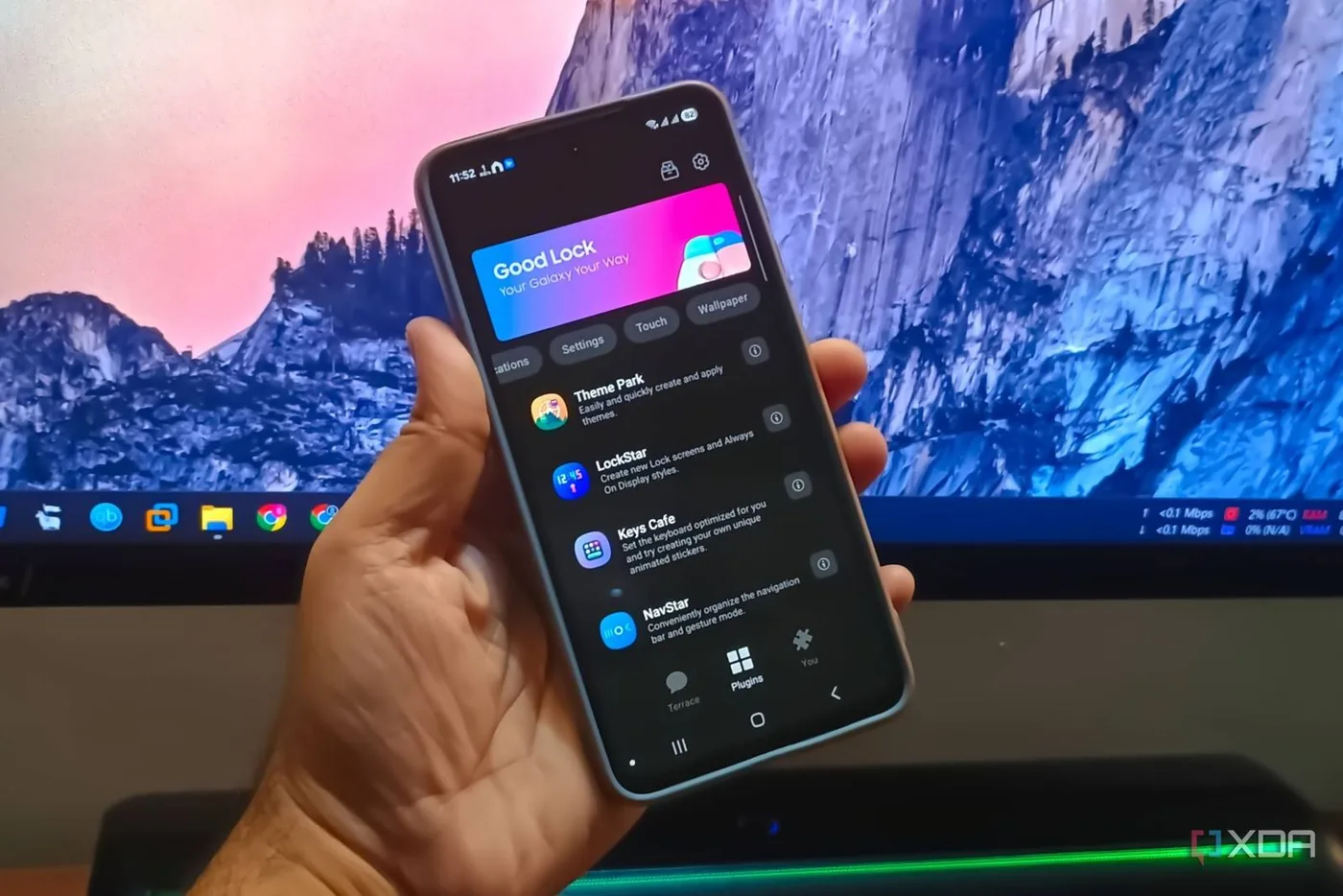
Abhishek Kumar Mishra from XDA Developers said that Samsung built One UI from version 1.0 up to version 6.0 to give phone owners controls that standard Android OEMs don’t offer, placing Samsung on par with Google Pixel [2]. Samsung now applies that same layered structure to its cloud services by locking newer algorithms behind the 20271 check. Unmodified phones won’t run code assigned to the higher release level [1]. In the Good Lock ecosystem, plugins like QuickStar for the Quick Panel and LockStar for the Lock Screen demonstrate how Samsung segregates specialized UI modifications from default settings. Samsung keeps the Good Lock plugin library free [2].

Photo and Video Editing Tools
The firmware teardown uncovered multiple visual tools assigned to version 20271 within Samsung’s Gallery and Photo Editor applications, where Recompose alters camera perspective angles while Shorts converts still images into short video clips. Photo Assist recommends creative prompts. Samsung also built a style download called Restyle that switches its backend to an image model labeled “GPT” instead of the standard “GEMPIX” system. Video generation tools in Photo Editor run on a credit mechanism that charges one credit per output clip. The tool creates videos lasting from 3 to 10 seconds in either 9:16 or 16:9 aspect ratios, with export resolutions ranging from 360p up to 4K (defaulting to 720p). Exported videos receive a watermark. Content credentials show that clips contain synthetic video [1].
Camera updates for version 20271 add Vision mode, Auto portrait, Monitor view in Pro mode, and two Log LUT presets named Forest and Underwater. Dynamic frame guides photographers toward a target circle [1]. ProScan adds two-page book scanning with page flattening, while the Galaxy S26 base hardware pairs its 6.3-inch Dynamic AMOLED 2x display with a Snapdragon 8 Elite Gen 5 SoC [2].


Galaxy S27 AI Capture Tools
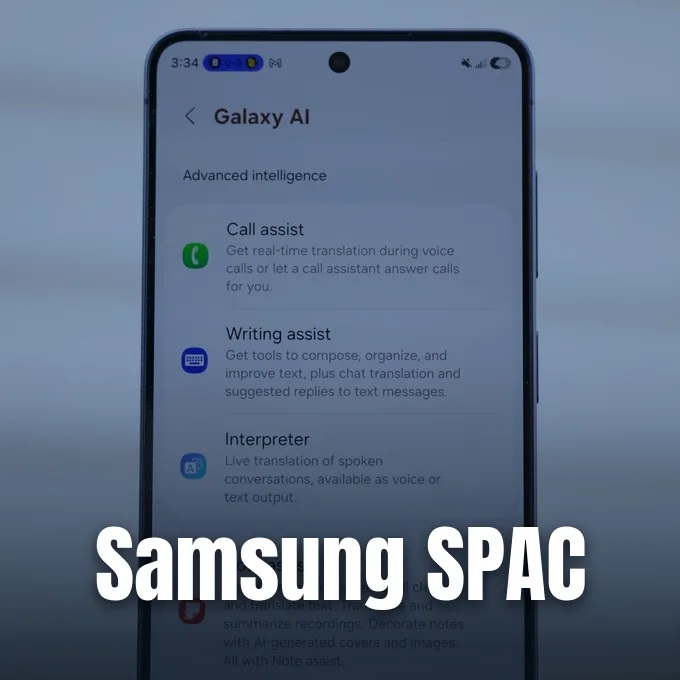
Samsung Capture handles screen grabs and text extraction, and its code ties four separate Galaxy S27 AI tools to a single 20271 software toggle. The update enables two-finger scrolling while the tool stays active, along with multi-select text extraction and an Add to Memory button that exports clips to an upcoming Memory application. The build also connects event extraction to Samsung’s private AI cloud infrastructure. When testers forced the 20271 behavior on a Galaxy S26 Ultra, the system recognized a full 83-row table on a webpage and displayed a Copy table button. Without that toggle, the phone only suggested a translation button and misread text as a broken link. Separately, the Extract text tool in Camera and Gallery adds a table view for structured data [1].
These modular capabilities fit into Samsung’s wider strategy of offering granular interface controls across different system apps. In Good Lock, the NavStar plugin lets people customize the bottom three-button navigation bar by adding a fourth action button, while Home Up alters recent task views through Task Changer [2]. Samsung tests table extraction in parallel builds [1].
Call Security and Workspace Controls
Communication tools in the One UI 9.5 beta firmware place new security controls behind the Galaxy S27 check. The firmware activates call recording and Scam Detection within third-party calling applications, along with a fake call detection filter. Google’s call-based Scam Detection expands into five additional regional languages, including French in France, German, Mexican Spanish, and English across both the UK and Australia. Microphones gain an Audio eraser toggle during active calls to filter background noise. Call assist switches on by default for VoIP applications under the 20271 build. Samsung Keyboard introduces Refine voice input to clean filler words from spoken dictation, while Voice Recorder separates overlapping speakers during transcription. Cloud processing is required for Voice Recorder summaries on 20271 devices, asking people to turn off on-device restrictions before generating notes [1].
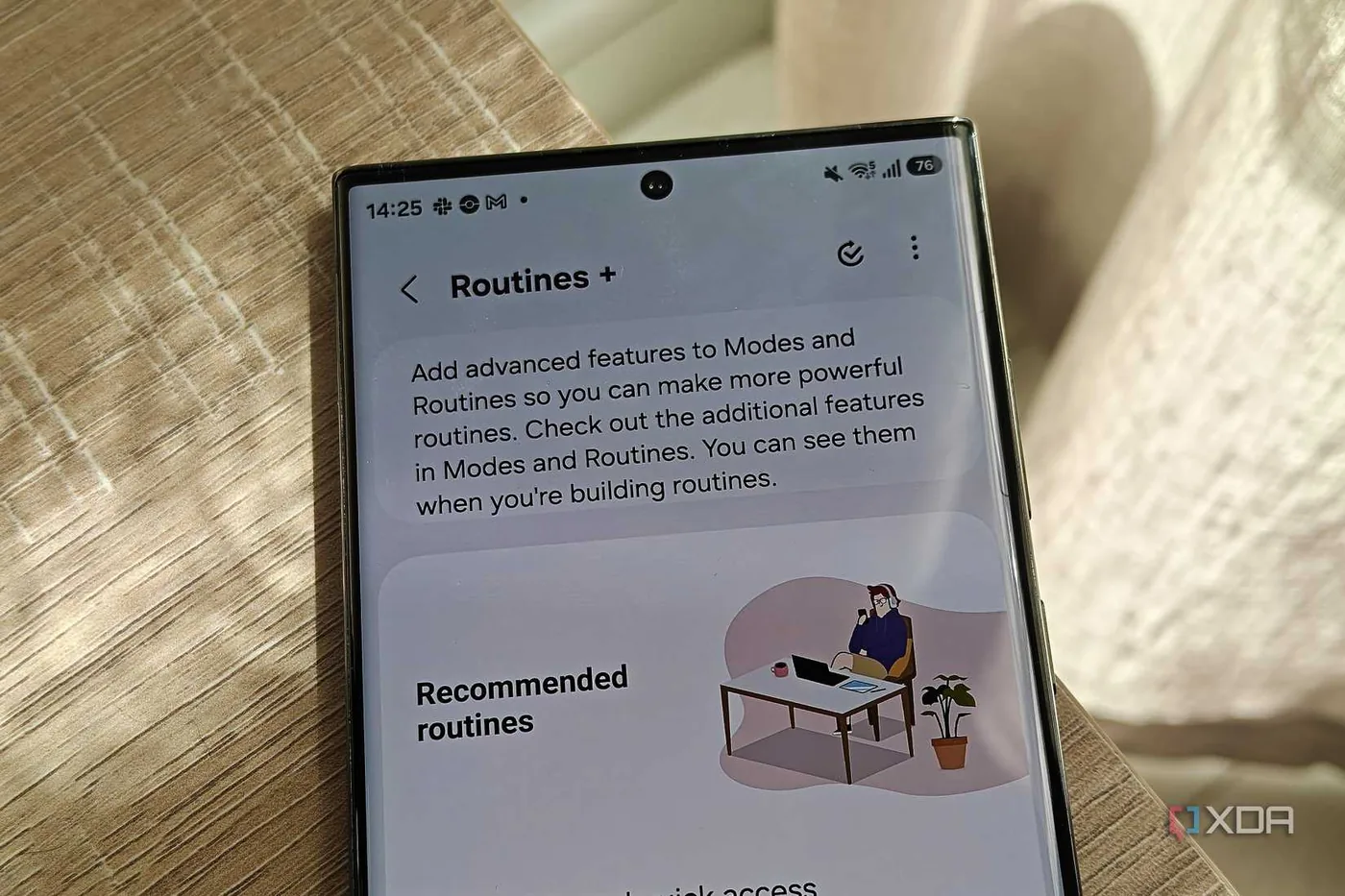
For automation, the Routines+ module in Good Lock enables complex touch macros. The NotiStar tool preserves notification logs for up to one year, capturing alerts from dual messaging setups like WhatsApp while retaining critical filter keywords. Samsung has previously integrated advanced hardware controls into One UI system apps to manage device settings [2].
Subscription Plans and Cloud Services
Several capabilities tied to the 20271 firmware check appear bundled into a paid subscription tier called Galaxy AI Premium. Samsung first tested references to this tier in early November, and the One UI 9.5 code associates it with Gen Video credit packs and higher usage quotas. Inside Samsung Browser, the Ask AI assistant has been renamed to Ask anything and carries prompts urging people to buy credit packs or upgrade their plan. The Smart suggestions system also gates new Now Brief cards behind the Galaxy S27 tier, adding Taboola-powered Top news, Spotify playlist recommendations, birthday reminders, and a Bixby action card to automate tasks between separate applications. Internally labeled “premium_claw,” the Bixby action card lets paying users automate tasks. The launcher also includes a generative custom contact widget, though code indicates it won’t appear on tablets or DeX [1].
The appearance of subscription walls marks a notable shift in how Samsung monetizes its custom software ecosystem [1]. Mishra pointed out that Samsung keeps its Good Lock modules completely free of ads and freemium subscription fees, giving users clean access to system tweaks without third-party popups [2]. By contrast, the Galaxy S27 AI tools in One UI 9.5 Beta 1 point toward a tiered structure where intensive generative tasks require paid credits. Samsung could still choose to bring some of these tools to existing phones like the Galaxy S26 in future updates. The firmware locks the tools [1].
- ONLINE NEWS Siddiqui, A. (2026, November 27). Samsung is holding back these 30+ Galaxy AI features for the Galaxy S27. Android Authority. [Article Link]
- ONLINE NEWS Mishra, A. K. (2026, November 29). Samsung hides its best Galaxy features in an app most owners never install. XDA Developers. [Article Link]


