






Android Police reported on October 15, 2026, that Samsung has turned its pre-installed software suite into capable system utilities rather than unwanted bloatware. Writer Ben Khalesi examined how tools inside the Samsung folder solve hardware and customization problems that standard Android leaves unaddressed. Many Galaxy owners move these native applications out of sight right after unboxing a new Samsung Galaxy S25, assuming they merely take up storage space [2]. But recent software updates give these factory tools deeper system access than outside utilities, turning built-in One UI apps into practical tools for direct battery charging, device automation, and desktop file sharing [1].
Customizing Controls Through Good Lock Modules
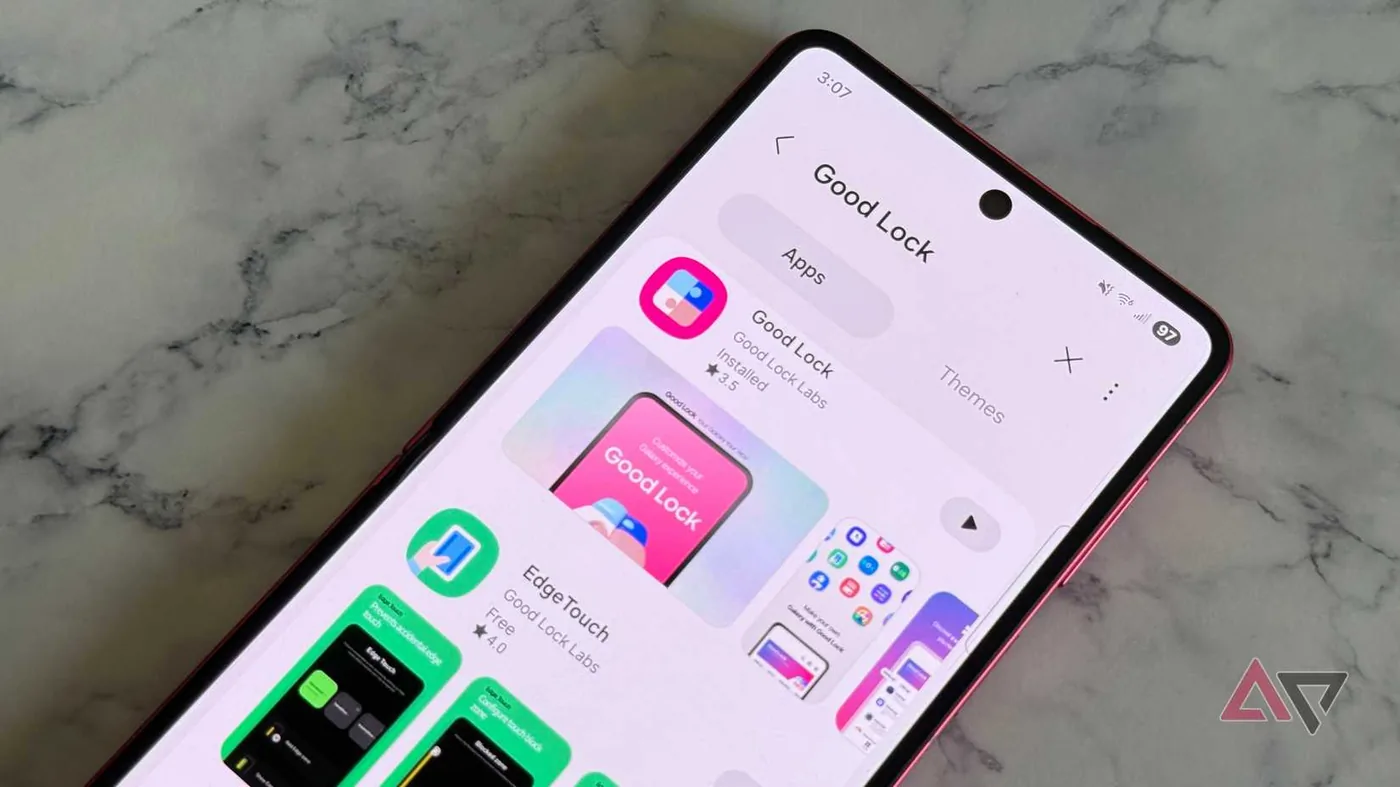
Good Lock acts as an officially sanctioned experimental laboratory for Galaxy devices, giving users early access to modular system features before they arrive in standard software menus. Casual users often skip the Galaxy Store download on devices like the Galaxy Z Flip 7 because its modular setup looks like an intimidating system modification. In reality, it works as an official testing ground with distinct interface perks that regular Android doesn’t offer. Among its modules, RegiStar changes input behavior by assigning system commands to hardware back taps. Galaxy owners can configure a double tap or triple tap on the back of the device to capture screenshots, view recent applications, or launch chosen third-party apps right away without opening a settings menu [1].
Audio controls expand through another Galaxy Store module named SoundAssistant. It gives Galaxy phones per-app volume sliders so background music doesn’t drown out spoken navigation alerts. Its standout tool is Multi-Sound Routing, which sends distinct audio streams to two separate Bluetooth accessories at the same time. Standard mobile systems usually restrict wireless audio to a single connection. Splitting separate media channels independently removes annoying audio conflicts without third-party audio mixers [1].
Because Samsung builds these modules directly into its own software framework, they run with better system stability than outside tools. They don’t consume battery through unoptimized polling services. Ben Khalesi said: “Good Lock is Samsung’s officially sanctioned laboratory, offering modular access to features that aren’t in the main settings menu yet because they’re too advanced or experimental.” That tight firmware integration gives Galaxy owners fine control over hardware without tripping Knox security protections or risking firmware crashes [1].
Bypassing the Battery in Gaming Hub
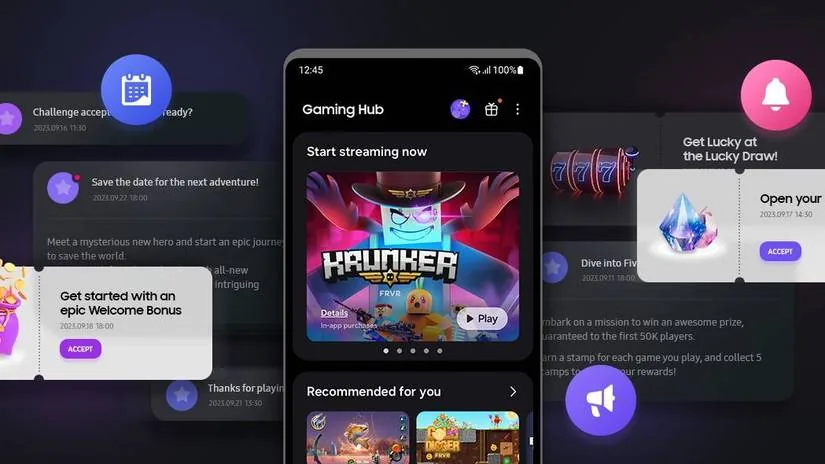
Mobile players often dismiss Gaming Hub, formerly known as Game Launcher, as a simple folder for game shortcuts or promotional banners. Yet the application hides a valuable hardware toggle designed to regulate thermal load during heavy gameplay. Demanding mobile games played on a Galaxy S25 while connected to a wall outlet can degrade phone batteries quickly as incoming electrical current fights active power draw [1].
Samsung addresses this heat problem through a setting called Pause USB Power Delivery. When users turn this toggle on, incoming electrical current skips the battery completely and powers the processor straight from the cord. Enabling the option requires connecting a compatible 25W+ USB PD PPS charger while keeping battery charge above 20%. If someone plugs in a standard power brick or plays with a low battery, the toggle won’t activate. This direct power bypass stops the battery from charging while gaming, lowering device temperatures and keeping frame rates steady over long play sessions without thermal throttling or sudden performance dips [1].
Lower device temperatures protect battery health. Players don’t need to clip bulky cooling fans onto their Galaxy phones. The native toggle handles voltage delivery at the chip level. It’s a clean hardware feature that turns a standard Galaxy phone into a cool-running gaming station without requiring noisy clip-on fans or awkward external power accessories [1].

Timeline Video Editing in Samsung Studio
Most Galaxy users treat the edit button inside the gallery app as a simple trimmer for cutting clip lengths and cropping borders. When they need to build polished video clips, they usually search the Google Play Store or Galaxy Store for third-party editing tools. But Samsung builds a full project-based editor called Samsung Studio straight into the operating system. Unlike the basic trimmer attached to photo albums, Samsung Studio provides a separate workspace designed to construct multi-clip video projects on a mobile display [1].
Samsung Studio functions as a multi-layer timeline editor where users can sequence multiple video clips, drop text layers, and apply stickers along aligned tracks. Creators can assemble detailed videos directly on their Galaxy phones without sending raw footage to a desktop computer. A clear separation from the gallery trimmer stops casual users from feeling overwhelmed, while giving video creators a capable editing tool right inside the phone [1].
Because the editor is built into the phone, it doesn’t stamp annoying watermarks on finished videos or hide basic tools behind monthly paywalls. Outside video editors often limit export resolutions or charge recurring subscriptions for basic timeline layers. Samsung Studio avoids these artificial barriers, letting users export clean video projects without subscription fees. It’s an efficient production tool that gives Galaxy users creative capabilities without forcing them into commercial app ecosystems [1].

Configuring One UI Apps for Daily Automation
Hardware diagnostics provide another useful tool hidden inside stock software. The Samsung Members app, available through the Galaxy Store, is often dismissed as a support forum or marketing hub, but it includes Built-in Hardware Diagnostics that test components without a visit to a repair shop. Galaxy owners can run thorough diagnostic sweeps across the touch display, camera modules, internal microphones, stereo speakers, charging ports, and battery health to verify that every sensor operates properly without booking a service appointment. These diagnostic sweeps help buyers check that a used Galaxy phone works properly before handing over money, lowering financial risk when purchasing pre-owned hardware. Users can test single parts or run an automated check through every sensor in minutes [1].
Modes and Routines powers automation on Galaxy phones. Many users find automation intimidating, so they keep changing settings by hand. But this tool relies on clear If/Then logic to trigger deep system actions. Because it’s built into firmware, it runs reliably and won’t chew through battery life [1].
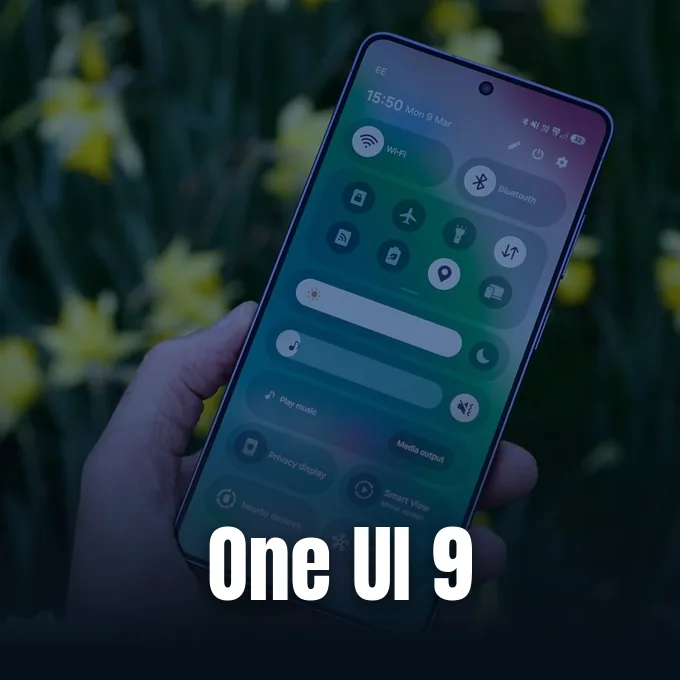
Simple routines make daily phone use much easier. For instance, an If (App opened: YouTube) trigger can switch screen orientation to auto-rotate when opening video apps, restoring the locked orientation as soon as the user exits. Similarly, an If (Place: Work Location) routine can silence notifications and set a clean lock screen wallpaper when arriving at an office. Samsung continues to expand system controls within its interface, aligning with what Samsung One UI 9 delivers to the Galaxy S26 lineup. These practical One UI apps prove that built-in software can automate complex tasks without downloading third-party tools [1].

Connecting One UI Apps to Windows Hardware
Many people ditch Samsung Browser right away for Google Chrome, thinking the stock browser is just an outdated clone. But Samsung Internet is fine-tuned for mobile browsing in ways Google Chrome isn’t. Samsung Browser spots web videos instantly, adding native swipe gestures for volume and display brightness while supporting third-party extensions and a Privacy Dashboard that blocks aggressive tracking cookies. Its Secret Mode even lets users lock private tabs with biometric security, keeping browsing sessions private even if someone else holds the unlocked phone [1].
Device syncing also gets an upgrade through Samsung Flow, an app often overlooked in favor of Microsoft Phone Link. While Microsoft Phone Link offers common notifications, Samsung Flow stands out with fast copy-and-paste synchronization between Galaxy phones, tablets, and Windows PCs, removing clipboard lag during busy work routines [1].
The notion that Samsung’s app folder holds only useless bloatware is out of date. Samsung is putting real engineering effort into native One UI apps, using direct system hooks to run tools faster and with better energy efficiency than third-party apps can manage. Free, officially supported software gives Galaxy users real value that stays hidden in overlooked menus. Users who explore these built-in settings can get the most out of their Galaxy hardware without spending money on extra subscriptions [1].
- ONLINE NEWS Khalesi, B. (2026, October 15). Your Galaxy phone comes with built-in Samsung One UI apps you shouldn’t ignore. Android Police. [Article Link]
- ONLINE NEWS Android Authority. (2026). 5 One UI settings I always turn off on my Samsung Galaxy phone. Android Authority. [Article Link]


