






At its core, Git operates not as a delta recorder that tracks differences between sequential files, but as a content-addressed object store that records directory snapshots over time. Understanding git internals begins with this basic data model: every file revision, directory layout, and commit metadata entry lives as an immutable object identified by a unique cryptographic checksum. When developers run porcelain commands to track code, the system creates an interconnected directed acyclic graph linking tree entries to file contents. This foundational architecture ensures tamper-evident tracking and makes local branching fast [1].
- The Origins of Git Architecture
- Plumbing and Porcelain Commands
- Object Storage in Git Internals
- Directory Trees and Blob Snapshots
- Cryptographic Integrity in Git Internals
- Lightweight Branches with Reference Pointers
- Object Packing for Efficient Storage
- Distributed Synchronization Across Remote Repositories
The Origins of Git Architecture
Between 1991 and 2002, contributors to the Linux kernel shared software changes as raw patches and compressed archives sent through electronic mailing lists. Linux maintainers adopted the proprietary BitKeeper system from Larry McVoy in 2002 to manage their growing development pace, but that relationship fractured in 2005 after Andrew Tridgell reverse engineered the networking protocol to build SourcePuller. When Larry McVoy revoked the free license for the Linux community, Linus Torvalds set out to design a replacement tool [2].
Linus Torvalds wanted a system capable of applying incoming patches in under three seconds instead of thirty seconds, aiming to handle hundreds of routine operations without bottlenecks. He looked at the Concurrent Versions System as a clear example of what to avoid, choosing opposite architectural rules wherever older tools struggled with file locks or linear histories. Torvalds studied existing revision systems like Darcs, Mercurial, Bazaar, and Monotone, yet chose to build a dedicated tool matching Linux file-system performance. He prioritized decentralized workflows where every developer holds a complete local copy of the full repository history. Torvalds announced Git on April 6, 2005. Development had started on April 3. By April 7, the code became self-hosting, and on April 18 it performed its first multi-branch merge [3].
Performance benchmarks conducted on April 29 recorded the nascent Git recording patches to the Linux kernel tree at 6.7 patches per second, proving that content-based snapshotting could easily match kernel workloads without creating storage bottlenecks. The tool managed the Linux 2.6.12 release on June 16, 2005. Torvalds turned maintenance over to Junio Hamano on July 26, 2005. Hamano oversaw the 1.0 release on December 21, 2005. Torvalds quipped about naming Git after British slang, yet the code also described itself as a stupid content tracker that handled global information when working smoothly [3].
Plumbing and Porcelain Commands
In their comprehensive guide Pro Git, published by Apress, authors Scott Chacon and Ben Straub explain how Git separates user operations from low-level database manipulation through a dual-layer toolkit design. Everyday workflows rely on porcelain commands like checkout, branch, and commit, which bundle data transformations into friendly interfaces. Beneath those high-level tools sits an array of low-level plumbing commands built to manipulate the underlying object store directly [1].
Tools such as git hash-object compute unique SHA-1 hashes and write content into the repository database, while git cat-file inspects object headers, sizes, and raw byte streams. When developers need to assemble snapshots without touching the working tree, commands like git write-tree and git commit-tree link object identifiers into structured trees and commit nodes. Developers studying git internals use these low-level utilities to see how individual blobs enter the database long before higher-level commit commands run. These distinct programs chain together in shell scripts to build customized versioning tools without modifying core C binaries [1].
Scriptable Unix toolkits allow external programs to chain commands together cleanly. In research published in Source Code for Biology and Medicine, Ram showed that scriptable version control provides researchers with a robust audit trail for scientific pipelines. Because low-level utilities emit predictable text streams and object hashes, automated pipelines can record analysis code with input data without interactive prompts. Reproducible workflows benefit from programmatic access to repository history [4].
Object Storage in Git Internals
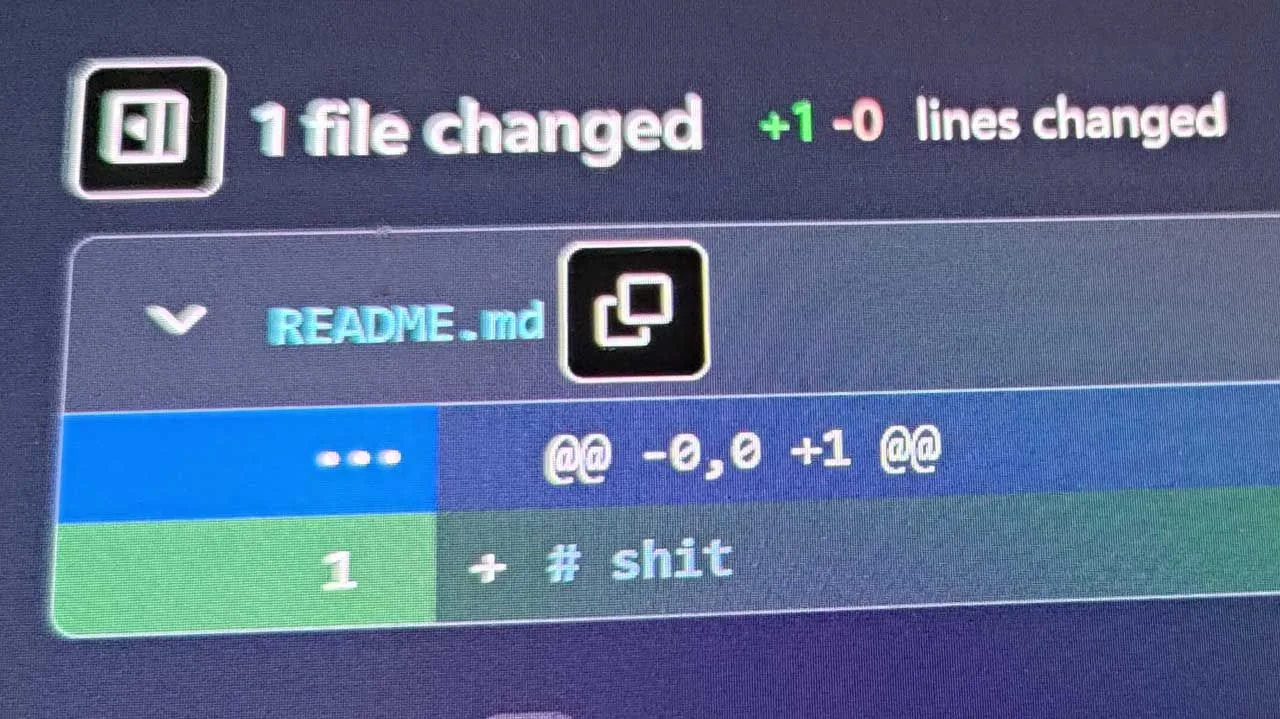
The repository stores all information inside the hidden .git directory, where the objects folder serves as a key-value database indexed by SHA-1 hashes. Every stored item begins with a standardized header containing the object type, an ASCII space, the byte size of the payload, and a null byte terminator. Git calculates the SHA-1 hash over this combined header and content block, compressing the resulting payload with zlib compression before saving it to disk [1].
To prevent file systems from choking on tens of thousands of individual files within a single folder, the storage engine splits the 40-character hexadecimal string into two parts. The first two characters become a directory name under .git/objects, while the trailing thirty-eight characters form the filename for the compressed object. Exploring git internals through this storage mechanism shows why the system achieves write-once immutability: changing even a single byte of a file produces a different hash, forcing the creation of a completely separate object without an in-place overwrite. Why does this design enforce strict write-once immutability? Because cryptographic addressing guarantees that existing history can never be silently rewritten [1].
Four distinct object types populate this content-addressed store: blobs, trees, commits, and annotated tags. Blobs hold raw file data without names, while trees organize files into directory listings. Commits bind trees to author details, and annotated tags attach permanent cryptographic labels to specific releases. Each object type relies on the same hashing process [1].
Directory Trees and Blob Snapshots
A blob object contains only the raw bytes of a file, storing textual code or binary assets without recording filenames, directory paths, or file permissions. Because the SHA-1 hash derives solely from file contents, two identical files stored in different folders share the exact same blob on disk. This deduplication saves storage across repositories when files are copied or left untouched across successive revisions [1].
Directory structure is preserved through tree objects, which correspond to folders in a standard file system. A tree object contains a binary list of entries, where each line records the POSIX file mode permissions for regular files or executable scripts, the object type, the 20-byte binary SHA-1 hash, and the filename or directory name. When a folder contains nested subdirectories, its tree object points to other tree objects instead of blobs, creating a hierarchical structure that mirrors the project directory tree. By comparing two tree hashes, Git can determine whether any file inside a large subdirectory changed without reading individual file contents. If the hashes match, the entire subtree is guaranteed to be identical across both snapshots [1].
Earlier version control tools like SCCS and RCS tracked changes through interleaved deltas or per-file delta encoding, preserving file identities across revisions. Linus Torvalds rejected that model, choosing directory tree snapshots where Git does not track file identities below the source tree level. When a developer modifies a single file and records a new commit, Git writes only one new blob and creates new tree objects for the modified folder and its parent directories. Unchanged subdirectories and files continue pointing to their existing trees and blobs in the database. Renames are detected dynamically by similarity hashing during diffing instead of being frozen into commit metadata [3].


Cryptographic Integrity in Git Internals
A commit object links a top-level directory tree to the project history, recording who made the change and when it occurred. The commit payload includes the SHA-1 hash of the root tree object, followed by one or more parent commit hashes, the author identity, the committer identity, a timestamp, and a free-form message. Initial commits have zero parents, standard commits have one parent, and merge commits have two or more parent hashes. Author and committer timestamps are recorded separately to preserve original contribution dates during rebasing or patch imports. Because each commit hash incorporates its parent commit hashes, the entire history forms an immutable directed acyclic graph resembling a Merkle tree [1].
Cryptographic chaining ensures that history can’t be altered without changing every downstream commit hash in the repository graph. If a malicious user attempts to modify a source file or falsify a past author timestamp, the altered blob changes the tree hash, which changes the commit hash, breaking the cryptographic chain for all future descendants. In an analysis of collaborative workflows published in PLoS Computational Biology, Pérez-Riverol and colleagues wrote that this structural integrity allows distributed groups to trust version history without central authorities. Tamper-evident verification happens locally on every clone [6].
Because commit headers record author and committer emails as plain text without mandatory cryptographic signatures, hosted repository services must enforce additional boundaries against forged identities. Unexpected authorization gaps in server platforms showed how GitLab project email addresses expose repositories to rogue commits when incoming email handlers execute pushes without strict identity validation. Exploring git internals highlights why cryptographic commit signing with GPG or SSH keys provides an essential verification layer on top of raw content addressing [1].

Lightweight Branches with Reference Pointers
Unlike older systems like CVS or Subversion that copy entire file trees into separate directories to create branches, Git manages branches as simple text files containing a forty-character SHA-1 hash. In the study of git internals, branch pointers are remarkably lightweight text files. These references live inside the refs/heads directory, where each branch file holds nothing more than the commit hash of its latest revision. Writing forty-one bytes to disk—the commit hash followed by a newline—creates a new branch, making branch operations instantaneous regardless of repository size [1].
The active branch is tracked by the symbolic reference file known as HEAD, located directly at .git/HEAD. In normal development, HEAD contains a ref pointer such as ref: refs/heads/main, telling Git which local branch pointer to update when a new commit is created. When a user runs git checkout on a specific commit hash instead of a branch name, HEAD enters a detached state where it points directly to the commit hash instead of a named reference. Moving between branches simply updates this small pointer and restores the matching tree snapshot to the working directory [1].
Tags function similarly to branches but remain stationary pointers that do not advance as new commits arrive. Lightweight tags are simple reference files located under .git/refs/tags pointing to a commit hash. Annotated tags, by contrast, are full objects in the database containing their own creation timestamp, tagger name, optional cryptographic signature, and explanatory message before referencing the target commit. They never move once created [1].
Object Packing for Efficient Storage
Storing every file revision as an individual loose object compressed with zlib consumes disk space and burdens the operating system. To maintain storage efficiency, Git bundles multiple objects into compact packfiles stored in .git/objects/pack. A packfile contains concatenated objects compressed together, paired with an index file recording object byte offsets for fast retrieval [3].
Packing relies on delta compression heuristics that sort objects by file name and size, identifying files that share similar byte patterns. Git compresses newer revisions as deltas against older objects, storing the differences without repeating full content blocks. Maintenance tools inside git internals automatically repack loose objects during garbage collection via the git gc command, which also purges unreachable dangling objects left behind by aborted merges or amended commits. Integrity verification is accessible through git fsck, which scans both packfiles and index checksums for data corruption. This dual-format storage keeps write operations fast while compressing historical data [3].

In computing clusters handling massive datasets, these packing and file system dynamics require careful coordination. In a 2025 study on cluster computing, Andreas Knüpfer and Timothy J. Callow showed that high-performance workflows using DataLad needed tailored batch scheduling to prevent parallel file system bottlenecks. Their findings showed that multiple concurrent jobs accessing shared Git repositories could avoid inefficient access patterns when integrated with the SLURM scheduler [5].
Distributed Synchronization Across Remote Repositories
Because Git operates as a distributed system, every clone contains a complete mirror of the project history, including all trees, blobs, commits, and references. Communication between peers occurs over network protocols like HTTPS, Secure Shell, or the custom Git protocol, governed by mapping rules defined in the refspec configuration. When synchronizing with remote servers, client and server negotiate which commit hashes they share, generating a tailored packfile that transfers only the missing object graph across the network connection [3].
Decentralized architecture provides developer communities with resilient backup capabilities that centralized systems lack. Writing for WIRED, technology reporter Klint Finley wrote that because every developer holds a full copy of the repository on their local machine, open-source projects can survive even if a major hosting provider disappears. When hosted repository platforms adjust service terms or encounter outages, developers can re-target their remote references to independent mirrors or self-hosted servers without losing historical commits. Security teams also monitor server platforms where unverified email handling risks unauthorized changes, echoing how unverified GitLab commit emails could allow rogue pushes under arbitrary author headers [7].
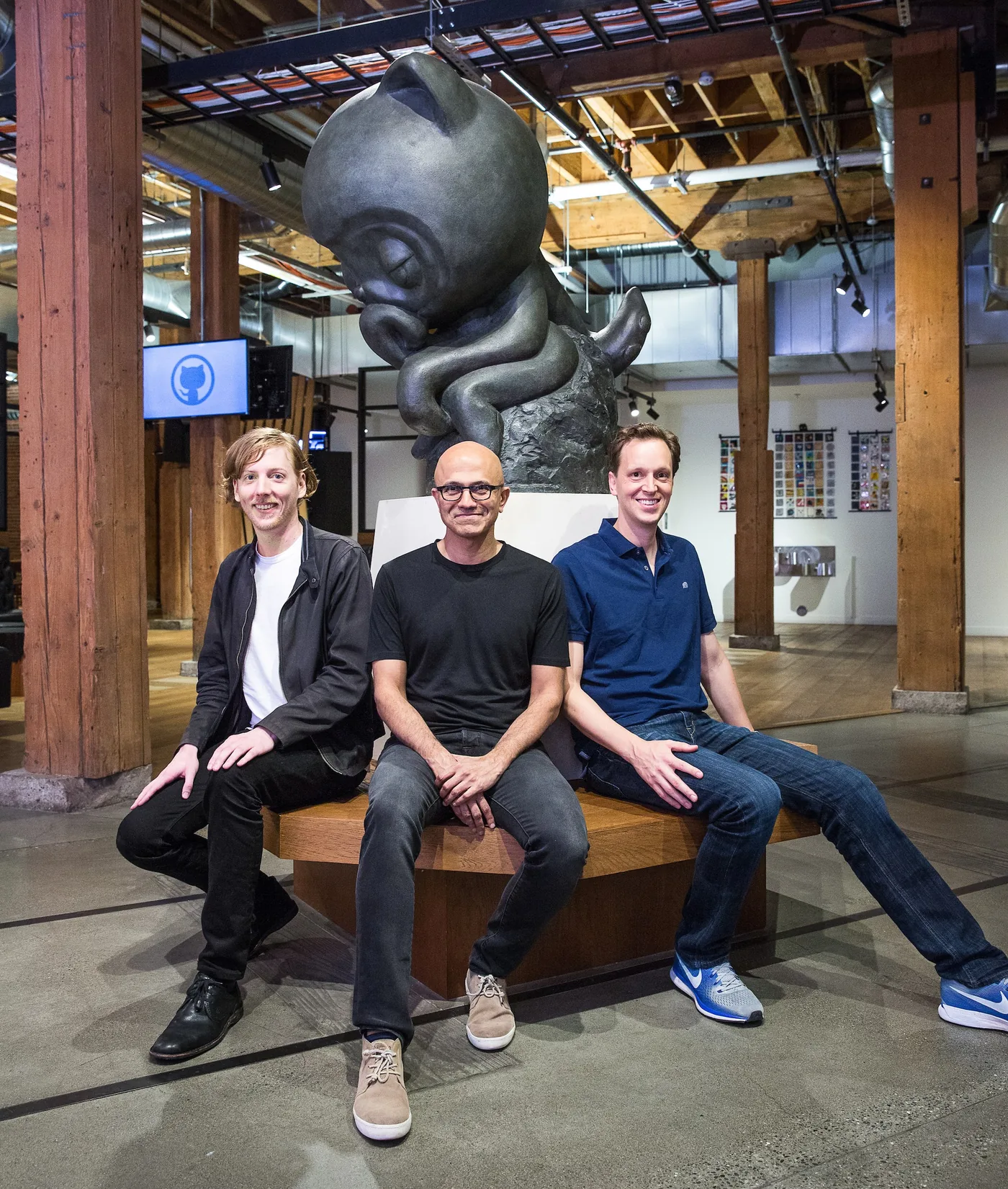
Commercial platforms have built vast collaboration ecosystems around these decentralized foundations. After Microsoft acquired GitHub for $7.5 billion in 2018, co-founder Chris Wanstrath and incoming CEO Nat Friedman welcomed millions of new projects, as Satya Nadella and later Thomas Dohmke expanded developer tools. Competitors like GitLab, co-founded by Dmytro Zaporozhets and Sytse Sijbrandij, alongside platforms like Bitbucket and SourceForge, built cloud and self-managed services on the same core protocols. Whether hosted on commercial servers or stored on a single laptop, the architecture of Git internals stands as the engine powering software engineering [8].
- BOOK Chacon, S., & Straub, B. (2014). Pro Git (2nd ed.). Apress. [Article Link]
- WEBSITE Git Project. (2005). Getting Started – A Short History of Git. [Article Link]
- WEBSITE Wikipedia contributors. (2026). Git. Wikipedia, The Free Encyclopedia. [Article Link]
- ACADEMIC JOURNAL Ram, K. (2013). Git can facilitate greater reproducibility and increased transparency in science. Source Code for Biology and Medicine, 8(1), 7-7. [Article Link]
- PREPRINT Knüpfer, A., & Callow, T. J. (2025). Data Version Management and Machine-Actionable Reproducibility for HPC. arXiv preprint arXiv:2505.06558. [Article Link]
- ACADEMIC JOURNAL Pérez‐Riverol, Y., Gatto, L., Wang, R., Sachsenberg, T., Uszkoreit, J., Leprevost, F. V., Fufezan, C., Ternent, T., Eglen, S. J., Katz, D. S., Pollard, T., Konovalov, O., Flight, R. M., Blin, K., & Vizcaíno, J. A. (2016). Ten Simple Rules for Taking Advantage of Git and GitHub. PLoS Computational Biology, 12(7), e1004947. [Article Link]
- ONLINE NEWS Finley, K. (2015). The Problem With Putting All the World’s Code in GitHub. WIRED. [Article Link]
- WEBSITE Wikipedia contributors. (2026). GitHub. Wikipedia, The Free Encyclopedia. [Article Link]
- WEBSITE Wikipedia contributors. (2026). GitLab Inc. Wikipedia, The Free Encyclopedia. [Article Link]
- ONLINE NEWS Lardinois, F., & Lunden, I. (2018). Microsoft has acquired GitHub for $7.5B in stock. TechCrunch. [Article Link]


