





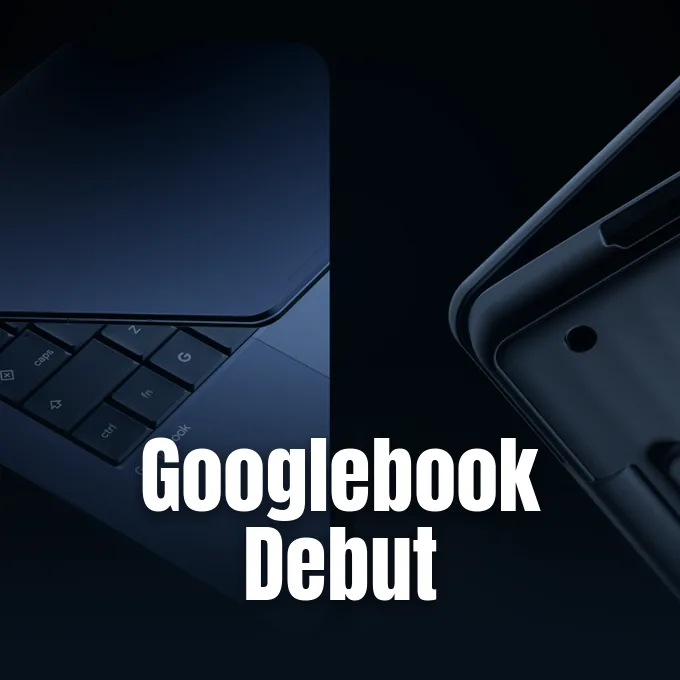
Google wants Android phone owners to have what iPhone owners get with a Mac. At a press event in New York City it introduced the Googlebook laptop, a new category of computer that runs on Android’s software stack, borrows the familiar desktop from ChromeOS, and is built from the ground up to work with the phone in your pocket. Five models from partner brands go on sale on October 4, starting at $899 [1].
Bridging Android and Desktop Computing
Google never mentioned Apple by name, but Android president Sameer Samat came close at the top of his presentation. ‘Our first step is to focus on our Android community,’ he said, and Engadget’s Nathan Ingraham reads the whole pitch as a laptop that plays as well with Android phones as a Mac does with an iPhone [2]. WIRED puts the gap more bluntly: that kind of seamless connection simply has not existed for Android owners at the operating system level [3].
While the Googlebook laptop interface retains an accessible app shelf and standard Chrome browsing, the underlying platform runs on an Android software stack. Security relies on Google’s proprietary Titan hardware root of trust, complemented by on-device malware detection and an isolated Linux container powered by pKVM (a Level 5 security-certified hypervisor) for terminal work and developer tools like Claude Code or Antigravity CLI [1]. Google calls that hypervisor a first for the laptop category.
ChromeOS is not going away. It stays as the budget option for classrooms and basic use, while Googlebook sits above it. For developers, the appeal is a single codebase: an Android app can run on phones and Googlebooks without a separate desktop version [2].
Hardware Standards for the Googlebook Laptop
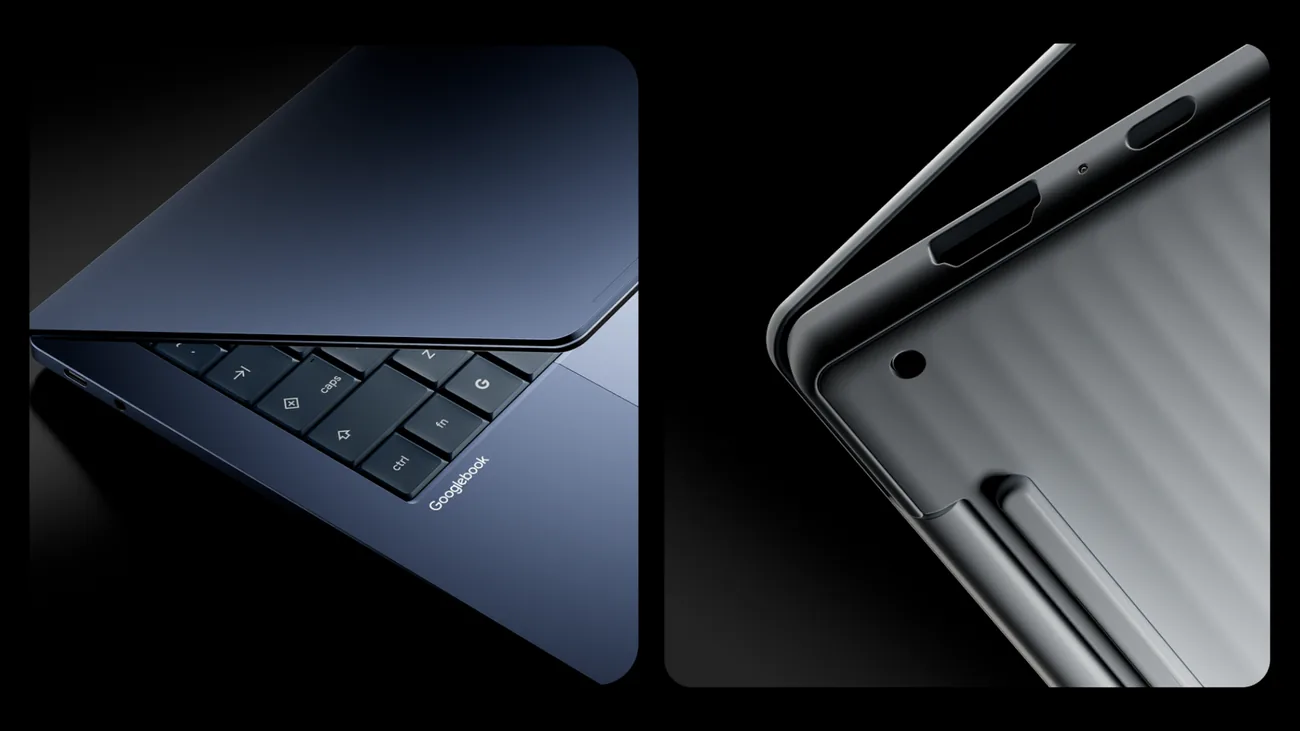
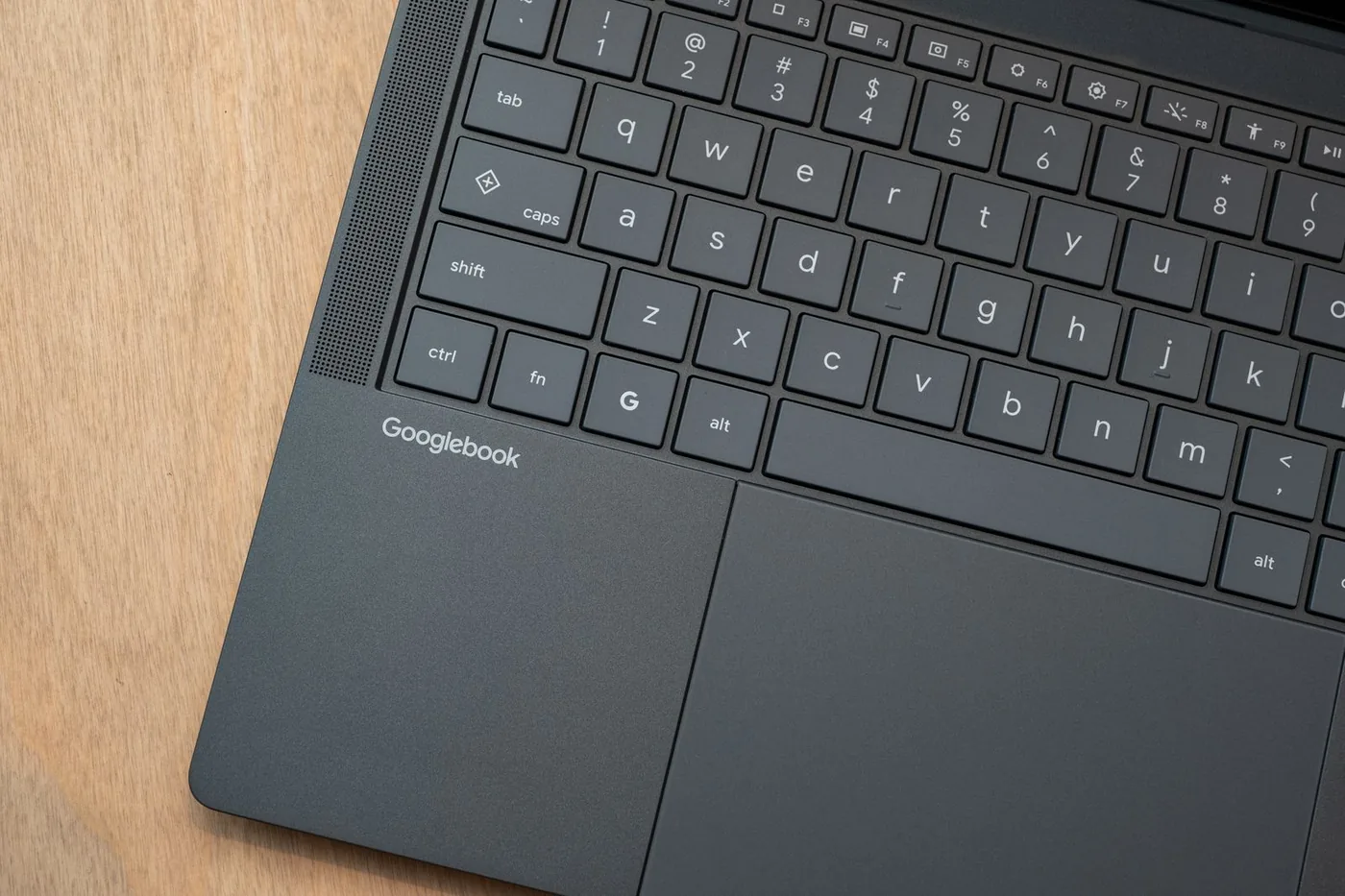
Every Googlebook laptop has to meet a hardware checklist set by Google, whoever builds it. The initial portfolio includes Qualcomm’s Snapdragon X Elite processor and Intel Core Ultra 3 configurations, with MediaTek developing future silicon support through its Dimensity CX C10 Max chipset [3]. Each device incorporates at least 16GB of system memory, dedicated neural processing units (capable of over 45 trillion operations per second) to handle local artificial intelligence tasks, studio microphones with noise cancellation, Dolby Atmos speakers, and touchscreens encased in aluminum, magnesium alloy, or carbon fiber [1]. Four flagship editions incorporate 2.8K OLED panels, while Dell’s compact chassis utilizes a 2.5K resolution screen [2].
The checklist also demands a backlit keyboard, a haptic trackpad and at least 14 hours of battery life [3]; Google quotes up to 14 hours for the launch models [1].
A distinct physical element across every laptop lid is the exterior Glowbar, an illuminated LED strip paying homage to the original Chromebook Pixel. This visual bar lights up during boot sequences, sweeps horizontally to display remaining battery percentages, and animates when interacting with voice queries [1]. Third-party developers can connect custom software notifications to the strip, and users can unlock an onboard Easter egg application to personalize lighting animations [3].

System Continuity and Cross-Device Workflows
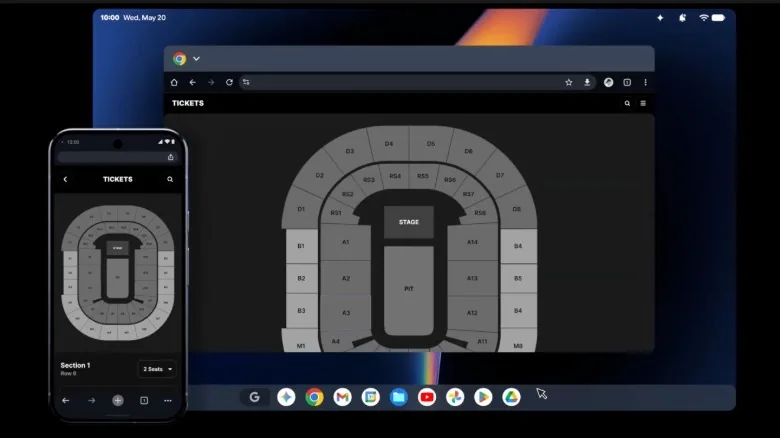
Device onboarding relies on encrypted synchronization that migrates wireless credentials, saved account passwords, contacts, and message history directly from an Android phone [3]. Once active, the Continue On system enables immediate task migration between form factors. A technical demonstration highlighted cloud audio workstation BandLab, transferring an ongoing multi-track recording session from a handheld screen to a nearby Googlebook laptop instantly without project corruption or manual file export [2].
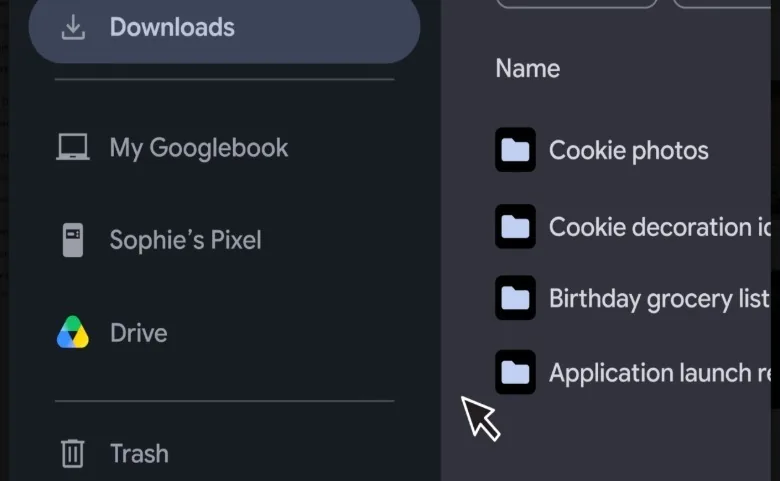
Storage navigation operates through a modernized Files utility that maps internal phone storage beside cloud drives and local downloads [1]. Users can browse mobile folders, drag high-resolution media directly to desktop workspaces, and execute contextual queries such as searching for dog pictures without knowing specific file designations [3]. Similar ecosystem bridges appear in Samsung Gallery synchronization with Google Photos, showing how mobile photo libraries integrate directly into broader cloud platforms.
Desktop application execution incorporates Cast My Apps, a streaming protocol that launches phone applications inside standalone desktop windows without requiring full screen mirroring. WIRED’s example is DoorDash, a phone-only app that can now be streamed to the desktop [3]. Microsoft maintains its established Link to Windows software with broad phone-mirroring capabilities, but Google’s shared operating core enables deeper system-level synchronization between an Android phone and a Googlebook laptop [2].
iPhone owners are not locked out entirely. A new Link to iOS app shows messages and some notifications on the desktop, but cross-platform limits keep it far behind the Android experience. WIRED’s verdict is that iPhone owners will probably stick with Macs anyway, and that Android at least now has something comparable [3].
Gemini Intelligence and Desktop Interaction
Artificial intelligence operates as an integral desktop layer on every Googlebook laptop under Gemini Intelligence, highlighted by the rollout of Magic Pointer [1]. Users trigger this interface by executing a rapid trackpad wiggle, converting the traditional pointer into a multimodal selection brush that captures on-screen text blocks, graphics, or application windows into an active context window. During press demonstrations, presenters selected running training metrics with medical advice to produce comprehensive injury risk evaluations without toggling between separate browser windows [2].
Spoken dictation receives dedicated processing through Rambler, an on-device transcription engine originally introduced on the Pixel 11 smartphone series [2]. Accessible via a dedicated Quick Insert key on the physical keyboard, the dictation engine transcribes spoken sentences while automatically filtering filler syllables, accidental stutters, and mid-sentence phrasing revisions [3]. Spoken thoughts automatically transform into structured outlines, bulleted checklists, and multilingual summaries across any active text field [1].
Contextual desktop assistance delivers automated suggestions (formerly designated as Magic Cue) to create calendar entries, draft replies, and organize scheduled reminders from visible screen content [2]. Create My Widget builds custom desktop widgets from a plain description typed into a prompt box [1].
Pricing, Software Tiers, and Global Release
Retail machines include five distinct models manufactured by Acer, ASUS, Dell, HP, and Lenovo. While HP, Dell, Lenovo, and ASUS designed traditional clamshell enclosures, Acer built a 2-in-1 convertible, which is also the $899 entry model [3]. Premium Googlebook laptop editions add vibrant OLED touchscreens, precision haptic trackpads, and multi-speaker arrays to match competitive premium ultrabooks [1].
Each purchase includes twelve months of Google AI Pro, a premium subscription normally priced at $199 per year that bundles 5TB of cloud storage, expanded Gemini Advanced limits, and access to services including YouTube Premium Lite [2]. Google’s own post adds three months of YouTube Premium and Adobe Photoshop to the bundle [1]. Apps come in three kinds: mobile apps, desktop-grade ones such as Photoshop or CapCut that developers bring over under Android’s “Made for Desktop” tier, and web apps [3].
For games, Google points to more than 20,000 titles on the Play Store and says around 50 of the top 100 are already optimized for keyboard, trackpad and touchscreen [3]. Because the machines lack discrete graphics cards for demanding local software, Google bundles a complimentary one-year subscription to Nvidia GeForce NOW cloud streaming [1].
Prospective buyers can place reservations through the Google Store, Best Buy, and select partner outlets, marking the start of Googlebook pre-orders opening across retail channels. Systems launch in the United States on October 4, followed by rollouts in Canada, the United Kingdom, Ireland, France, Germany, and Australia on October 5 [1]. Google promises feature drops and updates for up to 10 years [1], a long runway for a category that, for now, exists only on paper and in pre-order queues.
- PRESS RELEASE Solomon, J. (2026, September 21). Googlebook: The laptop your Android phone has been waiting for. Google Blog. [Article Link]
- ONLINE NEWS Ingraham, N. (2026, September 21). Google’s pitch for Googlebooks: A laptop that works better with your Android phone. Engadget. [Article Link]
- ONLINE NEWS Chokkattu, J. (2026, September 21). Got an Android Phone? Google Thinks You’ll Probably Want a Googlebook Laptop. WIRED. [Article Link]


1 comment