




Samsung phone owners can now synchronize media directly to Google cloud storage as official Samsung Gallery sync support begins rolling out worldwide. Tech insider Ice Universe spotted the interface switch on X following updated Google documentation, highlighting a direct bridge between mobile devices and remote backup servers. The update arrives as native Microsoft OneDrive integration reaches its final cutoff on Sept. 30, requiring millions of smartphone owners to adjust their regular storage workflows before automated transfers permanently cease. [1]
Samsung Gallery Sync Setup and Requirements
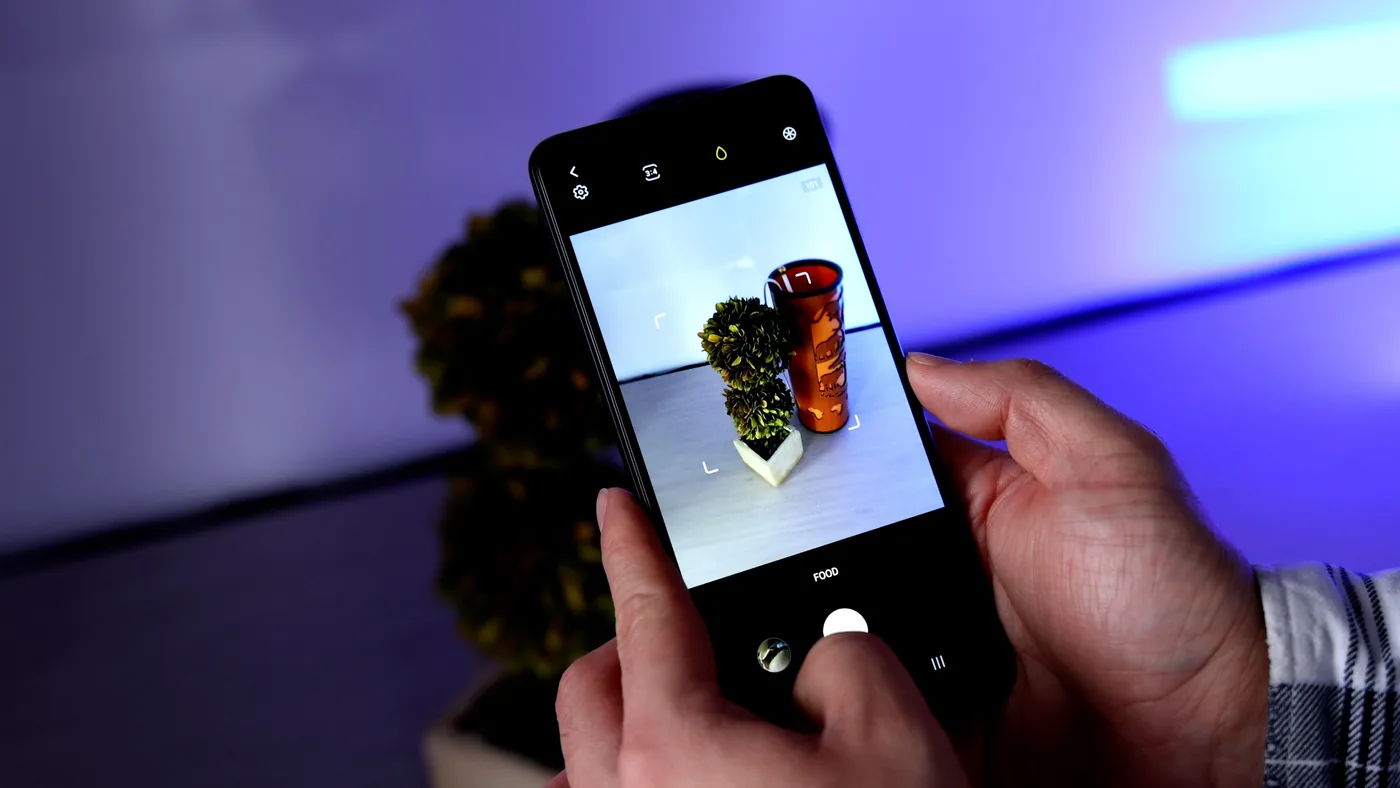
Activating the new bridge requires only a few deliberate taps within the native photo viewer. Users launch the Samsung Gallery application on their phone and locate the three-line hamburger menu situated at the bottom right corner of the display. Selecting Settings from this menu reveals the newly added Sync photos and videos selection, which immediately initiates account linking. Device setup takes minimal effort. Following on-screen directions allows owners to choose a personal Google account and grant explicit permission to manage connected multimedia libraries. [1]
Hardware and software restrictions dictate which handsets can establish this direct link. Google confirms that users must operate a compatible Samsung device running Android 13 or newer alongside an authenticated personal account. Owners uncertain about their current software release can verify their build by opening system settings, selecting About phone, tapping Software information, and reviewing the listed operating system number. The feature rollout spans several days, meaning regional availability and deployment timing may vary depending on local carrier variants and specific hardware models. [1]
Cloud synchronization remains entirely optional, though relying solely on onboard device memory carries practical trade-offs. Mobile cameras capture high-resolution media that rapidly consumes local capacity when files remain restricted to hardware storage. Enabling a direct connection to Google Photos transfers captured photos, personal videos, custom albums, and designated device folders (such as downloads or screenshots) into remote archives. System protocols also preserve associated metadata, including timestamps, geographical location tags, and user favorites status, ensuring image collections remain fully structured across separate viewing environments. [1]
Storage Management and Account Limitations
Once the connection establishes, file modifications operate across synchronized platforms. Deleting an image from either Samsung Gallery or the Google Photos application removes that specific file from both interfaces and deletes it from online cloud storage. Edits applied to a picture within either program synchronize instantly across connected services. Reporting from CNET emphasizes that multimedia viewing remains accessible through mobile devices, the dedicated Google Photos app, and the web portal at photos.google.com. [1]
Significant limitations govern which accounts can utilize this integrated service. Commercial and educational Google Workspace accounts cannot activate the feature under any circumstances, preventing enterprise users from routing business phone galleries into organizational storage. Furthermore, accounts supervised by parents remain completely ineligible to establish connections. While basic media transfers reliably, synced files cannot populate Google curated memories, highlight reels, live albums, or advanced visual search unless users separately initiate full backups directly through the native Google Photos service. [1]
Can users disconnect their libraries later? Yes. Turning off Samsung Gallery sync takes one tap, while existing backups remain preserved within Google accounts. [1]
Transitioning Away from Microsoft OneDrive
The arrival of Google Photos integration marks the conclusion of a longstanding partnership between Samsung and Microsoft. For years, Galaxy handsets relied on native Microsoft OneDrive hooks embedded directly into system software to handle automatic camera roll offloading. The pending Sept. 30 termination forces a migration for consumers who relied on built-in automation to safeguard their family portraits and video recordings. Storage limits demand decisive action. Users migrating between platforms must establish their new Google preferences before the September cutoff (operating as a cloud safeguard) to prevent interrupted backup schedules. [1]
Hardware compatibility questions frequently arise as owners evaluate whether their older handsets meet the Android 13 threshold. While modern flagships ship with recent software out of the box, consumers evaluating secondary market options such as refurbished Galaxy S26 hardware receive guaranteed access to the updated synchronization menu. Handsets across the Galaxy ecosystem share the same underlying codebase, allowing users to enable Samsung Gallery sync with identical pairing protocols once compliant firmware installs. Establishing cloud continuity across these diverse devices protects personal memories against physical damage, loss, or accidental file corruption. [1]

Operational differences between cloud providers require careful attention during setup. Microsoft OneDrive treated camera uploads as distinct directory branches, whereas Google Photos relies on an aggregated multimedia timeline. Phone owners switching services must confirm that background upload permissions remain active within system settings (preventing interrupted nighttime synchronization routines) when battery saver modes engage. Because representative spokespersons for Samsung and Google did not immediately respond to press requests for further comment regarding extended timeline allowances, device owners must monitor their individual synchronization status manually as Sept. 30 approaches. [1]
Google Verification and Biometric Identity Updates
The expansion of photo synchronization coincides with broader structural changes across Google account security infrastructure. Reporting documented by Futurism and corroborated by Search Engine Watch reveals that Google has begun prompting users to submit video selfies to verify account identities during regular sign-ins. Google originally introduced the video verification framework in July as an optional fallback mechanism designed to help locked-out users regain access when secondary authentication devices remained unavailable. Rather than remaining a rare account recovery tool, the prompt now appears directly across the search engine home page, presenting visitors with interactive setup toggles. To complete the registration process, users record a brief video clip while turning their heads in multiple directions to document distinct facial contours. [2]
Beyond basic authentication, disclaimers embedded within the configuration interface indicate that uploaded video selfies will determine whether an account holder is old enough to access specific Google services. An optional agreement invites participants to assist company research by permitting algorithmic analysis of physical traits. Enabling this service improvement toggle authorizes engineers to utilize facial recordings across broader verification systems, movement tracking, and developmental age estimation tools. [2]
Why do privacy advocates raise immediate objections to these identity checks? Handing over mathematical facial maps centralizes sensitive biological identifiers together with existing behavioral search dossiers. Google already maintains extensive datasets to personalize search queries and target commercial advertisements across global audiences. Consolidating facial biometric maps with existing browsing records deepens corporate data concentration, sparking substantial concern among civil liberties groups. [2]
Security Concerns and Cloud Data Control
The intersection of mobile multimedia synchronization and biometric account authentication highlights escalating security complexities in consumer technology. In an era where sophisticated deepfake manipulation tools proliferate rapidly, researchers question how reliably static facial scans can resist spoofing attempts over extended periods. Commercial controversies also loom; separate investigations cited by Futurism noted that automated consumer algorithms face intense public scrutiny regarding pricing fairness and algorithmic transparency. The transition deadline approaches rapidly. Connecting phone galleries to centralized profiles requires account holders to understand exactly how their media and personal credentials interact across shared cloud infrastructure. [2]
Despite emerging security questions, cloud photo archives provide vital redundancy when managed deliberately. Users maintaining active backups retain absolute control over their uploaded records through Google account privacy settings. Disabling Samsung Gallery sync at any point leaves existing photo backups intact in cloud storage, preventing sudden data loss if an owner switches devices or alters storage preferences. For Galaxy phone owners seeking uninterrupted backups, establishing the Google Photos connection before Sept. 30 ensures a seamless handover as native Microsoft OneDrive integration quietly powers down. [1]
Ultimately, the shift represents a pragmatic realignment for mobile phone owners navigating multiple competing ecosystems. Establishing direct synchronization eliminates the friction of maintaining separate third-party sync utilities while ensuring high-resolution videos and screenshots remain safely indexed in remote storage. Smartphone owners who verify their operating system version, configure synchronization preferences, and review their cloud permissions (especially during the final days before September concludes) can secure their complete digital photo collections without interruption. Personal accounts remain fully eligible. Taking a few moments to link the native Gallery app to Google Photos provides reliable insurance against hardware failures and ensures smooth continuity across mobile platforms. [1]
- ONLINE NEWS Valdes, A. (2026, September 18). Samsung phone users can now sync photos and video to Google. CNET. [Article Link]
- ONLINE NEWS Landymore, F. (2026, September 19). Google now asking for users’ video selfies to verify their identities. Futurism. [Article Link]


