




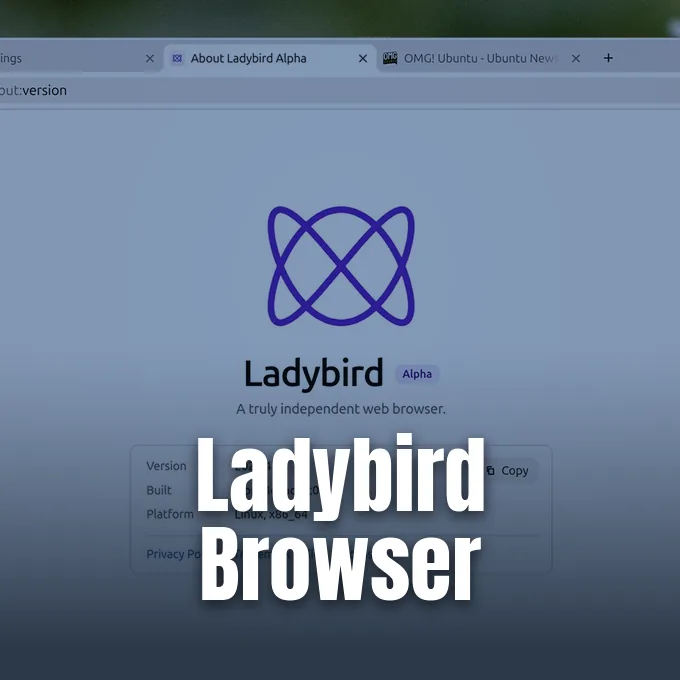
The development team behind the Ladybird browser released its first alpha build on November 23, 2026, for Linux and macOS users after four years of development. The project builds a new web engine from scratch instead of relying on code from Blink, WebKit, or Gecko [1].
Origins in SerenityOS
Ladybird did not start as an independent web browser. It first began as an in-tree HTML viewer for SerenityOS, an esoteric operating system created to explore alternative system concepts without relying on existing Unix software. Jenny List tested the early browser inside a SerenityOS virtual machine for Hackaday and found the engine competent, but running an emulated system daily proved difficult. In 2024, the developers split Ladybird into a standalone project to support conventional platforms, allowing them to build native desktop software for Linux and macOS without virtual machines [2]. The standalone team wrote their own layout systems, networking code, and JavaScript parser from scratch [1].
Two decades ago, Konqueror-derived WebKit emerged during the early browser wars to provide balance against the near-monopoly of Internet Explorer on desktop computers. Today, Google’s Blink and Apple’s WebKit dominate modern web traffic, leaving Firefox as an outside player and creating risks when a single corporate ecosystem controls internet standards [2].
Ladybird now stands as a third major in-development browser engine family next to Blink and WebKit [2]. Most new browsers choose Chromium to save time and development costs. While big tech firms run experiments like Chrome AI agents in simulated environments, Ladybird takes the opposite path by keeping code independent. GitHub documentation confirms that HTML, CSS, the DOM, layout, JavaScript, and WebAssembly are all written from scratch, giving the team complete control over future development [1].
Features Inside Ladybird Browser
The early alpha provides basic browsing tools without unnecessary clutter. Joey Sneddon from OMG! Ubuntu! described the release as a “modest, but functional” testing version, noting that people should not rely on it as a full-time daily driver [1].
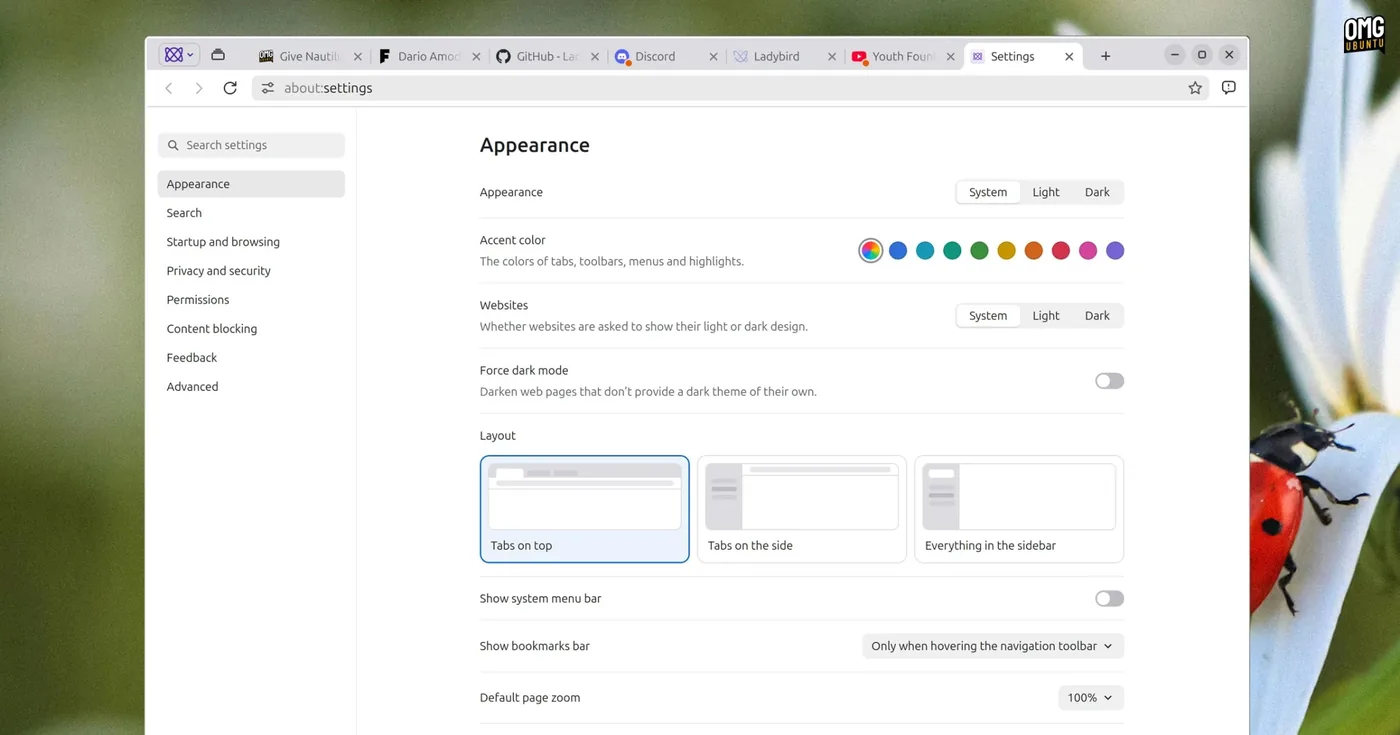
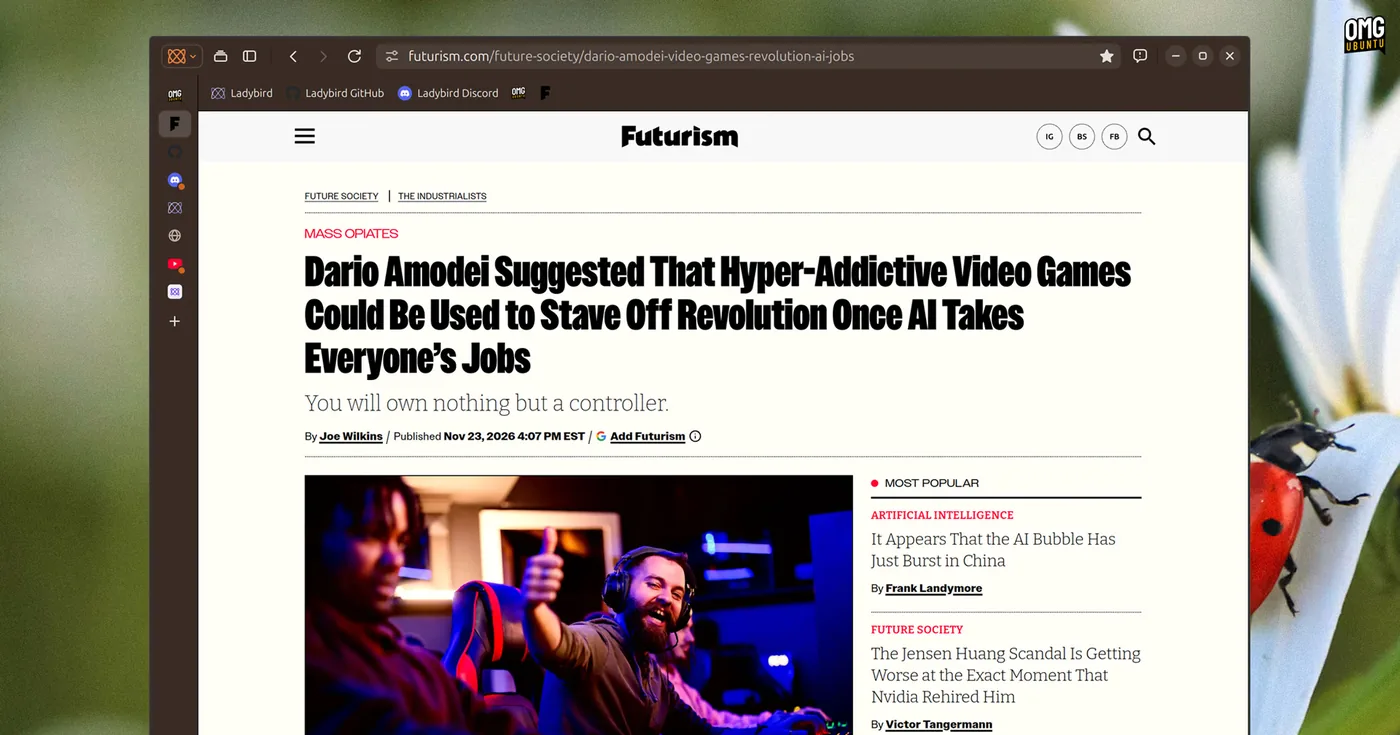
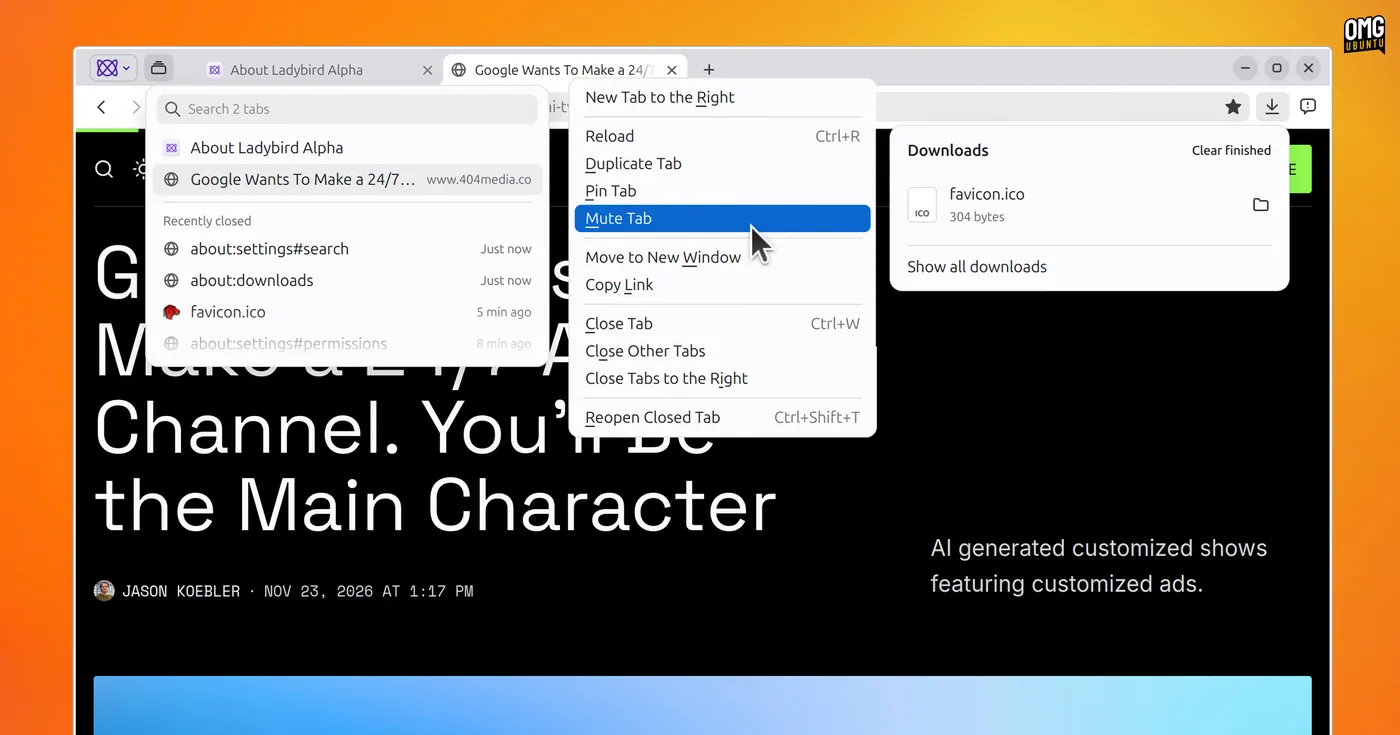
Testers will find a familiar interface with several flexible layout options. The tab strip runs along the top of the window by default, but users can switch to vertical side tabs if they prefer a cleaner workspace. That side layout lets tabs and the address bar sit together on the left, or testers can keep the URL bar at the top while moving only tabs to the side. The settings menu includes an option to force dark mode on websites that lack dark themes. Furthermore, the Ladybird browser skips the typical new tab clutter of news feeds, sponsored links, and speed dials. Users can set new tabs to open a specific website or leave the screen completely empty [1].
Basic tools like bookmarks, browsing history, and open tab search work smoothly in this alpha build. Users can manage site permissions, system notifications, and downloads from a toolbar button. Ladybird does not set a default search engine when testers first open the app, offering a choice between Google, DuckDuckGo, Ecosia, and Kagi Search instead [1].


Current Engine Limitations and Developer Tools
Early testing of the Ladybird browser shows clear functional limits that users should keep in mind. The development team explicitly stated that some websites won’t open properly, complex pages may crash, and they “make no promises about security” during this early testing phase. Media playback is also limited. When Joey Sneddon tested 480p YouTube video streams, playback felt choppy, and DRM-protected platforms like Spotify and Netflix can’t run audio or video through the engine at all. It doesn’t include an extension system yet, nor can testers import passwords and bookmarks from Chrome or Firefox. A built-in content blocker is included to stop basic web trackers [1].
To fix stability issues and improve long-term memory safety, the Ladybird team announced earlier this year that it is porting older C++ codebase components over to Rust. The team uses human-directed AI coding tools to help port older subsystems to Rust without writing every line by hand [1].
Web developers receive several useful tools to inspect sites and test compliance. The alpha build supports WebDriver for automated browser runs and connects with the Firefox DevTools protocol. Engineers can attach standard debugging tools to inspect the DOM, view style properties, and examine script execution [1]. These diagnostic tools help developers report bugs back to the project on GitHub. They also allow automated test suites to verify how closely the engine follows modern web specifications.
Independent Funding and Project Backers
Building an engine without corporate backing is difficult. Last month, Kagi dropped its Orion browser for Linux after more than a year of work, even though that team built on top of WebKitGTK. Developing an engine completely from scratch brings far higher engineering demands [1].
To fund development without selling personal user data, Ladybird relies on voluntary sponsorships and community donations rather than lucrative advertising deals or paid search partnerships. Corporate backers include Proton, Cloudflare, Shopify, and 37signals, the company co-owned by David Heinemeier Hansson (DHH). Individual donors also support the effort, including Mitchell Hashimoto, creator of the Ghostty terminal emulator. Joey Sneddon wrote that keeping an alternative to Chromium alive preserves the vision of an open web built for human interaction rather than a commodity node for AI tools. The project avoids commercial search contracts so that corporate interests do not steer engineering choices [1].
Financial independence gives the team room to experiment freely. They don’t have to push sponsored shortcuts or monetize user data to pay their developers. User donations keep the project focused on standards and privacy rather than advertising revenue [1].
Installing Ladybird Browser on Desktop Systems
Testers can download alpha packages from the official Ladybird website. For Apple users, the browser runs on Apple Silicon hardware (macOS only), while Intel Macs are not supported in this release. Linux users can install a Flatpak package (.flatpakref) built for both x86-64 and Arm64 hardware architectures. The Flatpak installer packages all required system dependencies together, allowing desktop Linux users on distributions like Arch, Fedora, or openSUSE to test the browser without manual compilation [1]. It provides a simple way to test the browser without setting up a full local build environment.
Ubuntu users on 24.04 LTS and 26.04 LTS can install native Debian packages through an official APT repository. This setup delivers future browser updates automatically through the standard Ubuntu Software Updater tool [1].
Setting up the APT repository on Ubuntu takes three terminal steps. Testers first import the repository signing key using wget to download the key file. Next, testers download and install the official package source list file for either Ubuntu 24.04 Noble or Ubuntu 26.04 Resolute to their local APT directory. Finally, running apt update and apt install ladybird completes the installation. Users can then launch the Ladybird browser from their desktop application menu. The team welcomes bug submissions and crash reports on GitHub as alpha testing continues [1].
- ONLINE NEWS Sneddon, J. (2026, November 23). Ladybird, the browser built from scratch, hits alpha. OMG! Ubuntu! [Article Link]
- ONLINE NEWS List, J. (2026, November 24). The Ladybird Browser Reaches Alpha. Hackaday. [Article Link]


