





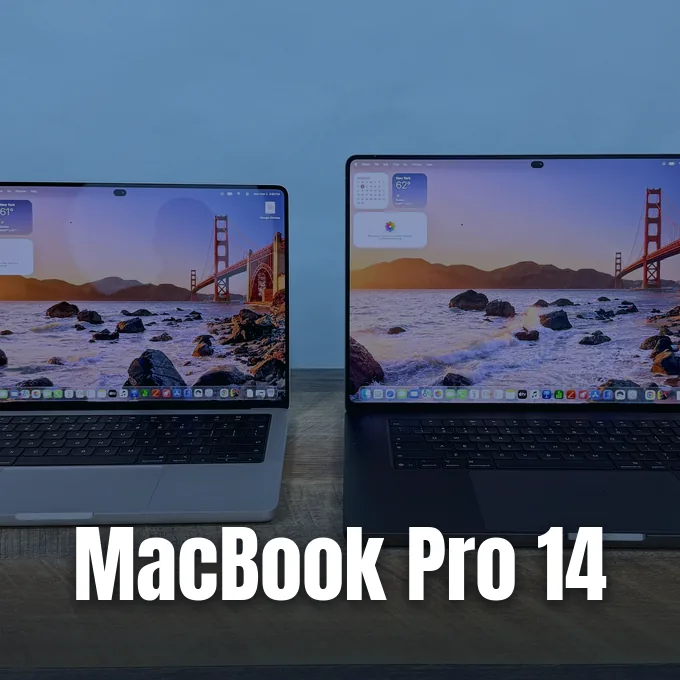
Apple has delivered its refreshed laptop hardware to testing labs, and benchmark results in this MacBook Pro 14 review reveal faster processor speeds paired with an exterior chassis that stays identical to earlier builds. The entry-level 14-inch laptop introduces a 12-core M6 chip and faster Wi-Fi 7 networking, while Apple also launched high-end OLED models with touchscreen features and an illuminated lid logo. Lab tests confirm that while CPU performance jumped up to 18 percent over the M5, memory and storage pricing drove the entry price to $1,999 [1].
Performance Gains Under the Hood
Hardware reviewer Brandon Hill evaluated the 14-inch MacBook Pro for Tom’s Hardware using macOS Golden Gate 27.0 with an M6 system-on-chip that packs a 12-core CPU and a 12-core GPU. In synthetic processor benchmarks using Geekbench 6, the M6 review unit logged a single-core score of 4,752, marking a 10 percent gain over the 4,288 score produced by the M5 chip. Multi-core processing expanded that gap to just over 18 percent. Hill said that the new chip comfortably beat Windows 11 rivals such as the Dell XPS 14, which scored 2,867 in single-core and 16,927 in multi-core tests with an Intel Core Ultra X7 358H processor, as well as the Gigabyte Aero X16 powered by AMD’s Ryzen AI 7 350 [1].
Longer productivity runs showed similar stability. Running Cinebench 2026 multi-core tests ten times in a row started at 5,026.55 and settled near 5,440 for the rest of the benchmark. Thermal throttling remained absent under continuous rendering. To evaluate video handling, Hill watched Patrick Stewart in Star Trek: First Contact as Federation ships fought the Borg, noting sharp contrast in cosmic space scenes [1].

Video transcoding in Handbrake converted a 4K video file into 1080p in 2 minutes and 50 seconds, beating the M5 model’s time of 3 minutes and 31 seconds. Solid-state storage recorded 1914.23 MBps in a 25GB file transfer test on the 1TB drive, which tracks with the 1917.35 MBps scored on the M5. The Gigabyte Aero X16 trailed behind at 1,480.57 MBps [1].
MacBook Pro 14 Review Benchmarks
Gaming runs on the 12-core GPU confirmed noticeable speed bumps in demanding titles. A test run of Cyberpunk 2077 at 1800 x 1125 using the built-in preset produced 53.7 frames per second on the M6, up from 47.65 frames per second on the M5. At the native 3024 x 1890 panel resolution, output dropped to 32.66 frames per second, which still edged past the 31.47 frames per second recorded on the older laptop [1].
Each GPU core includes a built-in neural accelerator for machine learning calculations. Brandon Hill said that the architecture provides solid year-over-year gains without sacrificing energy efficiency or battery life during everyday computing tasks. Hill also pulled up the movie preview for Sylvester Stallone in I Play Rocky to observe muted 1970s earth tones [1].
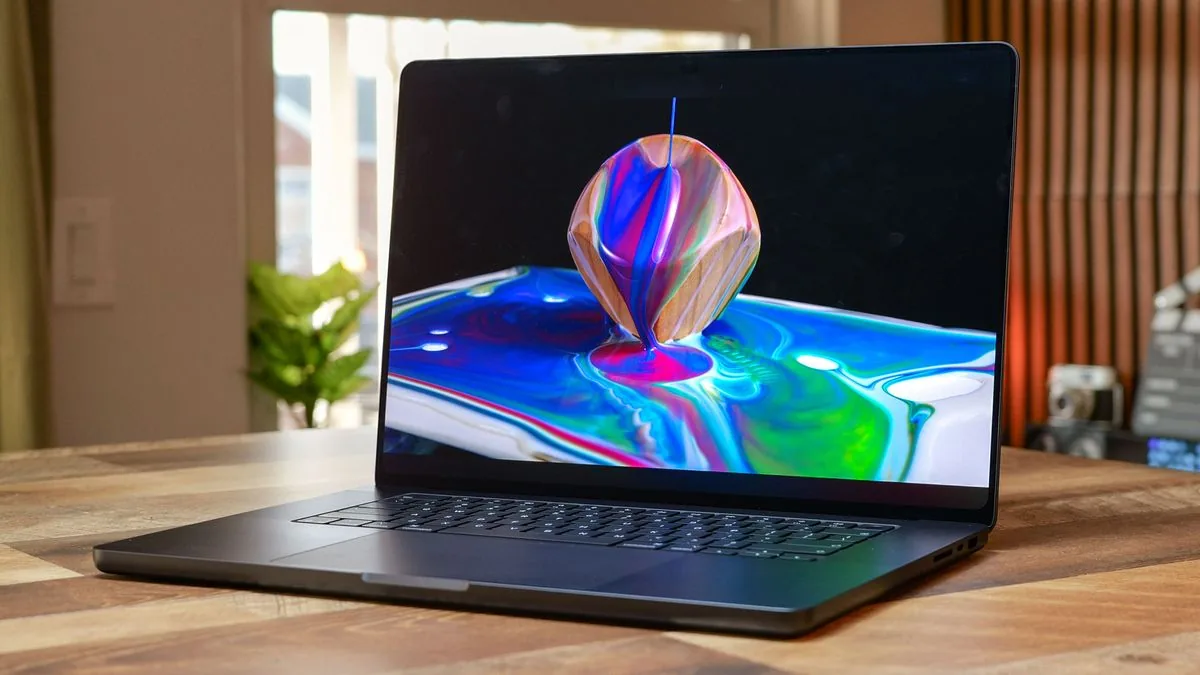
The chassis weighs 3.4 pounds. Physical dimensions remain 12.31 x 8.71 x 0.61 inches in this MacBook Pro 14 review, housed in an aluminum shell. Brandon Hill said that “while the base MacBook Pro design is getting a bit tired, Apple’s new M6 chip gives the 14-inch MacBook even more pep in its step”. By comparison, the Gigabyte Aero X16 spans a larger 14-inch chassis at 4.2 pounds, whereas Dell built the XPS 14 at a lighter 3-pound weight. Port options include three Thunderbolt 4 ports, HDMI 2.1, an SDXC slot, a 3.5 mm jack, and MagSafe 3. Thunderbolt 5 remains absent on base models [1].
Display Specs and Port Layout
The 14.2-inch Liquid Retina XDR screen continues to use an IPS panel with mini-LED backlighting at a native resolution of 3,024 x 1,964 and a 120 Hz ProMotion refresh rate. In display benchmarks, the panel registered an SDR peak brightness of 571.4 nits, edging past the 558 nits recorded on the M5 model. Color coverage spanned 81.5 percent of the DCI-P3 color space and 115.1 percent of sRGB. The Dell XPS 14 OLED panel hit higher color saturation at 89.7 percent DCI-P3 and 126.6 percent sRGB, but it fell well short on brightness with only 358 nits [1].
Apple’s display notch still houses a 12MP Center Stage webcam. While the cutout blends into the top menu bar, the keyboard deck cutout has sharp corners that can jab palms during long typing sessions [1].
Wireless networking received a meaningful upgrade through Apple’s custom N1 chip, which brings Wi-Fi 7 and Bluetooth 6 to the laptop for the first time. Input hardware relies on Apple’s standard scissor-switch keyboard, where typing tests on keyhero.com yielded 93 words per minute at 95 percent accuracy. Underneath sits a 5 x 3-inch glass haptic trackpad that delivers tactile feedback without mechanical switches. Audio output stems from a six-speaker setup supporting Dolby Atmos and Spatial Audio, which Hill tested by listening to John Mayer’s acoustic track “3×5” from Room for Squares [1].
OLED Testing and Design Tweaks
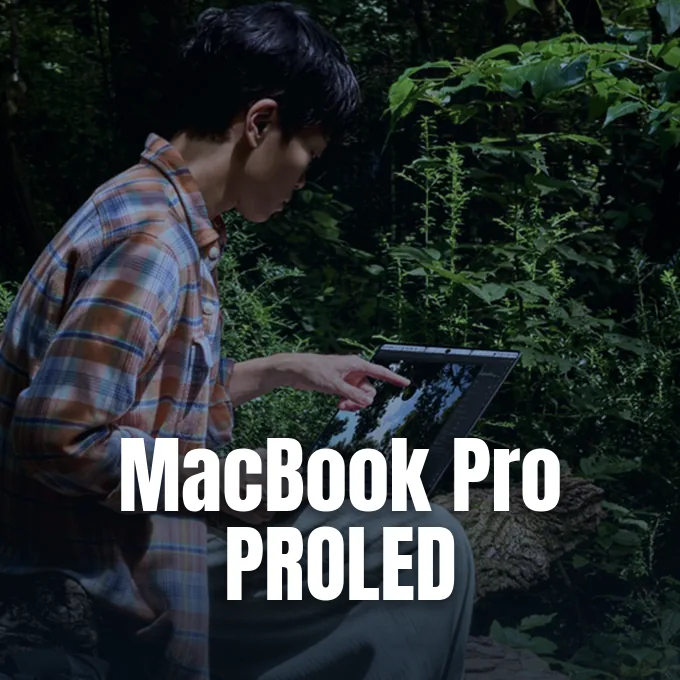
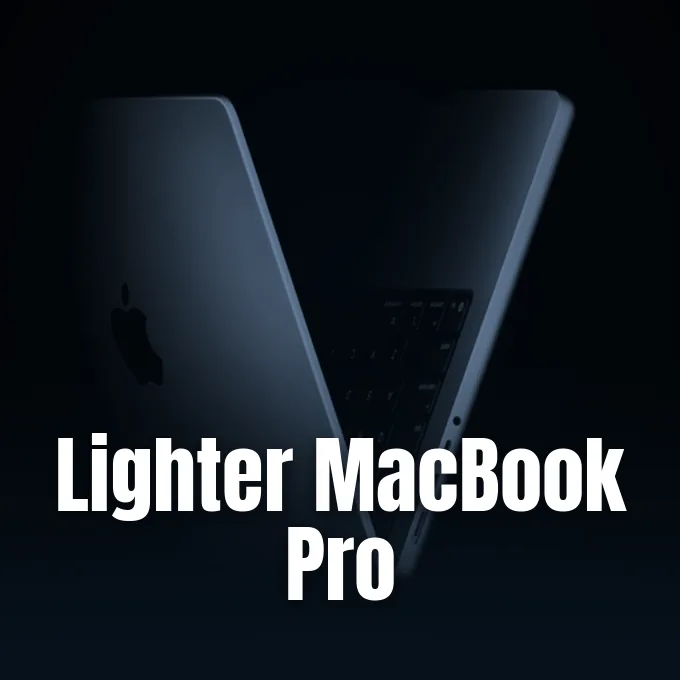
Shoppers seeking display innovations can look to the pricier tiers, where Apple introduced an OLED MacBook Pro with a lighter chassis that set new display records in lab testing conducted by Arif Bacchus alongside testing director Matthew Murray at Future Media. Display tests evaluated 80 laptops. Using a Klein K10-A colorimeter and DisplayCal software, a 10 percent HDR test pattern produced 1,949 nits, while expanding the pattern to a 40 percent window reached 1,965 nits. That output beat all 79 other laptops tested this year, surpassing the Surface Laptop Ultra with RTX Spark at 1,444 nits and the LG Gram 16 at 1,067 nits. Color coverage reached 99.9 percent of the sRGB gamut with a claimed 10,000,000:1 contrast ratio, which Bacchus checked while screening footage from Dune: Part Three to inspect skin tones [2].
WIRED reviewer Luke Larsen tested the touchscreen OLED edition. Larsen labeled it “the best laptop display ever made, bar none”. Tandem OLED layers reduced weight on the 16-inch model to 4 pounds, shedding over half a pound compared to the mini-LED chassis. During HDR testing with Larsen, luminance reached 1,849 nits across a quarter-screen area, while a full-screen white image yielded 1,025 nits [3]. To put the lab figures into perspective, Bacchus compared the panel to OLED televisions like the LG G6, Samsung S95H, Samsung S90H, and the Hisense UR9 [2].

The display removes the camera notch completely, replacing it with a punch-hole camera and Dynamic Island for interactive Live Activities like timers and media playback. Touch features include enlarged window control buttons and wider menu spacing, but Apple didn’t add Apple Pencil support or a 360-degree hinge. Larsen tested creative tools like Pixelmator Pro, ZBrush, and Logic Pro with Remix FX, but third-party touch support varies when apps run through Rosetta translation [3].
Takeaways from the MacBook Pro 14 Review
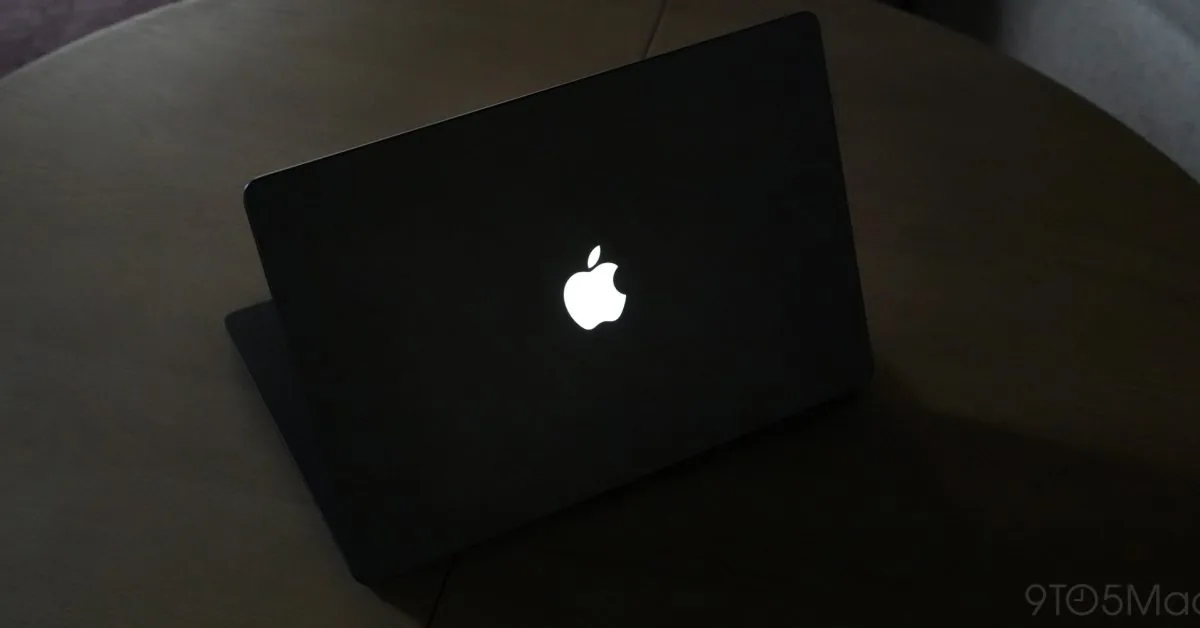
Along with screen upgrades, the PROLED XDR editions bring back the glowing Apple lid logo that first debuted on the PowerBook G3 in 1999 [4]. The illuminated symbol remained a staple across Apple laptops for 16 years until the company replaced it with polished metal on the 12-inch MacBook in 2015 [5].
Former Apple employee Joe Moreno said that Steve Jobs initially insisted on facing the logo toward the user so people wouldn’t open laptops backwards, before Apple inverted it for onlookers. Jobs later reversed that choice [5]. Chance Miller at 9to5Mac said that because OLED screens lack an LCD backlight bleed, Apple built a separate illumination system tied to ambient light sensors. Developer Gui Rambo and commenter BuffyzDead noted that Apple omitted a toggle in System Settings, though users can disable the light in Terminal by writing a zero to the LEBacklightMode key inside CoreBrightness defaults [4].
This MacBook Pro 14 review evaluation shows that Apple created two different paths for its laptop lineup in 2026. The standard 14-inch version provides consistent processing improvements and Wi-Fi 7 connectivity, but industry memory costs pushed its starting configuration to $1,999 for 16GB of unified memory and a 1TB SSD. The base model includes a 70W power adapter in the box [1]. Meanwhile, customers wanting the record-setting OLED display, touchscreen gestures, and lighter chassis face an additional price premium approaching $1,000 [3]. For professionals seeking dependable daily speed without paying for experimental display tech, the base M6 laptop delivers solid silicon gains within Apple’s familiar hardware [1].
- ONLINE NEWS Hill, B. (2026, November 5). Apple MacBook Pro (14-inch, M6) review: Speedy M6 chip slips into comfortable shoes. Tom’s Hardware. [Article Link]
- ONLINE NEWS Bacchus, A. (2026, November 6). I tested the new MacBook Pro OLED against 80 laptops and even the LG G6 OLED TV — and Apple just set our lab’s all-time brightness record. Tom’s Guide. [Article Link]
- ONLINE NEWS Larsen, L. (2026, November 5). The New MacBook Pro’s Touch Display Is Something Special. WIRED. [Article Link]
- ONLINE NEWS Mendes, M. (2026, November 5). Apple explains how to turn off the new MacBook Pro’s glowing logo. 9To5Mac. [Article Link]
- ONLINE NEWS Hardwick, T. (2026, November 6). Control the Glowing Apple Logo on Your New MacBook Pro. MacRumors. [Article Link]


