






Apple updated its productivity suite on Thursday, bringing an Intelligent Assistant feature to Keynote, Numbers, and Pages with built-in display adjustments for its upcoming folding hardware. The new artificial intelligence tools arrive in beta for Apple Creator Studio subscribers following a brief removal of the software from the App Store. The release also prepares the three Apple iWork apps for the upcoming iPhone Duo, which hits retail shelves on Friday. Users gain automated drafting tools, spreadsheet formula builders, and presentation animation helpers without losing access to core offline editing functions [1].
Intelligent Assistant Features in Apple iWork Apps
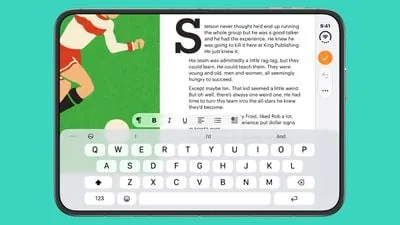
In Pages, the assistant helps writers draft early outlines, reshape long paragraphs, and adjust tone to fit different professional contexts. It can generate custom shapes and imagery from plain text prompts, and it can also search the public web for background facts to insert straight into an active project. Apple explained that the software is built to “edit, organize, and elevate your writing” through guided suggestions that don’t overwrite manual edits unless approved by the author [1].
Numbers receives natural language tools designed to simplify math calculations and data presentation for spreadsheet creators. Users describe what they want, and the software builds formulas, creates tables, and plots charts. The app can also suggest next steps when handling large datasets [1].
Keynote integrates the Intelligent Assistant to build and polish entire presentation decks through guided prompts. It can structure slide orders, generate descriptive presenter notes, add transition animations, and produce custom graphical elements to match any visual theme. Beyond slide production, all three Apple iWork apps share an integrated web search mechanism that gathers verified facts from the public web and places them right into active text blocks or tables without requiring outside browser windows. Apple says the assistant can also walk users through advanced configuration options on demand whenever they need help exploring unfamiliar menus, making the software far easier to navigate during fast-moving workplace assignments. In addition, users can ask the assistant for tailored recommendations when designing complex layouts, giving speakers creative ideas before sharing their final slides [1].
Creator Studio Pricing and Templates
Keynote, Numbers, and Pages remain free downloads on the App Store, but Apple has placed the new Intelligent Assistant behind an Apple Creator Studio subscription. The membership costs $12.99 per month and unlocks premium creative utilities for all of Apple’s creative tools. It doesn’t lock standard editing behind a paywall. Subscribers receive access to a catalog of professionally designed templates and presentation themes. These resources live inside a curated Content Hub that provides stock assets and video clips for everyday document building [1].
For users who choose not to subscribe, the base applications still receive maintenance updates that fix stability issues and improve performance on existing hardware. Keynote also gains an Interchange Format that lets teams import and export complex slide decks between different workflows more reliably [1].
Apple quietly removed the three productivity apps from the store earlier in the week before restoring the listings with these new capabilities in place. Publication MacRumors confirmed that the updated versions returned to availability shortly before Apple announced its broader software lineup for the hardware showcase. The temporary outage briefly confused users, but the subsequent release notes confirmed that stability fixes accompanied the generative additions [1].


How Apple iWork Apps Adapt to iPhone Duo
While Apple did not highlight the hardware change in its written release notes, the updated apps include built-in support for the dual displays of the iPhone Duo. Keynote, Numbers, and Pages now adapt smoothly whether the folding device is held upright like an ordinary smartphone or when it’s opened wide to reveal its inner canvas. The layout shifts control bars into reachable zones so editors can review documents without obscuring content [1].
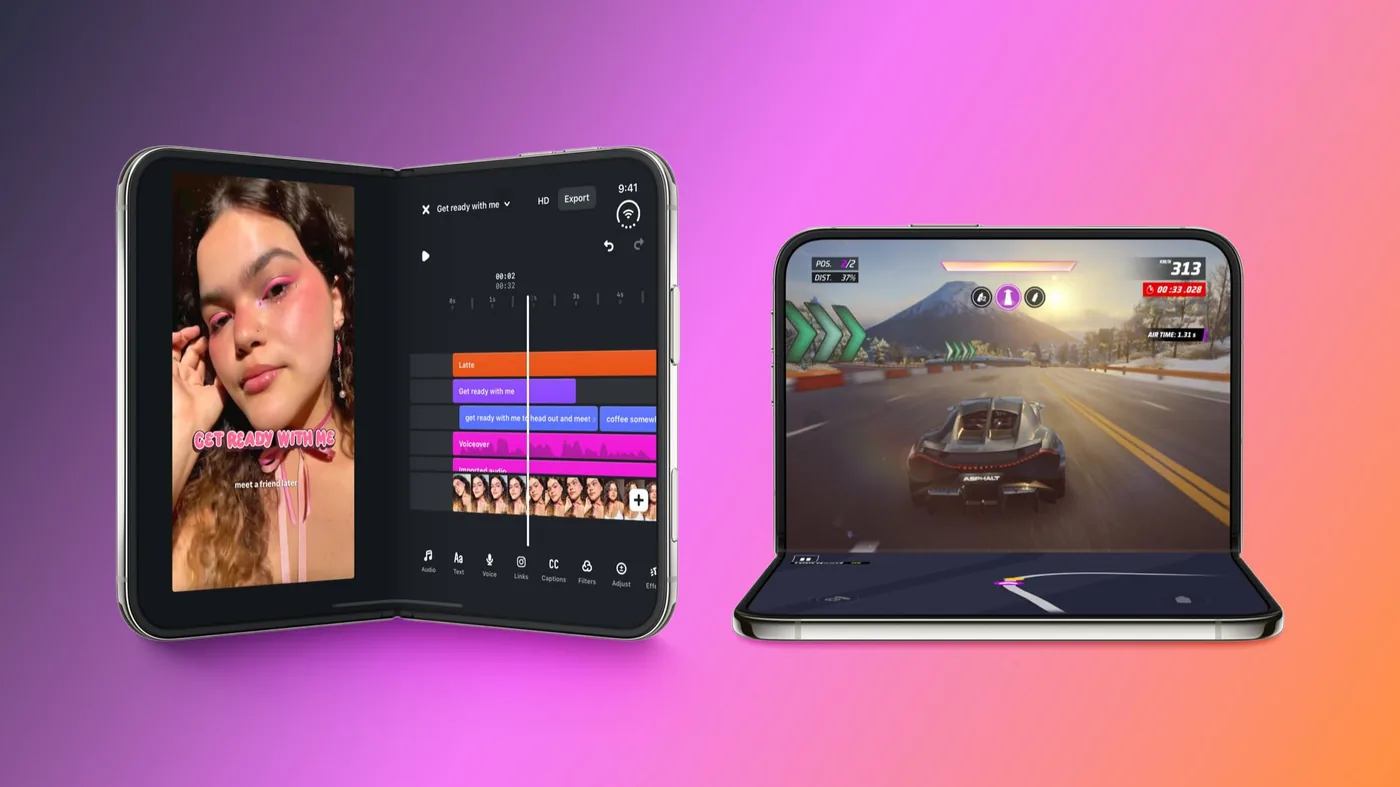
The iPhone Duo uses a book-style hinge mechanism that combines a 5.4-inch outer cover screen with a 7.6-inch inner display featuring a subtle center crease. That expansive interior panel gives tablet-style breathing room to spreadsheet tables and wide presentation slides that previously felt cramped on slab phone screens. Users can prop the device open on a desk in a seated pose, keeping their document upright while formatting toolbars rest on the bottom half [2].
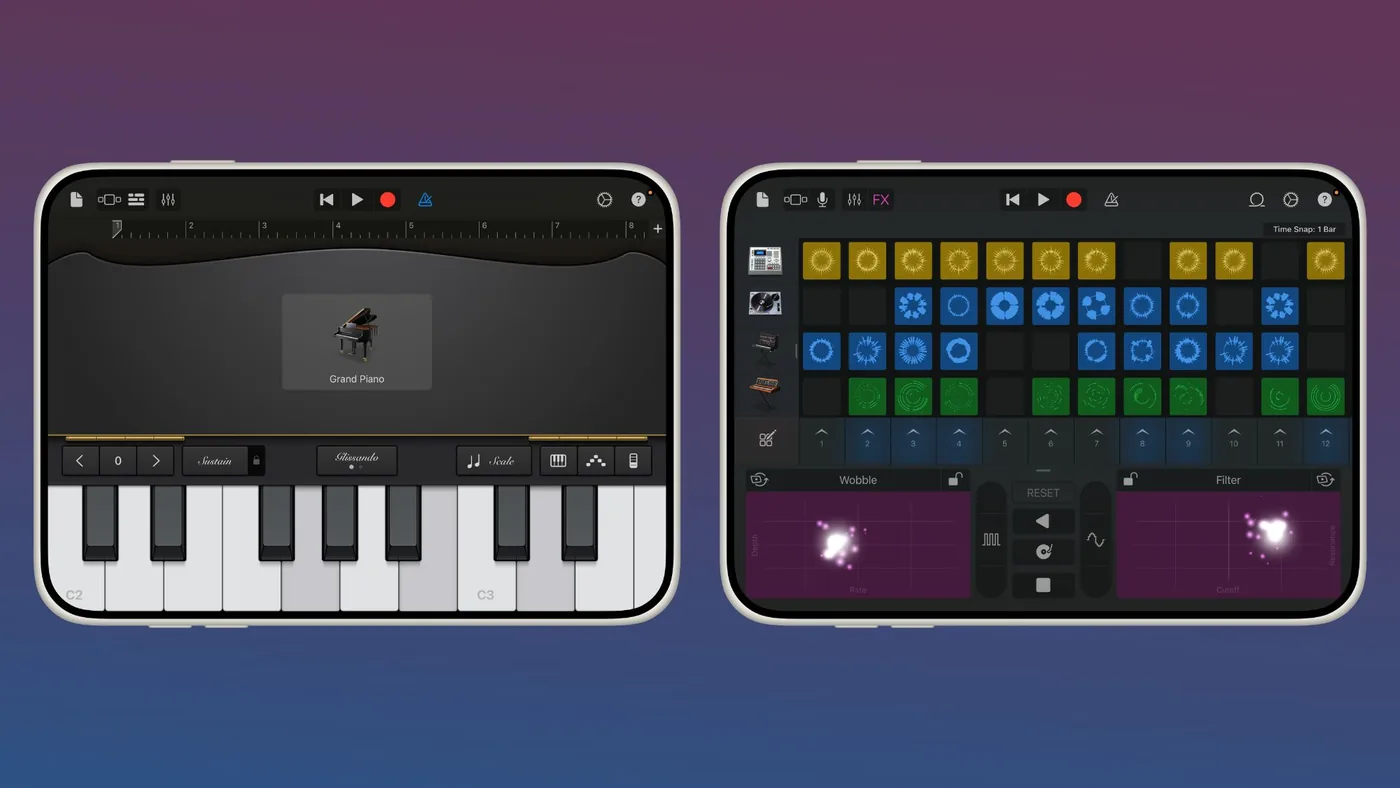
Apple also updated its GarageBand and TestFlight tools ahead of Friday’s launch. While TestFlight receives minimal functional change from the wider display, GarageBand takes full advantage of the inner canvas by offering a wider arrangement view and larger touch controls for virtual instruments [2].
Optimized Media and Productivity Apps for Launch
Beyond its own first-party tools, Apple confirmed that more than 50 third-party apps will offer tailored layouts for the folding phone at launch. The company explained that third-party developers have adapted their interfaces to support partially folded postures, such as table-top seated positions and tent modes. Streaming services and sports platforms were among the first partners to showcase split-screen viewing arrangements [3].
Netflix lets viewers browse vertical preview clips on the outer screen before opening the hardware to watch full-length videos on the inner panel. Amazon Prime Video uses the seated posture to display the show on the top screen while showing cast bios and bonus trivia via X-Ray on the bottom portion. Kenny Gersh, executive vice president at Major League Baseball, said: “Baseball fans are incredibly passionate about the sport, and they follow our games as closely as they can. Now, iPhone Duo provides an exciting new fan engagement platform by showcasing the action and information simultaneously.” He explained that fans can watch live games on the upright screen while reading real-time box scores on the tabletop half [4].
Productivity developers are preparing similar multi-window updates for remote work. Microsoft plans to introduce desktop-style views for Word and Outlook in the coming weeks, placing formatting menus next to documents and email inboxes beside message drafts. Zoom uses the wide screen to show active video participants and shared slides at the same time, while Slack opens channel lists and message feeds into a single unified view. Popular games like Sneaky Sasquatch and Retrocade have also added custom controls for the new device dimensions [3].
Store Inventory Warnings for Launch Day
Compatibility for unoptimized software will vary depending on which developer tools were used during creation. Apps compiled against older software packages can still run on the phone, but users can’t stretch older interfaces without black borders. Apple vice president Susan Prescott praised early developer work, stating: “The response to iPhone Duo from our developer community has been incredible, and we’re inspired by how quickly they’ve embraced its larger display and new ways to interact.” The company continues urging creators to modernize their projects as the public hardware release arrives [4].
Customers hoping to pick up hardware in person may face empty store shelves on Friday, October 23. Apple retail employees told MacRumors that store leaders advised staff to discourage walk-in shoppers without pre-orders from arriving at retail locations. Walk-in shoppers won’t find stock on launch day. In his Power On newsletter for Bloomberg, Mark Gurman reported that manufacturing difficulties caused heavy supply shortages. Gurman argued that Apple made an error by opening pre-orders before assembling sufficient stock, writing: “Let me cut to the chase: Apple made a major mistake here” [2].
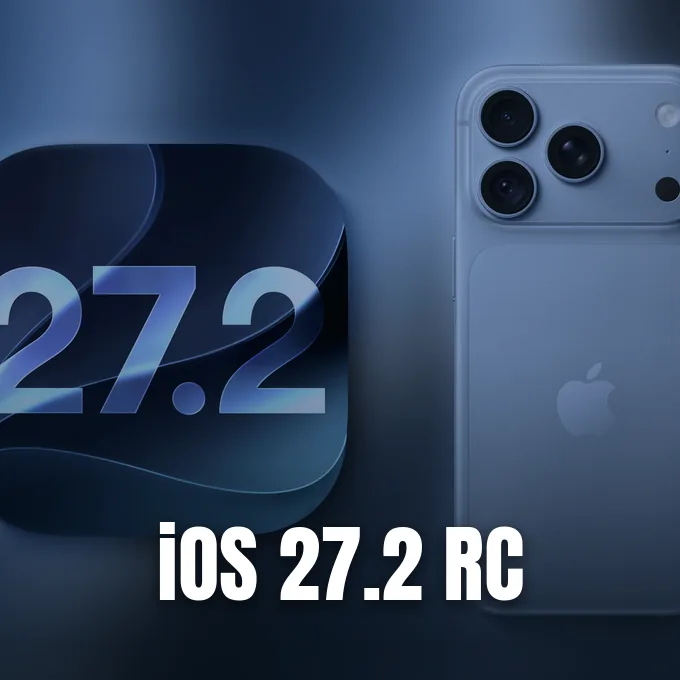
Software compatibility remains closely tied to recent operating system releases across Apple platforms. The company previously issued its iOS 27 update to introduce new system tools, followed by the iOS 27.2 RC developer seed to refine upcoming features. Developers must compile against the iOS 27 or iOS 27.1 software kits to unlock flexible window scaling. As more teams update their builds in the coming weeks, folding screen owners will see smoother transitions across both screens [3].
- ONLINE NEWS Clover, J. (2026, October 22). Apple’s iWork Apps Get ‘Intelligent Assistant’ and iPhone Duo Support. MacRumors. [Article Link]
- ONLINE NEWS Clover, J. (2026, October 22). Apple Updates More Apps With iPhone Duo Support. MacRumors. [Article Link]
- ONLINE NEWS Rossignol, J. (2026, October 22). Apple Reveals More Than 50 Apps That Will Be Updated for iPhone Duo. MacRumors. [Article Link]
- ONLINE NEWS Lovejoy, B. (2026, October 22). Apple says developers are showing ‘incredible’ support for the iPhone Duo. 9to5Mac. [Article Link]


