





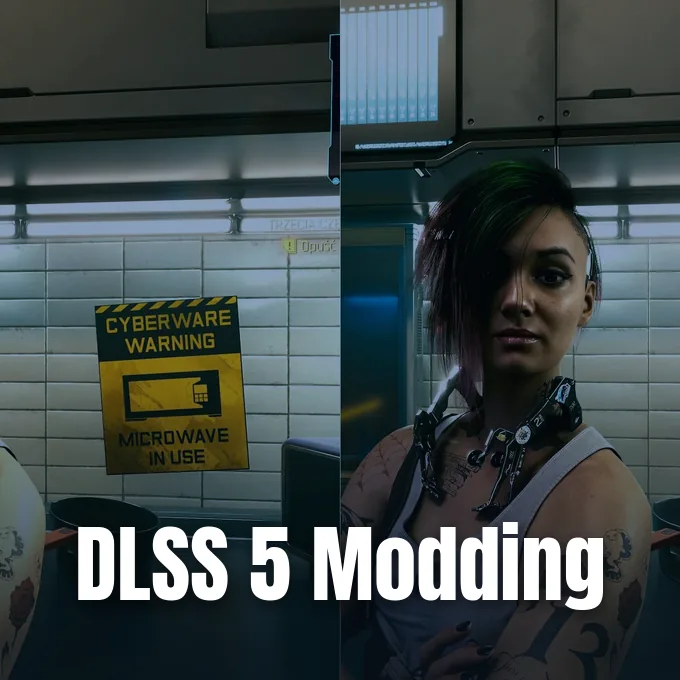
PC modders moved fast after the latest gaming update. They extracted an updated neural rendering runtime from NBA 2K27 to run the latest NVIDIA DLSS 5 model in unsupported PC titles and older graphics hardware, replacing the earlier 310.8 release with a smaller neural network file. That change cuts memory demand and speeds up per-frame processing on GeForce RTX cards, with early community testing in Forza Horizon 6 showing frame rate gains of up to 40 percent without sacrificing visual clarity [1].
Updated NVIDIA DLSS 5 Files
NVIDIA introduced its neural rendering technology on September 3, 2026, targeting GeForce RTX 50 cards with AI models designed to re-light scene materials and skin tones without relying on classic game shaders [2]. Wccftech writer Sebastian Castellanos noted that early testers found the initial release imposed heavy rendering costs before the RTX Spark platform launch [1].
Modder Renan Maniero spotted that the latest patch for NBA 2K27 shipped with a fresh library named nvngx_dlssnr.dll. It carries version number 310.9.16.0 to replace older builds. According to NVIDIA, the updated model cuts overall file size by 24 percent, lowers video memory use by 20 percent at 4K resolution, and doubles neural rendering speeds during active frame creation passes. Those gains were planned to lift game speeds in official builds, but community modders moved quickly to verify whether those claims held up outside basketball titles on PC storefronts like Steam. They loaded the DLL into custom tools to test the code on hardware NVIDIA had not officially validated yet [1].
Programmers confirmed that older GeForce RTX 20, 30, and 40 series graphics cards can run the updated weights without throwing driver errors or crashing game engines [1]. Official support remains tied to newer hardware from NVIDIA. That leaves millions of PC players reliant on community tools to test NVIDIA DLSS 5 on their current GeForce rigs without buying new gear [2]. Enthusiasts tracking machine learning tools like the LevinAI developer vibe coding system see this release as proof that neural models can become far lighter over time [1].
NVIDIA DLSS 5 Benchmark Results
Independent benchmark runs produced noticeable frame rate jumps across games. An X user named Gaming Optimized tested NVIDIA DLSS 5 in Forza Horizon 6 on an RTX 4060, keeping identical graphics settings with full model detail and 100 percent effect intensity throughout the test session [1].
The mid-range card delivered nearly 40 percent higher frame rates without any clear loss in overall visual sharpness. The speed gains were not limited to a single racing title. A second community comparison in Resident Evil Requiem showed a 30 percent speed gain under the same testing parameters, confirming consistent gains across distinct game engines. Testers didn’t report visual artifacts or distorted textures while driving or exploring dark environments in either title. For budget GeForce cards with 8GB of VRAM, the 20 percent drop in memory consumption helped prevent memory bottlenecks that previously caused stuttering during fast camera movements, keeping frame pacing smooth and responsive during long play sessions [1].
Higher-end hardware saw comparable gains when pushing heavy visual workloads at native 4K, proving that frame rate isn’t bottlenecked by the new design. Community tester Detro tested the 310.9.16.0 DLL on an RTX 4080 SUPER system running full path tracing, DLSS Super Resolution set to Performance mode, and 4x modded Multi Frame Generation through custom community tool setups. Under those demanding settings, frame output rose from 108 FPS to 150 FPS, which equals a 39 percent speed boost over the older code while keeping render latency under control [1].

Preset Choices and Visual Changes
Speed is not the only gain in this build. The updated library introduces structural changes to how neural rendering handles internal presets and light calculation passes. As detailed by Renan Maniero, the 310.9.16.0 DLL includes two built-in configurations labeled Preset A and Preset B for runtime execution inside game folders [1].
Preset A corresponds to the legacy 310.8 neural network, keeping the heavier rendering pass for players who want to compare visual fidelity or conduct baseline benchmarking runs. Preset B activates the new optimized design by default in the modded runtime. These internal profiles operate separately from standard DLSS frame generation presets and focus on how the neural network calculates secondary light bounces and ambient shadows. Detro said that Preset B produces slightly softer color gradients and a gentler lighting pass, yielding an image that looks far more natural in dark scenes without the excessive contrast that bothered players in the initial release [1].
Testers observed that Preset B reduces haloing around character silhouettes and smooths out specular reflections on shiny metallic surfaces without washing out subtle environmental textures. It doesn’t blur fine scenery details, but it stops the AI from over-sharpening complex human skin tones [1]. Similar advancements in neural upscaling continue in the gaming industry, much like Sony’s QSSR AI upscaling update that brought machine learning reconstruction to base PlayStation 5 consoles without needing any physical hardware revisions [2].
Community Injection Utilities
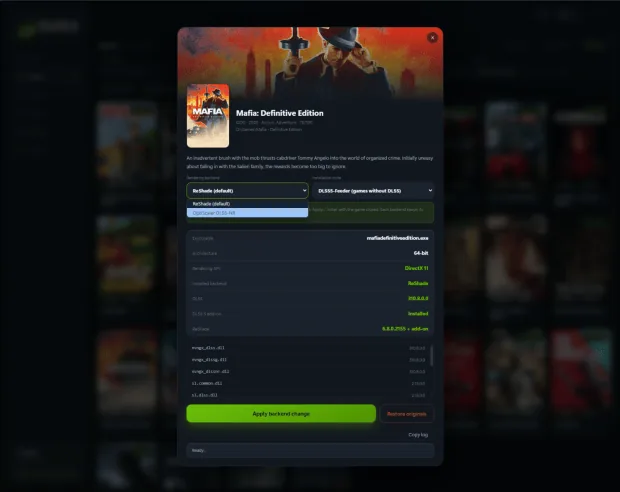
Injecting NVIDIA DLSS 5 into games that lack official integration relies on community utilities that route motion vectors and depth buffers into the neural network runtime. One widely used program is DLSS 5 Swapper, an open-source Windows utility hosted on GitHub that automates file swapping across installed libraries [3].
The swapper scans local game folders and detects graphics APIs from DirectX 9 through DirectX 12, Vulkan, and OpenGL backends. It can also inject neural rendering into emulators like DuckStation, PCSX2, Dolphin, PPSSPP, and Xenia, extending modern lighting to classic titles. The tool relies on the DLSS5-Feeder component by jlrouzies-fr with ReShade to supply required depth buffers and motion data [3].
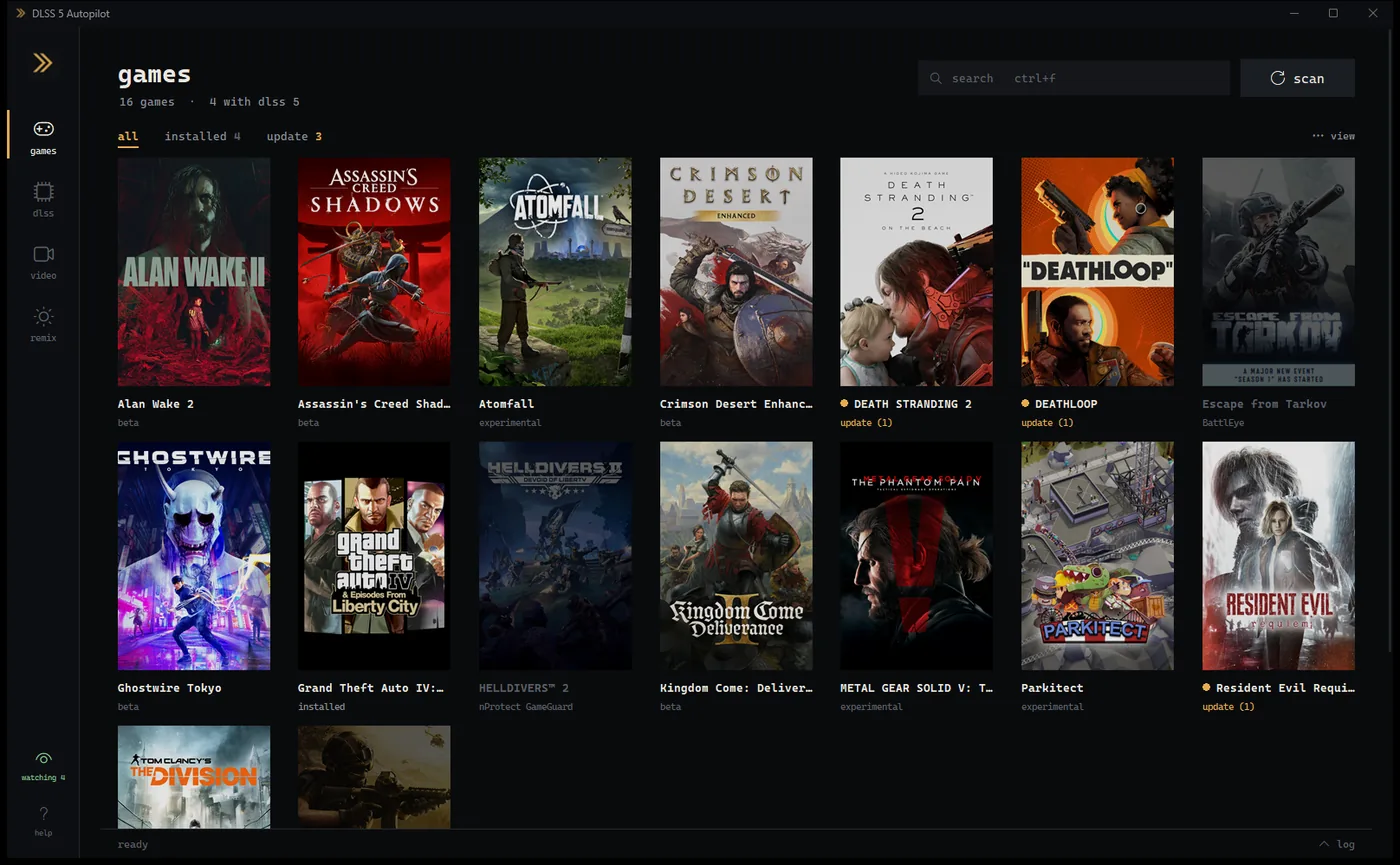
Another versatile alternative is DLSS5-Autopilot, an automated tool by GitHub programmer Kizzuwatnaa. It scans game directories from Steam, Epic, and GOG across local drives. The utility inspects the game executable and selects one of eight injection routes, ranging from native RenoDX hooks by Krish for DirectX 12 to the OptiScaler fork by Dagherbou for DirectX 11. It doesn’t bundle proprietary binaries, fetching required components from original publishers at runtime before applying user settings or rolling back changes with a single click [4].
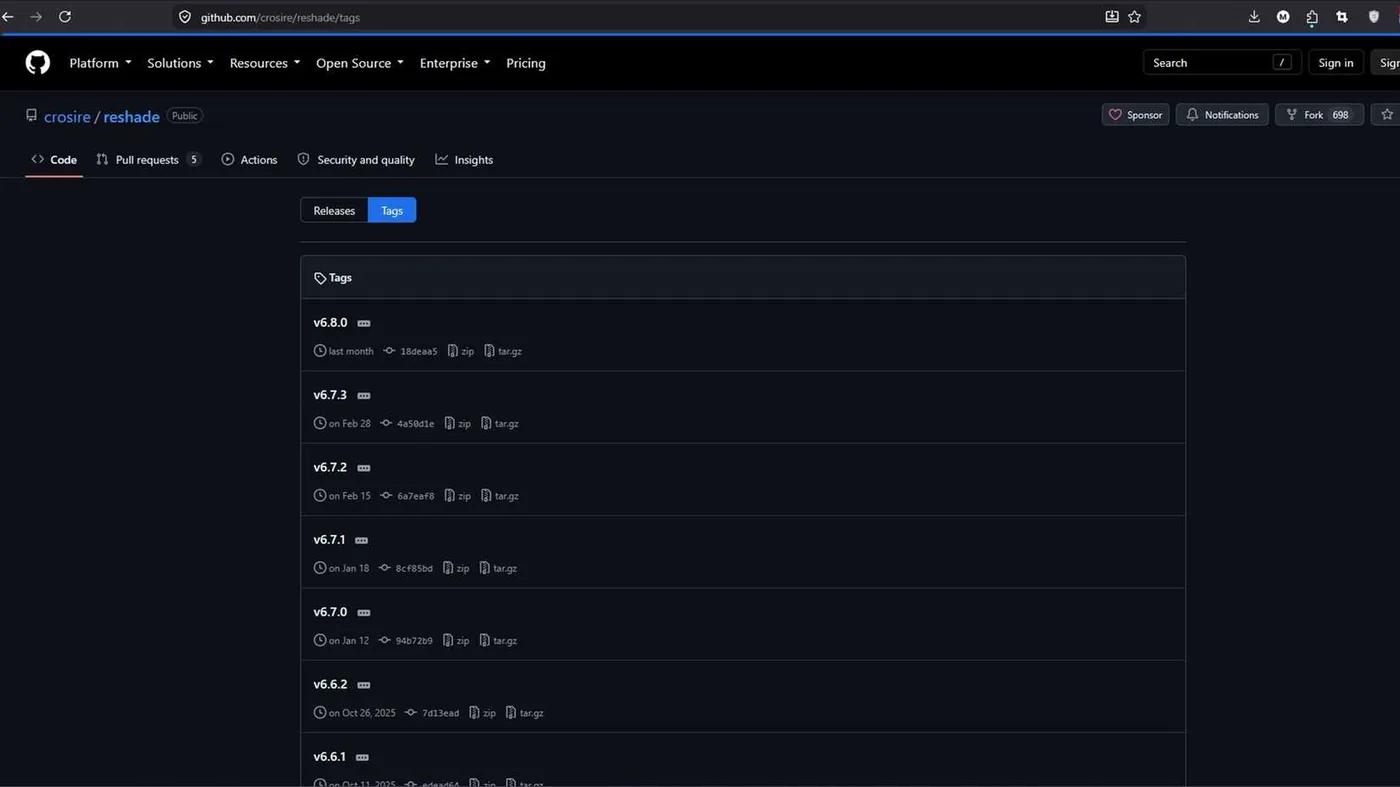
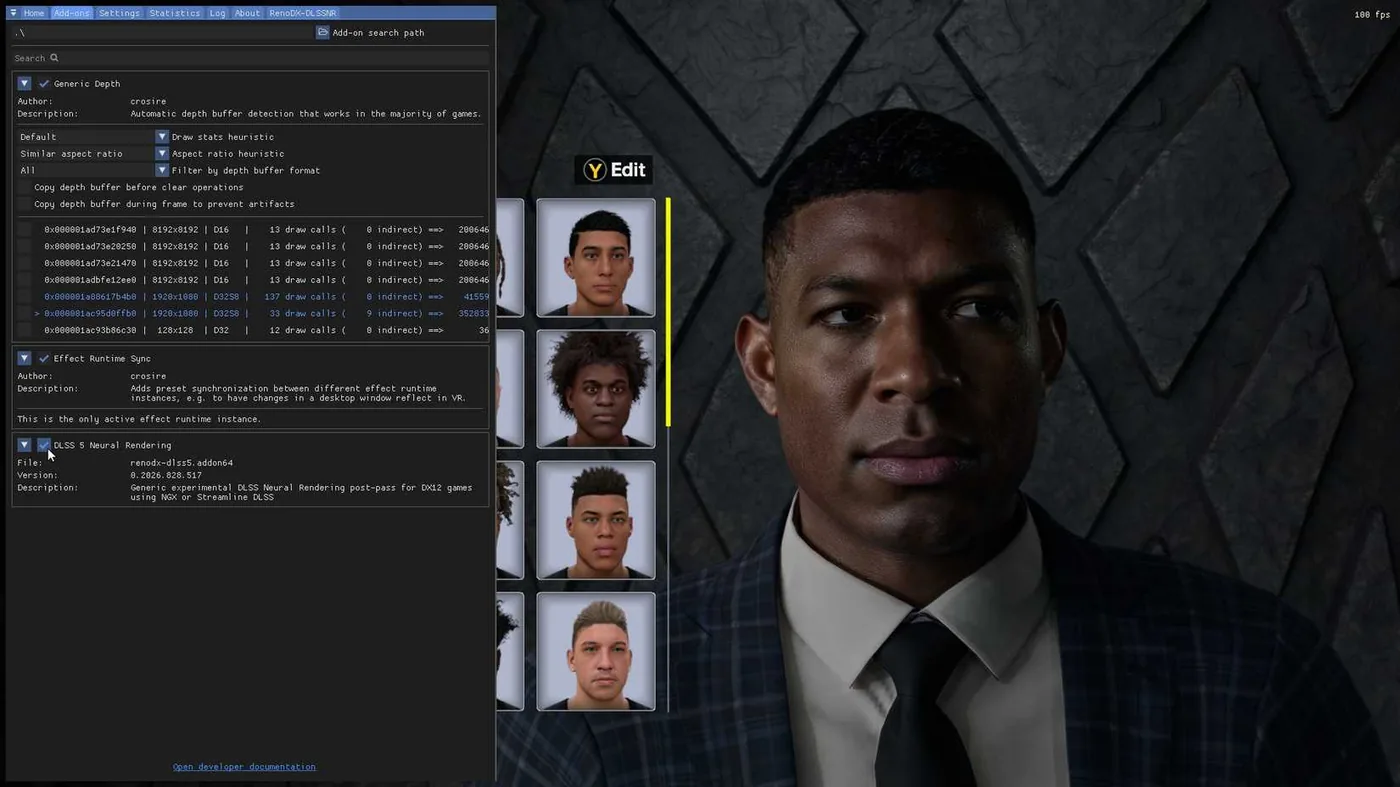
Players who prefer manual installation can follow the guide by Mehrdad Khayyat on GameRant, configuring ReShade with RenoDX by placing the `.addon64` file and modified DLL into the game folder. Pressing the Home key in-game opens the configuration overlay, where users can toggle neural rendering on or off under the AddOn tab [2].
Compatibility and Anti-Cheat Risks
Modding neural rendering into unsupported titles involves real technical and security trade-offs. Tbreak Media UAE editor Mufaddal Fakhruddin pointed out that neither NVIDIA nor game studios endorse community DLL replacement for consumer graphics pipelines. That means routine game updates or driver revisions can break custom setups without warning, requiring players to restore their original files from backup copies [3].
The most serious danger involves multiplayer titles protected by automated anti-cheat software, where modifying DLL files in directories for games like Call of Duty or Fortnite can trigger instant account penalties. Anti-cheat engines continuously scan running game processes and memory signatures in the background. They can’t tell the difference between a visual enhancement mod and a malicious competitive cheat. Mod authors and community guides repeatedly stress that players won’t be protected from permanent bans if they run custom DLL tools while connecting to official online multiplayer lobbies or ranked matchmaking servers [2]. Enthusiasts should keep these rendering experiments confined to offline single-player games to avoid unnecessary account loss [3].
Hardware demands also need careful management on budget GPUs with limited memory bandwidth and compute units. GameRant recommends enabling frame generation where supported to compensate for the computational overhead that neural lighting passes introduce on systems that struggle to maintain sixty frames per second [2]. As developers refine tools like OptiScaler and DLSS5-Feeder, faster neural rendering models show that NVIDIA DLSS 5 can evolve quickly through grassroots software tuning without waiting for maker updates [1].
- ONLINE NEWS Castellanos, S. (2026, October 16). NVIDIA’s Faster DLSS 5 Neural Rendering Model Already Modded Into Unsupported Games, Delivers Up To 40% Higher FPS. Wccftech. [Article Link]
- ONLINE NEWS Khayyat, M. (2026, September 1). How to Install DLSS 5 (Mod). GameRant. [Article Link]
- ONLINE NEWS Fakhruddin, M. (2026, September 5). How to Run DLSS 5 on Unsupported Games with DLSS 5 Swapper (Compatibility Risks). Tbreak Media UAE. [Article Link]
- WEBSITE Kizzuwatnaa. (2026, August 31). DLSS5-Autopilot: Puts DLSS 5 Neural Rendering into Games That Never Shipped It. GitHub. [Article Link]
- ONLINE NEWS HotHardware. (2026, October 16). How To Mod NVIDIA DLSS 5 Neural Rendering Into Unsupported Games Huge FPS Lift. [Article Link]
- WEBSITE TechPowerUp Forums. (2026). New DLSS 5 Swapper Tool Brings Neural Rendering to Games NVIDIA Never Supported. [Article Link]


2 comments