




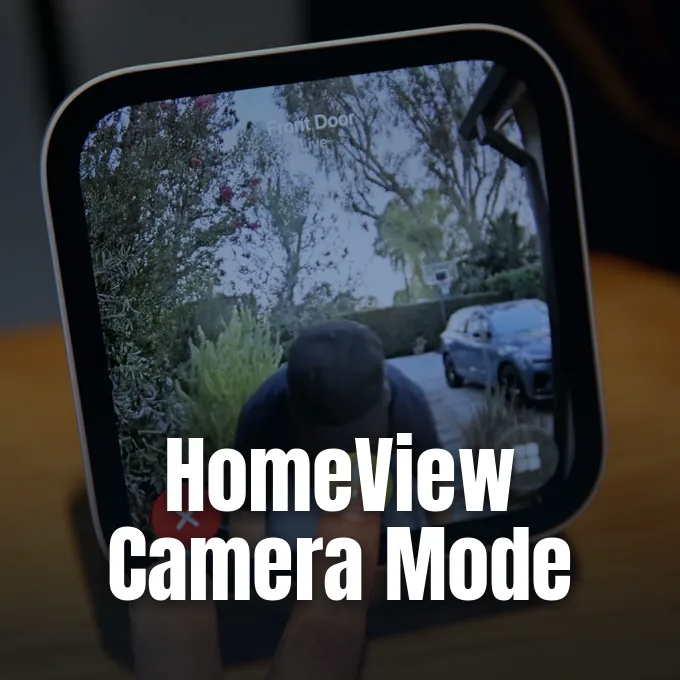
Apple’s upcoming smart display may double as a HomeView security camera hub through HomeKit Secure Video integration, according to software strings discovered by code sleuths in early system builds [2]. The findings reveal an unannounced camera surveillance mode complete with motion alerts, recording rules, and on-screen privacy safeguards designed for shared living rooms [3]. Apple introduced the device on October 13 without detailing these security features, but the operating system already includes the complete setup interface [5].
Software Strings Uncover Unannounced Capabilities
Reddit user pdfu discovered the hidden functionality inside the Settings app bundles of HomeView Software 27.2, as reported by Terrence O’Brien at The Verge and Shalom Levytam at Iclarified [2, 4]. A configuration screen uncovered within the code tells users: “Your HomeView can be used as a security camera with HomeKit Secure Video.” That discovery indicates that owners can use the built-in optics to stream live feeds and archive motion clips directly to iCloud storage accounts, managing activity zones on Apple devices [3]. Apple announced the display with the LG Video Doorbell and several third-party sensors during its October keynote, but it kept these local camera functions quiet [1].
The discovery surfaced shortly after Apple launched the HomeView smart display as a 7-inch countertop and wall-mounted screen for household management. Public keynote presentations focused on music, widgets, and FaceTime calls, but omitted any mention of room monitoring. Apple did not confirm the leak [2].
That quiet preparation matches how Apple approaches connected home hardware, where privacy audits often delay tools that handle video or microphone inputs [2]. Apple hasn’t issued a statement clarifying whether the mode will ship on day one, leaving open the possibility of a delayed arrival through an upcoming HomeView Software 27.2 update [3]. Framework files are already in place [4].
Four HomeView Security Camera Operating Modes
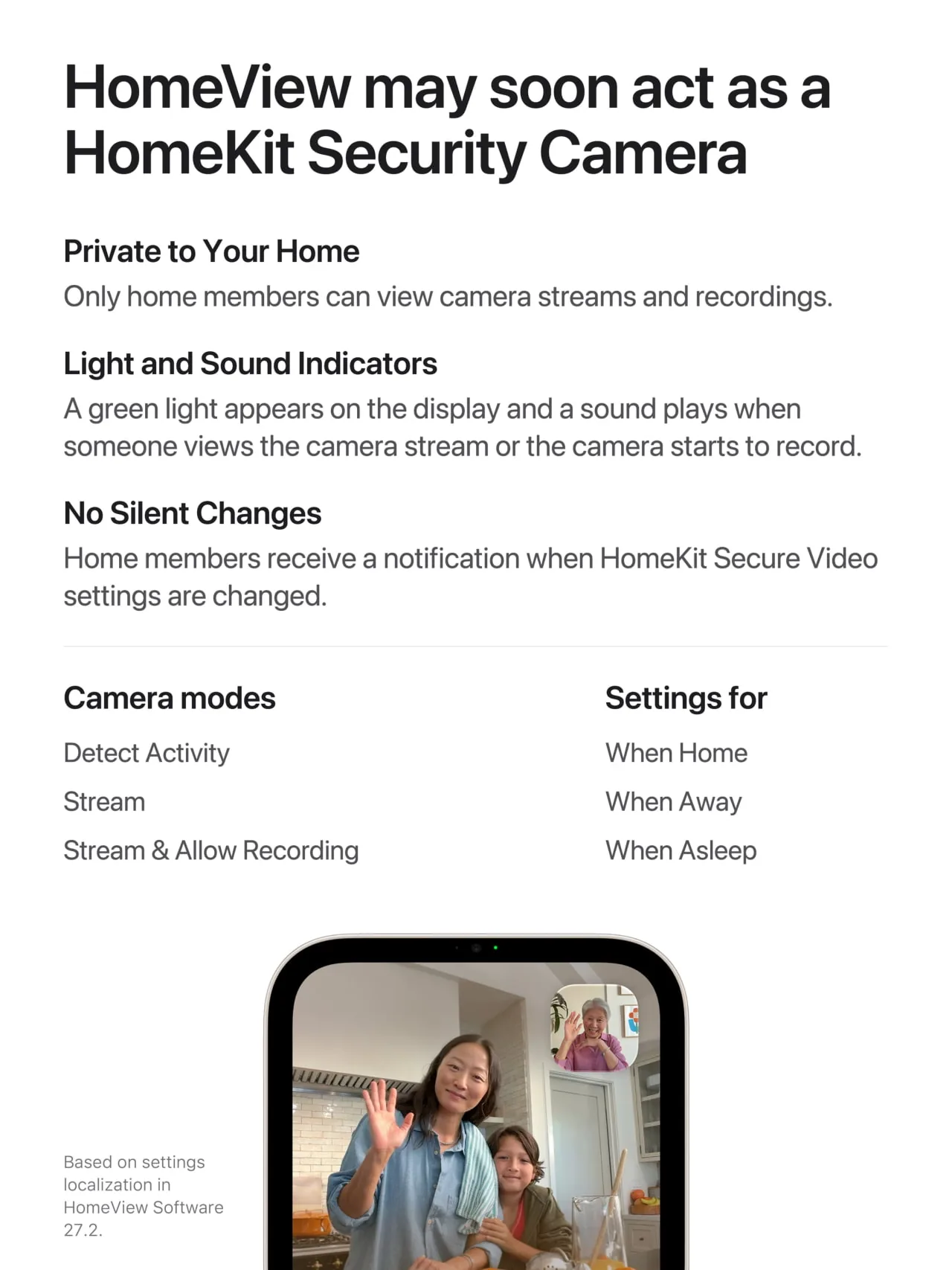
Code in HomeView Software 27.2 organizes the HomeView security camera system into four distinct operating modes that let people adjust how much monitoring occurs throughout the day, ranging from turning security tools off completely to enabling simultaneous live streaming and cloud clip recording [3]. Users can also run motion detection without streaming or saving video, or stream real-time footage without saving recordings [4]. These tiers mirror existing HomeKit Secure Video options [3].
To handle daily routines, HomeKit Secure Video links these four modes to three specific household states: When Home, When Away, and When Asleep [3]. The first two states rely on location data from family members’ connected iPhone and Apple Watch hardware to decide whether anyone is indoors [4].
The third setting, When Asleep, introduces an overnight monitoring layer that isn’t present on older smart home equipment. Discovered strings leave it unclear how HomeView confirms that occupants are asleep, but personal Apple device routines could assist the process [3]. Homeowners can also set up custom Activity Zones and facial recognition through the Home app on iPhone, letting Apple HomeView ignore pet movement and alert residents to unfamiliar visitors. Unrecognized visitors trigger instant iPhone notifications [4].



Hardware Specifications and Sensor Details
HomeView’s monitoring features rely on hardware built around an Apple A18 chip and a 7-inch Liquid Retina touchscreen with True Tone support [5]. The display carries a front-facing 12MP Center Stage camera, which Apple showcased for FaceTime video chats and Siri interactions [3, 6].
Additional details about the optical package emerged when sleuth pdfu examined early code within the release candidate build of macOS 26.7, as reported by Hannes Brecher for Notebookcheck. Those findings revealed an 11.3-megapixel Sony IMX614 RGB sensor capable of capturing still images at 3,744 × 3,024 pixels and recording video at 30 or 60 frames per second, though the unit omits an infrared Face ID dot projector for user depth calculations. It can, however, differentiate faces and identify common household pets using local machine learning on the Apple A18 processor [6]. Because the screen sits out in open rooms, this wide lens captures a broad view across living areas and kitchens [5].
The camera can also evaluate ambient light sources by tracking their brightness and color temperature, helping connected bulbs match room lighting automatically [6]. Earlier leaks showed that Apple and LG smart home hardware surfaced in FCC filings, preparing the ground for an ecosystem of paired sensors and cameras [1]. Apple HomeView coordinates up to four nearby compatible devices [6].
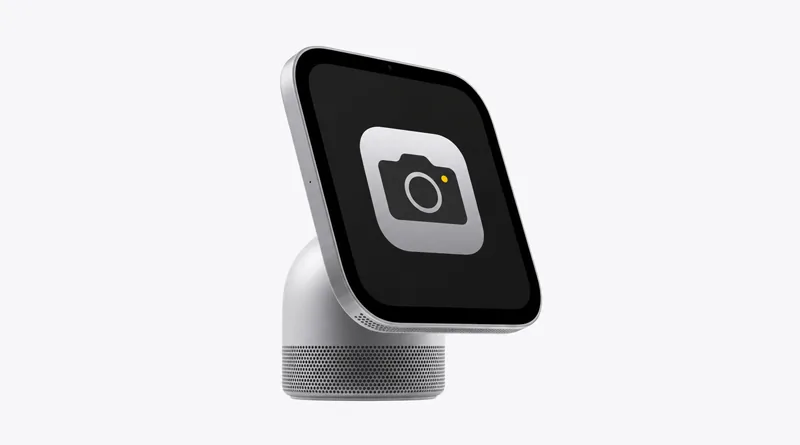
Privacy Safeguards for HomeView Security Camera Use
Because a countertop smart hub sits in common family rooms rather than tucked under an outdoor eave, Apple designed explicit safeguards to make HomeView security camera recording obvious to everyone nearby, including an on-screen green indicator light and an audible chime [3]. Settings strings show that whenever someone views the live stream or when video recording begins, HomeView lights up a bright green indicator on its front display and sounds an audible chime [2]. Furthermore, any adjustment to security settings immediately sends a push notification to every household member’s iPhone under a protection rule labeled No Silent Changes [3].
To avoid unauthorized surveillance by household administrators, Apple added a strict physical access rule into the firmware [3]. Turning on live streaming and video recording when occupants are detected at home can only be done directly on the physical HomeView screen, not through remote apps on an iPhone [4].
Software strings associated with Apple’s internal identifier, codenamed J490, indicate another privacy detail regarding live previews. The display will occasionally snap a still photo to refresh thumbnail previews when someone opens the Home app on an iPhone, triggering the green indicator light during the capture [3]. Protections keep footage encrypted in iCloud, but placing an active lens in bedrooms requires mutual household trust [5].
Launch Pricing and Cloud Storage Plans
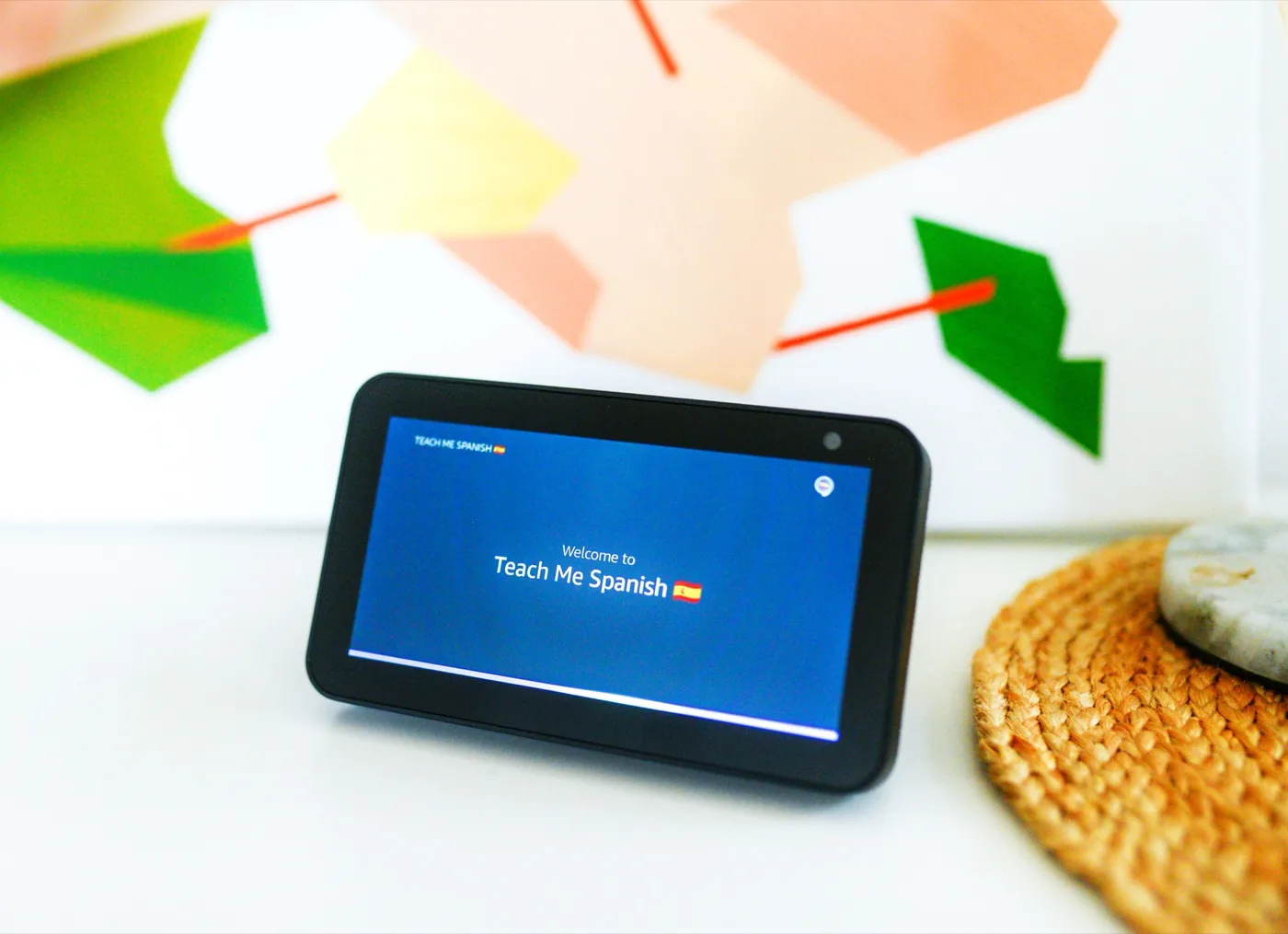
Apple scheduled HomeView to launch on November 13, 2026, giving consumers a choice between tabletop and wall-mounted configurations [4]. Bloomberg reported ahead of Apple’s October event that HomeView would serve as the central announcement, positioning it against smart displays like Amazon’s Echo Show 8, which sells for $199 on Amazon [6]. Both Apple HomeView models sell for $299 in the United States, with Amazon opening pre-orders for the tabletop version ahead of November 13 retail delivery [4].
Saving security clips to the cloud depends on an iCloud+ subscription, as HomeKit Secure Video does not support local storage drives. Under Apple’s current storage tiers, the 50GB plan covers a single camera feed, the 200GB plan expands capacity to five cameras, and the 2TB plan allows unlimited cameras across the property without counting recorded footage against a subscriber’s personal storage allowance. Recorded video stays stored for ten days. Household members can review timeline recordings or download clips from any signed-in Apple device without paying separate third-party camera subscription fees [5].
Whether Apple enables these HomeView security camera tools right away on November 13 or holds them for a later software update remains unconfirmed [2]. The company hasn’t commented on the software strings found by sleuths, suggesting it could wait for additional testing before flipping the switch [3]. Both models launch on November 13 [4].
- ONLINE NEWS AppleInsider. (2026, November 1). HomeView can behave like a HomeKit security camera. [Article Link]
- ONLINE NEWS O’Brien, T. (2026, November 1). Apple’s HomeView could add security camera features. The Verge. [Article Link]
- ONLINE NEWS The Editor. (2026, November 1). Apple HomeView’s built-in camera could double as a security camera. Homekit News and Reviews. [Article Link]
- ONLINE NEWS Levytam, S. (2026, November 1). Apple HomeView could double as a HomeKit security camera. Iclarified. [Article Link]
- ONLINE NEWS LegalTech Digest. (2026, November 1). Apple’s HomeView hub could add security camera functions. [Article Link]
- ONLINE NEWS Brecher, H. (2026, October 13). Apple HomeView: Leak reveals camera specs and features, hours before launch. Notebookcheck. [Article Link]


