





Windows 7 now runs modern graphics hardware through an unofficial community mod. The software project, called WDDM2Win7, backports core display driver architecture from Windows 10 to bring Windows 7 DirectX 12 and Vulkan 1.4 capabilities to an operating system that Microsoft retired years ago [1]. Enthusiasts EAZY BLACK, kryptik, and VisualEhrmanntraut developed the package to help legacy PC owners keep older desktop environments working with modern hardware [3]. Available through the W7Revived platform, the project pairs modified graphics drivers with system libraries to support recent GPUs from Nvidia, AMD, and Intel on an operating system first launched in 2009 [1].
How the WDDM2Win7 Backport Works
Microsoft launched Windows 7 in 2009 as the successor to Windows Vista. The company built the platform around version 1.1 of the Windows Display Driver Model (WDDM) to manage how desktop windows and graphics adapters exchange rendering commands [1]. That architecture served PC gaming reliably for years, but modern graphical software eventually required memory management and scheduling capabilities that WDDM 1.1 could never deliver [3].
Microsoft introduced WDDM 2.0 with Windows 10 in 2015 and later delivered WDDM 2.2 with the 2017 Creators Update, changing how graphics drivers allocate video memory and schedule parallel computing tasks for modern graphics processors [1]. Stock Windows 7 installations cannot run those drivers [3]. To bridge that architectural gap, developers EAZY BLACK, kryptik, and VisualEhrmanntraut extracted core driver management files from Windows 10 and adapted them so that modified INF files install cleanly inside the older Windows 7 kernel [1]. The backport provides the driver execution environment that newer hardware expects [3].
Windows archivist Bob Pony tracked early project milestones on X. Screenshots published by Bob Pony show that modified WDDM2Win7 system libraries load properly during boot without crashing the Windows 7 desktop window manager [1]. The development team hosts installation packages on the W7Revived website, allowing PC tinkerers to test modern GPU drivers on older Microsoft operating systems [3].
Windows 7 DirectX 12 Hardware Support
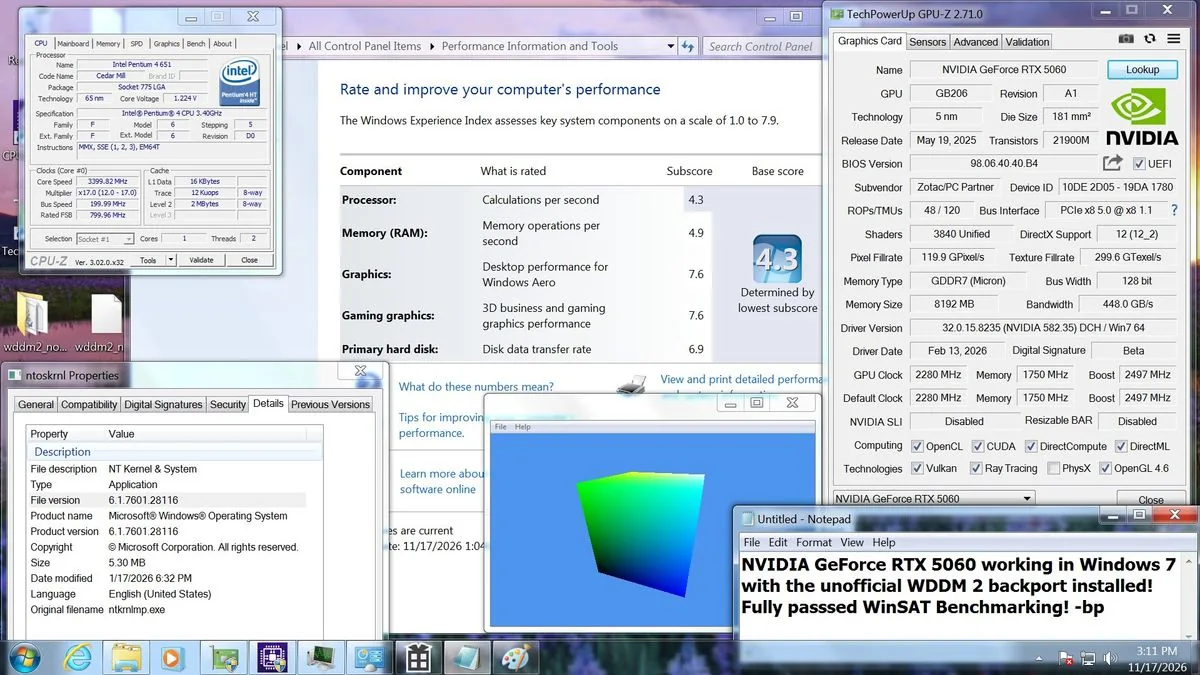
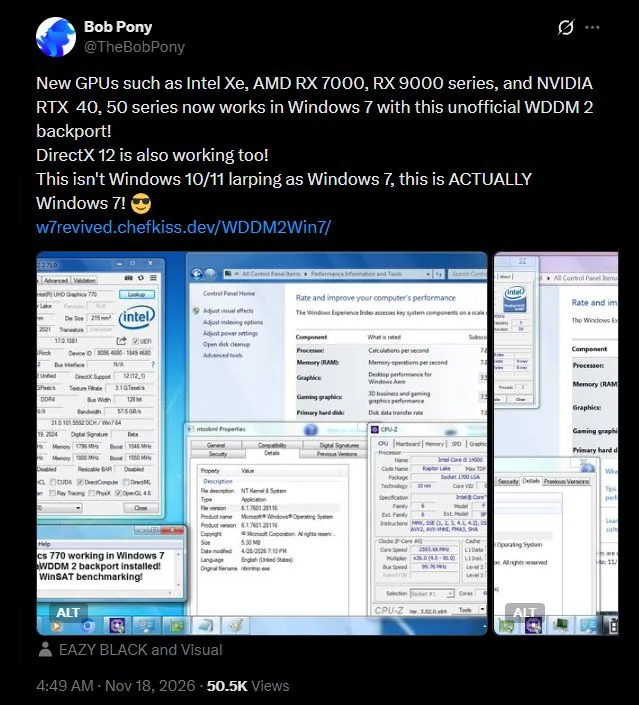
The backport unlocks hardware compatibility for graphics processors that never received official Windows 7 support from hardware vendors. Community posts from Bob Pony confirm that the modified driver stack recognizes Nvidia GeForce RTX 40 series and GeForce RTX 50 series cards [1]. AMD Radeon RX 7000 and Radeon RX 9000 graphics cards also function under the modified driver package, and select Intel Arc graphics adapters work as well [3].
Testers in the modding community shared pictures of desktop systems running an Nvidia GeForce RTX 4090 and an AMD Radeon RX 9060 XT with modified drivers [3]. Diagnostic utilities like GPU-Z identify these modern cards correctly under Windows 7. Instead of flagging an unknown VGA device, GPU-Z displays accurate GPU core designations, clock speeds, memory capacities, and PCIe bus interfaces. The WDDM2Win7 project also helps older hardware, including Nvidia GeForce RTX 30 series and AMD Radeon RX 6000 series cards, which lost driver updates when Nvidia and AMD halted Windows 7 support [1]. That extended support protects older hardware investments [3].
Hardware recognition in diagnostic software is only the first hurdle. Early community testing indicates that Windows 7 DirectX 12 configurations can launch newer 3D titles that previously refused to start due to missing driver model calls [3]. However, actual gameplay stability remains variable depending on the specific graphics card model, driver revision, and game engine implementation [1].

System-Wide Features and Compatibility Layers
Microsoft previously delivered a limited DirectX 12 runtime to Windows 7 in 2019 [1]. That official Microsoft update only enabled select game titles, forcing game studios to bundle custom runtime libraries directly with individual game binaries rather than upgrading the underlying operating system. It never provided universal hardware support [3].
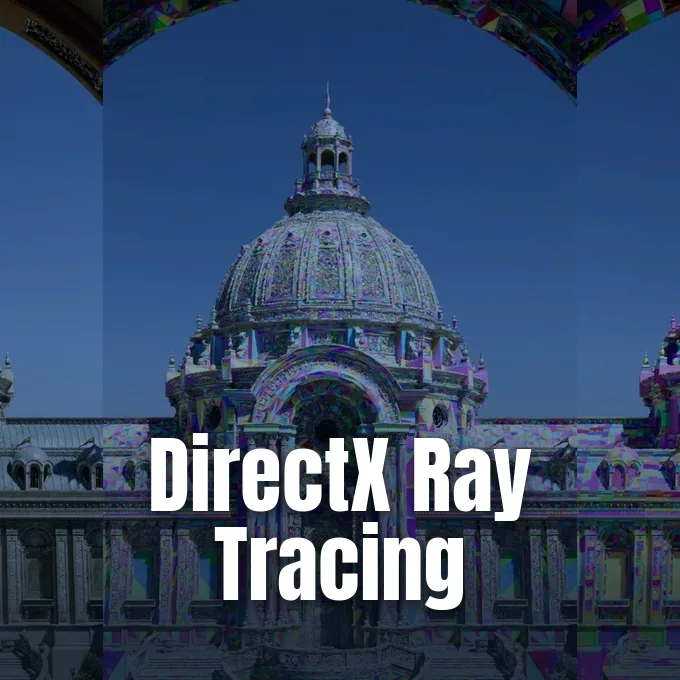
The WDDM2Win7 project updates the system driver architecture itself. By modifying the underlying driver model, the community software makes modern graphics capabilities available across the entire operating system rather than restricting features to specific patched games [3]. The project also includes functional Vulkan 1.4 support. That support helps players run modern gaming titles that rely on cross-platform rendering pipelines, building directly on how the Vulkan API provides low-level control over graphics hardware across diverse operating systems and modern computing environments. Project contributors also report working ray tracing and DLSS. Both Nvidia ray tracing and Deep Learning Super Sampling depend on advanced driver communication channels that original Windows 7 libraries never included when Microsoft shipped the operating system with WDDM 1.1 in 2009 [1].
Users can also combine WDDM2Win7 with VxKex, an open-source compatibility layer built for legacy Windows platforms [1]. VxKex wraps newer Windows 10 and Windows 11 application programming interfaces, allowing recent PC software to execute on older Windows NT kernels. Pairing modified display drivers with VxKex API translation lets enthusiasts launch newer games that would otherwise crash during startup on Windows 7 [3].
Performance Benchmarks and System Security
Enthusiasts continue to support Windows 7 because the platform combines a responsive desktop interface with low background memory consumption. Kunal Khullar of Tom’s Hardware noted that Windows 7 provided “a familiar interface, solid performance, and a straightforward desktop experience” that PC builders still appreciate [1]. Many gamers value that lightweight environment.
To see how the vintage operating system compares against modern platforms, Tom’s Hardware benchmarked Windows 7 against Windows 11 on a high-end test computer. The test rig featured an AMD Ryzen 7 9800X3D processor, an AMD Radeon RX 6950 XT graphics card, and 64GB of DDR5 memory. The benchmark suite examined eight DirectX 11 titles and two DirectX 9 games. In those benchmarks, Windows 7 produced higher average frame rates in CPU-bound gaming scenarios and delivered stronger 1% low frame metrics across several tested titles [1]. Enthusiasts hope that pairing that low OS overhead with modern GPU drivers will yield tangible performance gains [3].
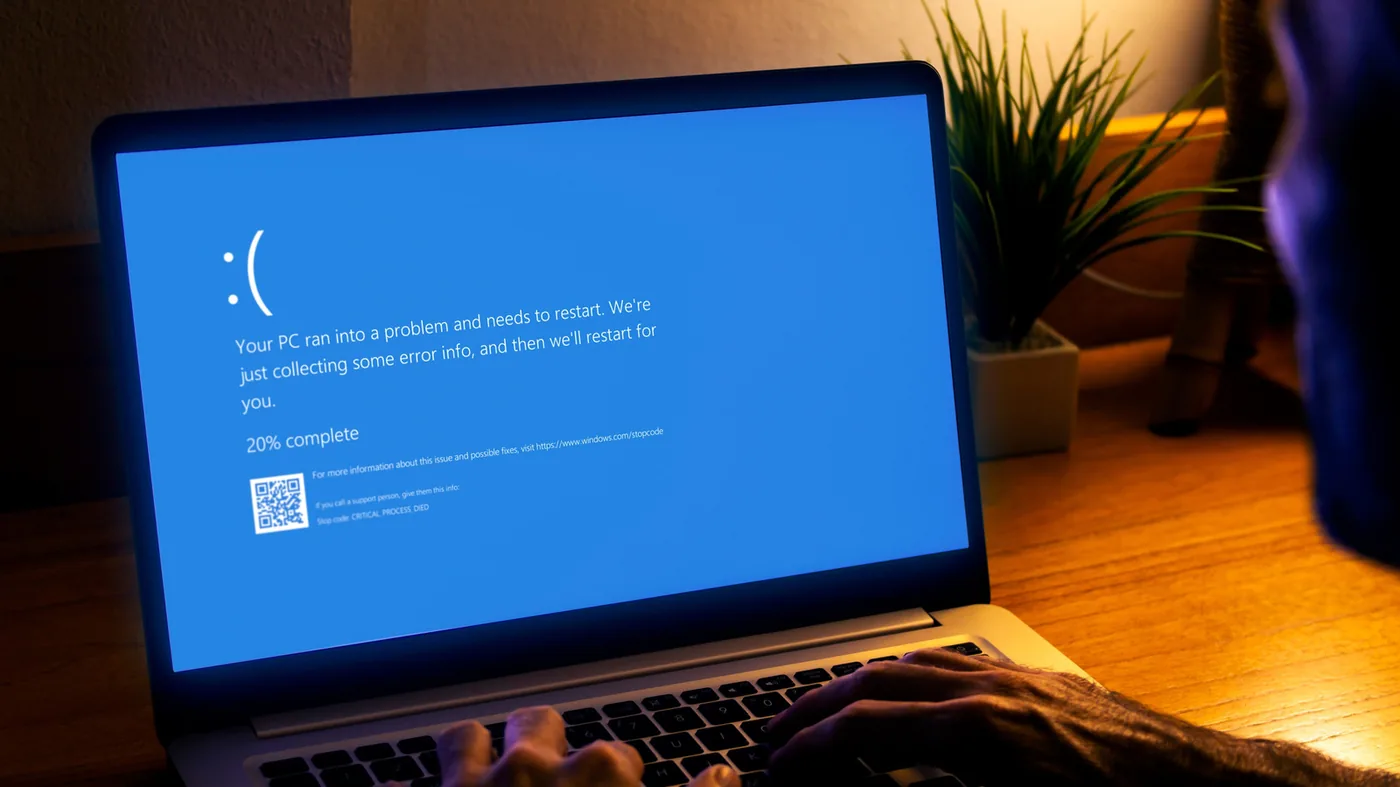
Despite encouraging benchmark numbers, running modified kernel drivers on an obsolete operating system introduces serious security and stability hazards. Microsoft ended extended security updates for Windows 7 years ago, leaving known operating system vulnerabilities permanently unpatched. Unsigned kernel-mode drivers operate with unrestricted system privileges, creating risks if an infected machine connects to the internet. Modern multiplayer games also deploy anti-cheat systems that inspect driver signatures and automatically ban modified driver binaries. Adam Fowler of The FPS Review emphasized that testing WDDM2Win7 belongs on a secondary storage drive as a technical preservation project rather than a primary gaming setup [3].
Windows 7 DirectX 12 Diagnostics and Tools
Users testing community driver modifications need reliable ways to inspect what display capabilities Windows 7 actually activates. Microsoft includes a built-in diagnostic program called DxDiag, or the DirectX Diagnostic Tool, which scans installed computer hardware, system libraries, and display driver components [2]. The utility provides a quick check for graphics configurations.
Launching the utility takes seconds. Users open the Windows Run dialog with the Windows + R keyboard shortcut, type “dxdiag”, and press Enter to access tabs for System, Display, Sound, and Input, where Vincent Arogya in Engadget noted that hardware details appear immediately. The Display tab details driver versions, Direct3D Acceleration status, device identifiers, and supported feature tiers like DirectX 12 Ultimate. Users can also review how the graphics industry approaches DirectX ray tracing memory optimizations, while checking the WHQL digital signatures box to confirm whether installed drivers hold official Microsoft certification [2]. Because WDDM2Win7 uses modified packages, it lacks WHQL certification [3].
The Notes section inside DxDiag helps identify device errors, but DxDiag cannot repair damaged graphics components on its own. If software crashes after installing modified drivers, standard recovery steps include verifying audio output devices in the Windows sound panel, testing updated driver packages, or executing the system file checker through an administrator command prompt with the “sfc /scannow” command [2]. For enthusiasts experimenting with Windows 7 DirectX 12 software, these diagnostic checks help catch driver conflicts before they disrupt system stability [3].
- ONLINE NEWS Khullar, K. (2026, November 22). 17-year-old Windows 7 gets unofficial DirectX 12 and Vulkan 1.4 support — enthusiasts bring Nvidia RTX 50, AMD RX 9000, and Intel Arc GPUs to the aging OS. Tom’s Hardware. [Article Link]
- ONLINE NEWS Arogya, V. (2026, November 21). This built-in windows tool can tell if your DirectX has a problem. Engadget. [Article Link]
- ONLINE NEWS Fowler, A. (2026, November 19). Windows 7 Refuses to Die as Modders Bring DirectX 12, Ray Tracing, and RTX 50 Support to a 17-Year-Old OS. The FPS Review. [Article Link]


