





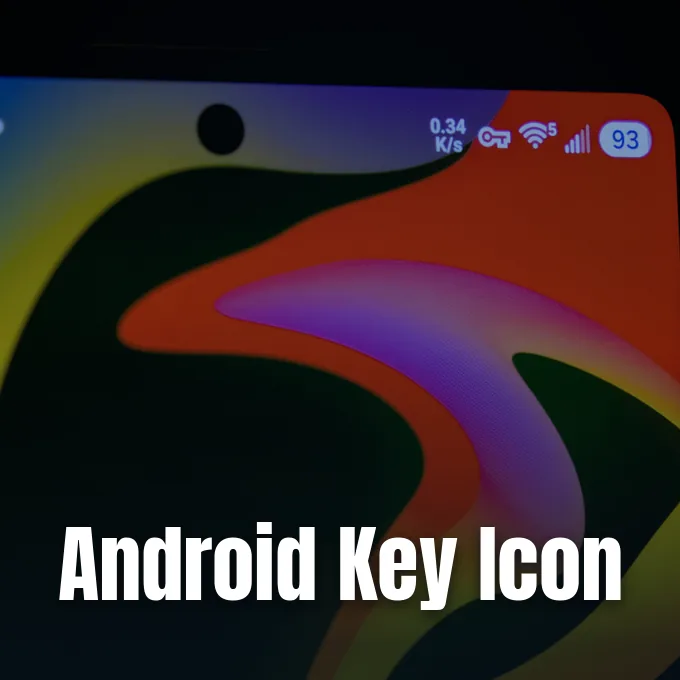
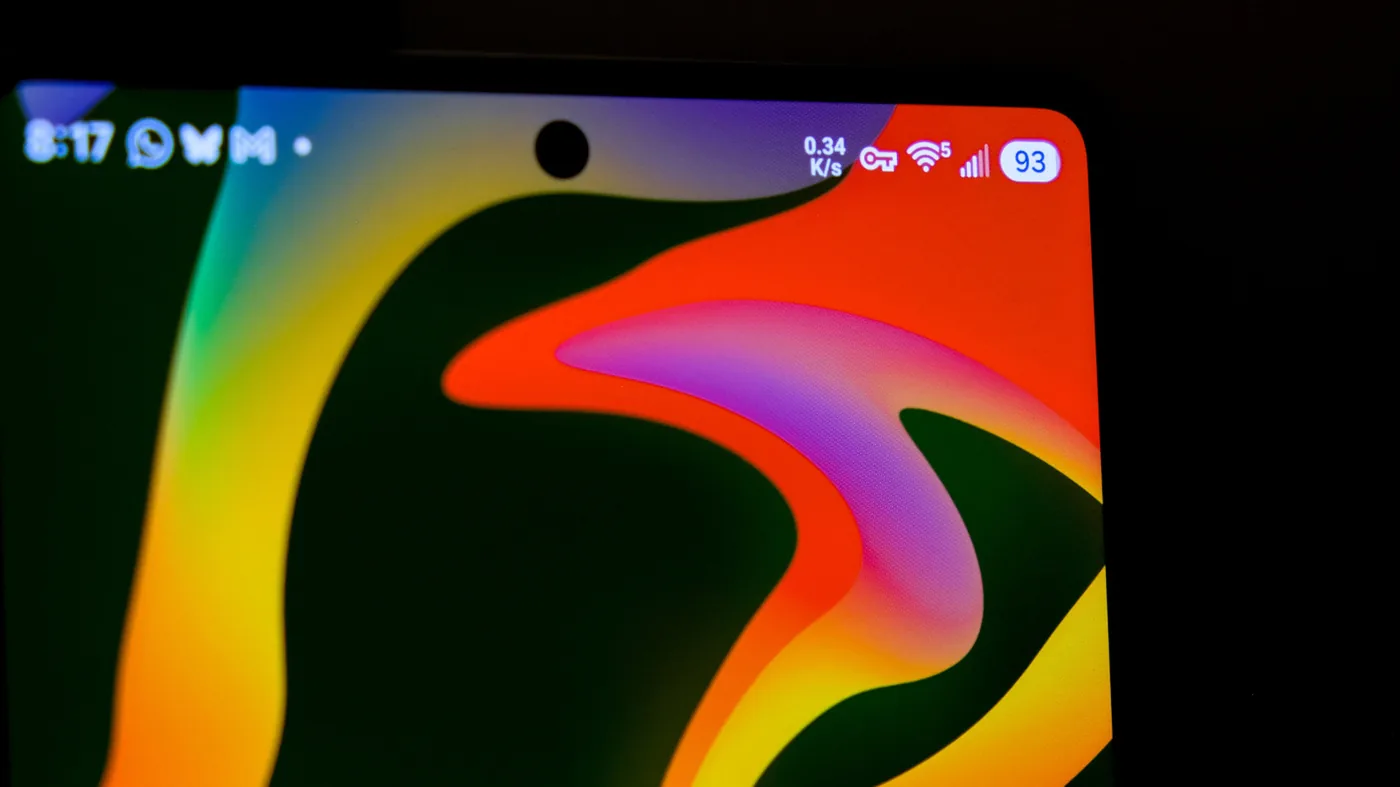
Engadget reporter Max Miller reported on November 22, 2026, that the Android key icon, an unusual symbol resembling a leftward-facing key with two teeth opposite its circular handle, indicates an active encrypted connection. Modern builds of the mobile operating system support virtual private networks at the core system level to shield web traffic from third parties. The small symbol informs users that their internet traffic is traveling securely, while its absence alerts them that their protection has broken [1].
Meaning of the Android Key Icon
The status bar display works as a safety check rather than a warning of system damage. Because Google treats active network tunneling as an important privacy state, most mobile devices offer no built-in software setting to hide the symbol while traffic stays protected. Samsung Galaxy handsets stand as the sole exception to this rule. Owners of those devices can clear the symbol from their display only by downloading the Good Lock suite from the Galaxy Store and turning off the indicator inside its QuickStar module [1].
Most handsets keep the symbol visible whenever tunnel software routes data, preventing background tools from redirecting packets without the owner noticing. If an individual does not want the icon taking up space, turning off the underlying client is the only option [1].
How to Disable Mobile VPN Services
Turning off the indicator requires stopping the tunnel application that generated it on the phone. When running a third-party tool, people can open the standalone client directly to shut off protection, or tap the disconnect option embedded within its persistent notification shade. On Google Pixel hardware and other devices running stock software, swiping down opens Quick Settings, where tapping the number beside the user profile icon at the bottom of the screen reveals running background tasks and presents a Stop button next to the active service [1]. Users searching for the Android VPN icon in system settings will find it managed under the primary network controls.
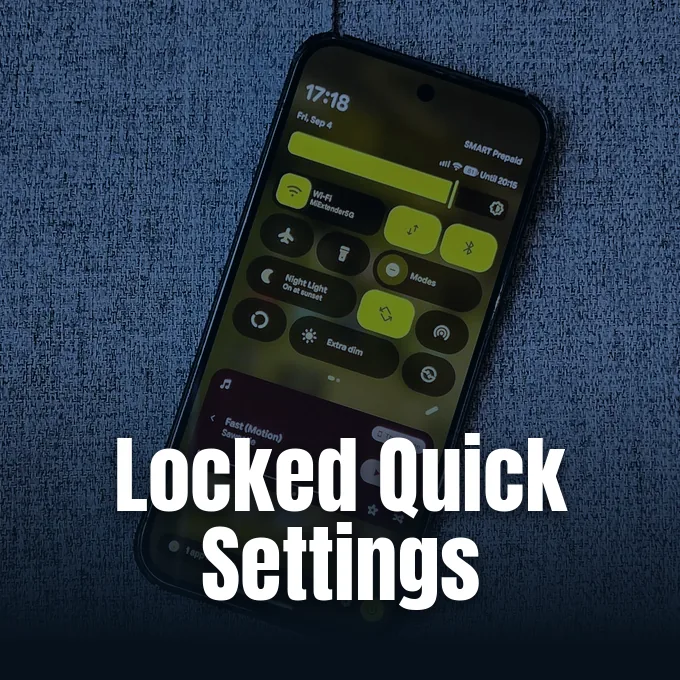
Users unsure of which tool handles their data can inspect system menus directly. Opening Settings and heading to Network & internet before choosing the VPN menu reveals every configured profile alongside a Connected status label [1]. Tapping a running service brings up the Disconnect choice, while tapping an idle one opens its app. Pixel owners swipe into Quick Settings to manage background apps, an interface area also examined when Android Canary 2609 locks Quick Settings on Pixel devices.
Samsung Galaxy devices organize these controls under a different path within One UI. Users open Settings, tap Connections, select More connection settings, and choose the VPN screen to view their profiles. A gear icon beside any listed profile opens advanced configuration settings, while a plus symbol in the top right corner lets advanced users configure manual connections (an option recommended for experienced network administrators) [1].

Status Bar Control in One UI
Device makers take contrasting approaches to status bar notifications. While Google maintains clear notification rules to preserve security visibility, Samsung allows deeper cosmetic adjustments on its phones [1]. Handsets running the vendor-customized One UI interface can modify system icons that remain permanently fixed on standard Android software [2].
Galaxy owners download Good Lock from the Samsung Galaxy Store to alter their top display bar. Within that tool, the QuickStar module offers switches for every system icon, enabling users to hide the Android key icon while maintaining their encrypted tunnel. This visual adjustment removes the symbol without stopping the background network process, giving phone owners a cleaner interface if they find extra icons distracting during everyday use [1].
Other hardware brands have declined to build similar toggles into their mobile operating systems. Google keeps full visibility for network adjustments on Pixel phones, placing immediate visual awareness ahead of minimal interface design. Without a visible indicator, mobile users might stay connected to commercial routing servers indefinitely without seeing any alert on their main screen [1].
Network Privacy Limits on Mobile Devices
Although an active VPN tunnel offers helpful protection on public Wi-Fi networks by hiding an internet protocol address from local network owners and internet service providers, it does not create complete privacy for everyday browsing. Websites continue tracking individuals through direct account logins on popular platforms like Google and Facebook, while marketing trackers gather cookies and device fingerprinting data built from a phone’s unique combination of hardware and software specifications. A secure tunnel hides the path that data takes across the broader web, but it can’t stop tracking when users voluntarily sign into commercial web accounts or interact with scripts built to identify specific phones across regular browsing sessions [1].
Network tunneling also serves entertainment needs by helping people reach region-locked media. Streaming services like Netflix change catalog availability based on licensing agreements in different countries, and a tunnel lets phone owners connect through distant servers to watch content unavailable locally [1]. Cellular defenses face many challenges, and while Android phones face remote crashes from SMS of death bug reports, encrypted tunnels operate higher in the network stack to protect standard web requests.
Encrypted connections can also create unexpected friction during everyday browsing. Many websites view traffic coming from VPN hosting centers as inherently suspicious, showing more anti-automation tests like CAPTCHAs or refusing to load until the user disconnects. Does using a tunnel make sense for every user? The trade-off between privacy and convenience means keeping a tunnel active all day can interrupt basic phone tasks [1].
Android Key Icon History and Platform Growth
The system behind this icon grew from early work in Palo Alto, California, where Andy Rubin and Chris White founded Android Inc. in October 2003 before Rich Miner and Nick Sears joined. The founders began by creating a camera operating system called FotoFrame, but in April 2004 shifted toward phones at Sears’s suggestion to build a rival against Symbian and Windows Mobile. Rubin pitched the project as having “tremendous potential in developing smarter mobile devices that are more aware of its owner’s location and preferences” [2].
Early work struggled with cash shortages until Rubin’s friend Steve Perlman brought $10,000 in cash in an envelope and wired seed funding without taking equity. Perlman said: “I did it because I believed in the thing, and I wanted to help Andy.” In March 2005, Samsung turned down a deal, telling Rubin: “You’re what army? Creating an open-source mobile operating system with just 6 people, it’s nearly difficult.” Google bought Android in July 2005 for at least $50 million, a purchase executive David Lawee later called Google’s “best deal ever” in 2010 [2].
First released in 2008 on the Linux kernel, Android reaches over 4 billion users and holds 45% of the global operating system market. The open-source project supports Wear OS for smartwatches, Android Automotive for cars, and Android XR for headsets. The latest release, Android 17, arrived on June 16, 2026, delivering apps through Google Play, the Galaxy Store, and F-Droid [2].
The presence of the Android key icon across newer updates shows the platform’s focus on user clarity. Because mobile phones handle data on open networks, a clear status bar glyph tells users whether web traffic is protected without checking deep menus. Knowing what this symbol means lets mobile owners verify their network safety quickly during daily tasks [1].
- ONLINE NEWS Miller, M. (2026, November 22). What the tiny key icon means on your Android device. Engadget. [Article Link]
- WEBSITE Android (operating system). (2026). Wikipedia. [Article Link]


