






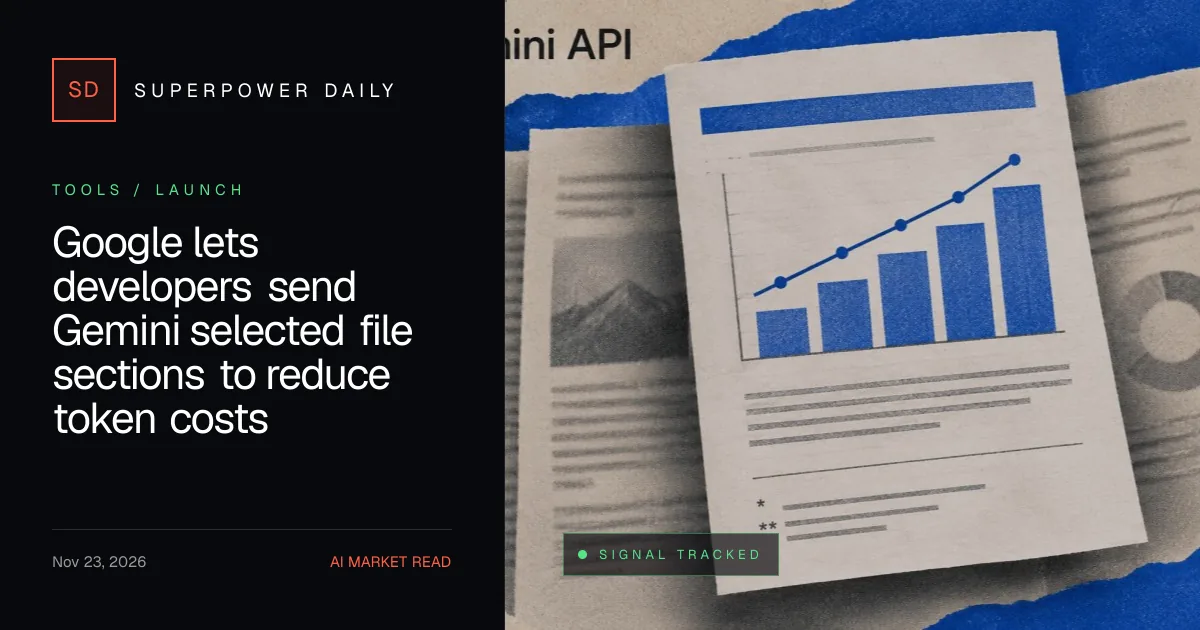
Google launched file slicing controls in the Gemini API on November 23, 2026, letting software teams send large files while picking the exact pages, sheet cells, and media clips they want models to inspect. The update works in Google AI Studio and the Gemini platform, letting code pass Microsoft Office and OpenDocument files to Google directly with standard PDF, audio, and video inputs [1]. Rather than charging for an entire file, Google bills prompt tokens only for the specific parts Gemini inspects during an interaction [2]. The feature runs across the Gemini 4 family, giving coders a direct way to curb input token expenses when running complex agent workflows [1].
File Slicing Controls in Practice
The system changes how agents process files. Under the new setup in Google AI Studio, an app uploads a file once through the Files API, receives a reusable URI, and calls that URI across multiple conversation turns without uploading another duplicate copy [1]. Superpower Daily reported that this URI reuse avoids repeat uploads during long agent sessions [2]. Teams upload files once.
Google demonstrated this workflow using a Word document named quarterly_report.docx during the announcement. In that test run, the client code uploads the file once and calls gemini-4-hydrogen to skim every page cheaply as extracted text, asking which page contains a revenue bridge chart. Skimming raw text avoids layout-preserving page image tokens while the model locates the target section in a long document. Once the model identifies page three, the app issues a second request to gemini-4-neon using the same URI, asking it to inspect the revenue bridge chart and footnotes at high resolution [1]. That two-step pattern gives the model sharp visual detail for a single page without forcing teams to spend high-resolution tokens on every preceding page in the report [2].
Agents can also direct these slices. When an automated tool finishes running, it can pass specific slicing options directly inside the function_result payload of the Google Interactions API, steering what the model inspects on its very next reasoning step. Google engineers Rohan Doshi and Ben Caine said this server-side execution speeds up multi-turn workflows [1].
Page Selection and Content Layer Settings
The controls provide distinct settings across different file formats, separating which portion of a file reaches the model from the representation loaded [2]. For documents and presentations in PDF, Microsoft Office, and OpenDocument formats, coders can set page boundaries using start and end page parameters. They can also choose between page_text and page_image content layers, adjusting resolution between low, medium, and high depending on whether they need basic text extraction or detailed layout renderings. This separation ensures that an app only pays for visual tokens when charts, formatting, or graphic placements genuinely affect the outcome of a user task [1].
Spreadsheets in .xlsx, .xls, and .ods formats receive granular targeting options. A coder can select a specific worksheet tab through a sheet index setting and limit reading to particular cell ranges with visible_cells [1]. Requests can also separate data, formulas, and visual elements into different content layers. This helps when an agent only needs numbers [2].
Video and audio files follow an identical pattern. For video, engineers can set time offsets to clip a specific interval, pick low or high resolution, and adjust the target frame rate to control token volume. They can also specify whether Gemini inspects a generated transcript, raw video frames, or audio tracks. Audio requests support start and end time offsets as well, clipping recordings to the required passage [1]. Superpower Daily reported that trimming media files before tokenization lets teams build search agents that avoid spending tokens on long stretches of irrelevant footage or background sound [2].

Reducing Local Harness Overhead
Server-side slicing solves common local harness headaches. Previously, client software that ingested large files had to run local copies of LibreOffice, PDF renderers, and ffmpeg just to split pages, extract visual charts, and clip video sound before making an API call to Google. Those local setups ate up host memory and cluttered user disks with temporary image files [1].
By shifting slicing and rendering to Google servers, developers can pass a Files API URI directly in a user turn or tool response, and the backend handles rendering natively the way Gemini was trained to see it [1]. Superpower Daily reported that this server-side setup reduces local memory pressure and cuts down on custom conversion code, simplifying the overall architecture for multimodal software. Teams don’t have to build custom file-splitting services just to send documents to a model [2]. Google manages parsing on its own infrastructure [1].
This backend design separates developer API controls from consumer-facing web tools. PerEXP Teamworks previously reported on how Google introduced in-chat document and PDF editing tools in Gemini for interactive web users. Those features cater to manual document modifications rather than automated pipelines [1]. Programmers keep direct control over raw tokens.
File Slicing Controls and Default Settings
Google configured default behaviors for requests that do not include explicit slicing parameters. When an app uploads a PDF or slide deck without custom page options, the API defaults to layout-preserving page images across the entire document. Unconfigured workbooks automatically feed calculated cell values, raw formulas, and individual sheet titles into model context [1]. Because of these defaults, teams must actively configure file slicing controls if they want to avoid broad default inputs and the higher token bills that accompany them. Omitting processing parameters leaves the system in its standard visual intake mode, meaning an unconfigured script will process every page as an image rather than text [2].
Superpower Daily pointed out that uploading a file does not automatically trigger the cheapest text-only path. If an engineer skips processing options, the API loads standard visual page images [2]. Standard upload limits also remain in effect. Google still enforces its existing file size and page caps for uploads. Slicing options do not lift those file limits [1].

Google also does not promise an exact percentage reduction in token costs for every file. Savings depend entirely on the document layout and the queries an application makes. A coder who requests high-resolution image rendering across dozens of pages will still generate large token totals, even when selecting specific sections of a document [2]. But teams that inspect text first and isolate specific pages can lower prompt costs significantly while keeping context windows uncluttered during complex interactions [1].
Integration With Models and Agent Workflows
File slicing runs across the full Gemini 4 model lineup without requiring dedicated file models. Teams can pair lightweight models like gemini-4-hydrogen for initial skimming with larger models like gemini-4-neon for detailed visual inspection [1]. The release complements programmatic tools like the Gemini Decisions API for bounded choices, expanding how developers control model execution.
The update also fits with other developer features on the Gemini platform, such as Tool Retrieval, which Google introduced on November 19, 2026. Tool Retrieval works on Gemini 3.6 and later models, letting agents keep large tool libraries on standby in the Interactions API while deferring parameter schemas until a task needs them. In Google’s test case, an agent handling order A-1042 for a 40-dollar refund deferred schemas for order_id and amount, loading them dynamically only when calling the function. The system also supports remote MCP servers and prefix caching [3]. Just as Tool Retrieval prevents unused function schemas from inflating prompt context, file slicing controls keep unused pages and media segments out of model inputs [1].
Lucia Loher and Nora Kassner from Google said that keeping prompts focused on relevant data improves tool-selection accuracy and reduces latency during multi-turn interactions. Tool Retrieval has no added fee [3]. Combining dynamic tool loading with server-side slicing gives developers precise control over both tool schemas and file inputs. Google invited feedback on its Discord channel, and the file slicing controls are available now through Google AI Studio and the Gemini API [1].
- PRESS RELEASE Doshi, R., & Caine, B. (2026, November 23). Introducing file slicing controls in the Gemini API. Google. [Article Link]
- ONLINE NEWS Superpower Daily Editorial Desk. (2026, November 23). Google lets developers send Gemini selected file sections to reduce token costs. Superpower Daily. [Article Link]
- PRESS RELEASE Loher, L., & Kassner, N. (2026, November 19). Introducing Tool Retrieval in the Gemini API. Google. [Article Link]


