





Google rolled out in-chat file tools on October 29, 2026, giving users new ways to build and modify files without leaving their conversation threads. The update brings Gemini document editing into a single workspace where people can create, preview, and revise PDFs, text documents, spreadsheets, and code. Instead of jumping to separate software or Google Drive to make quick changes, users can open files in full-screen mode or prompt the assistant to refine specific lines [1].
Inside the Full-Screen Editor
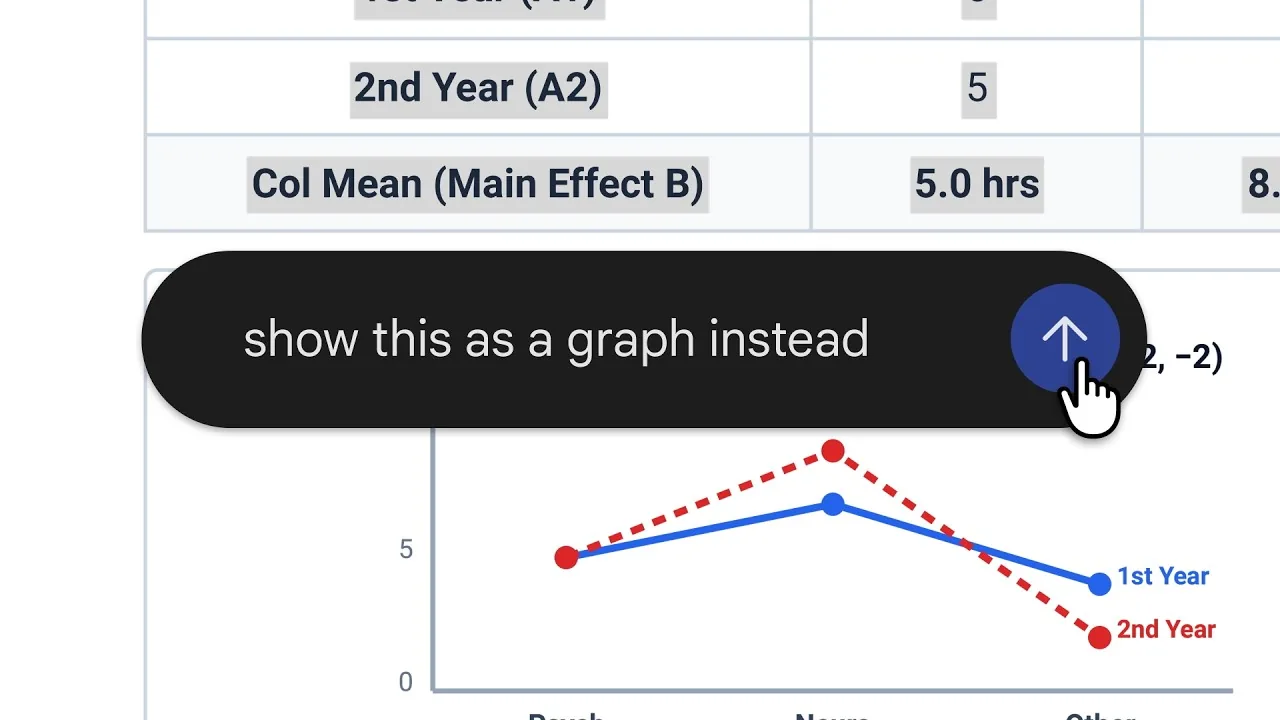
Google blog writer Kimberly Fusaro said that the interface lets users type edits straight into documents once they expand a generated file to full screen. Users can also highlight a single sentence or data row within the document and ask Gemini to adjust the tone, fix wording, or explain confusing terms without rewriting the entire draft or losing earlier adjustments [1]. Stevie Bonifield reported for The Verge that this targeted control extends to structured elements, such as highlighting numbers in a table to turn them into a visual graph. Fusaro published the details on October 29. The assistant reads the selected data points, builds the requested chart, and drops the visual straight into the draft without wiping out surrounding text, expanding the scope of Gemini document editing beyond simple chat replies [3].
Reporter Jade Bryan Jardinico tested the interface at Android Police and said that Gemini creates editable PDFs from rough notes or images quickly, though heavier files can take extra seconds to load. The in-chat viewer includes an undo button so people can step back from unwanted changes before exporting their finished work [2].
Google shared an official video walkthrough showing how prompts refine drafts without rebuilding them from scratch. In the clip, a user selects specific sentences to request tighter phrasing, and Gemini updates the document while keeping the original layout. While earlier iterations forced users to regenerate whole outputs when a single phrase failed, the new editor isolates edits to chosen lines [1].
Mobile Format Limits
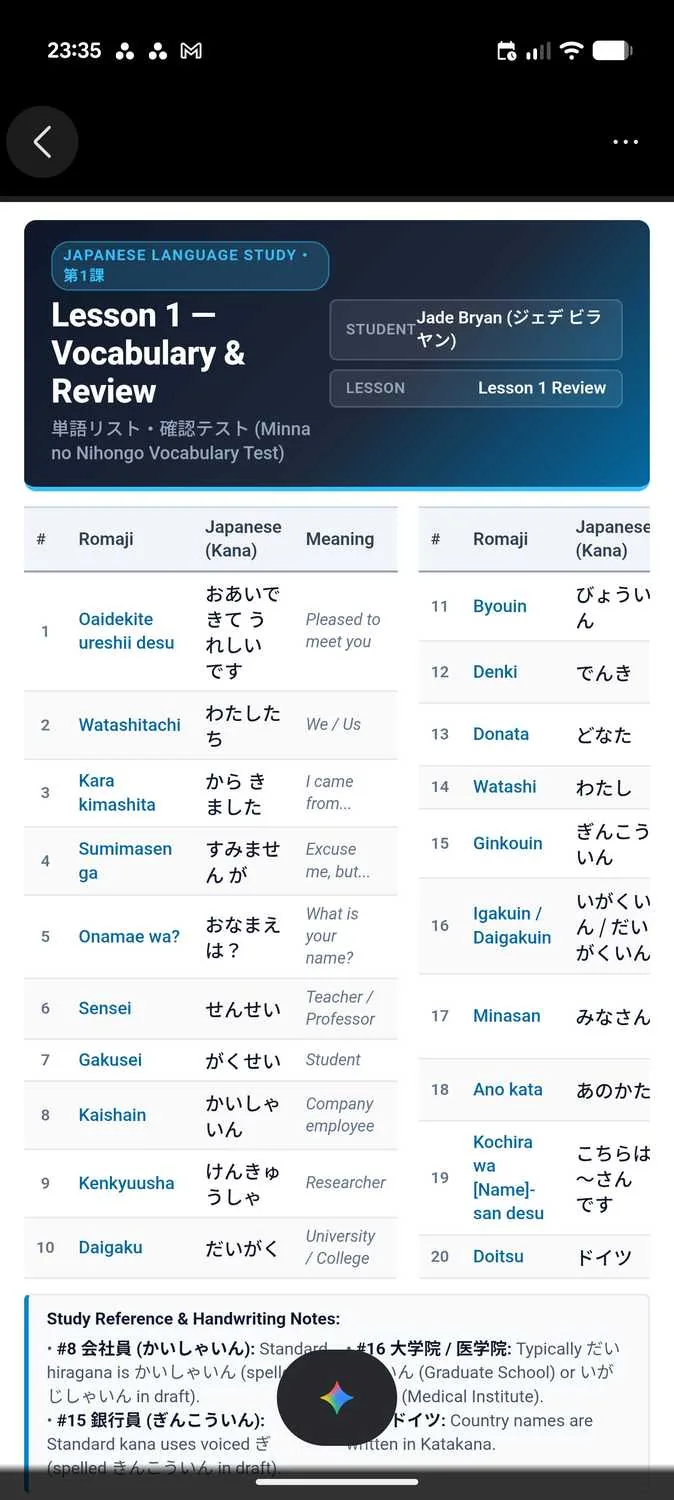
Device compatibility forms the main limitation in the rollout, because phone apps handle only a slice of the full feature set. Google stated that PDF preview and editing work on both mobile devices and web browsers. However, Google Docs, Google Sheets, Google Slides, Markdown files, plain text notes, and programming code remain web-only for now [1].
Technology writer Aseem Kishore said in Online Tech Tips that phone users who want to adjust complex spreadsheets or slide outlines must open gemini.google.com in a computer browser because mobile apps only handle PDFs. Google does not separate Android from iOS, meaning that tablet and phone owners on both operating systems face the exact same mobile limits. Anyone drafting resumes, budget proposals, or data trackers will find the browser on a laptop or Chromebook far more practical than tapping on glass. Desktop sessions remain necessary for editing Docs, Sheets, Slides, Markdown, and TXT files. Google has not shared a release schedule for bringing non-PDF formats to phones, so mobile users must stick to PDF tasks until future updates arrive [5]. The web interface runs at gemini.google.com.
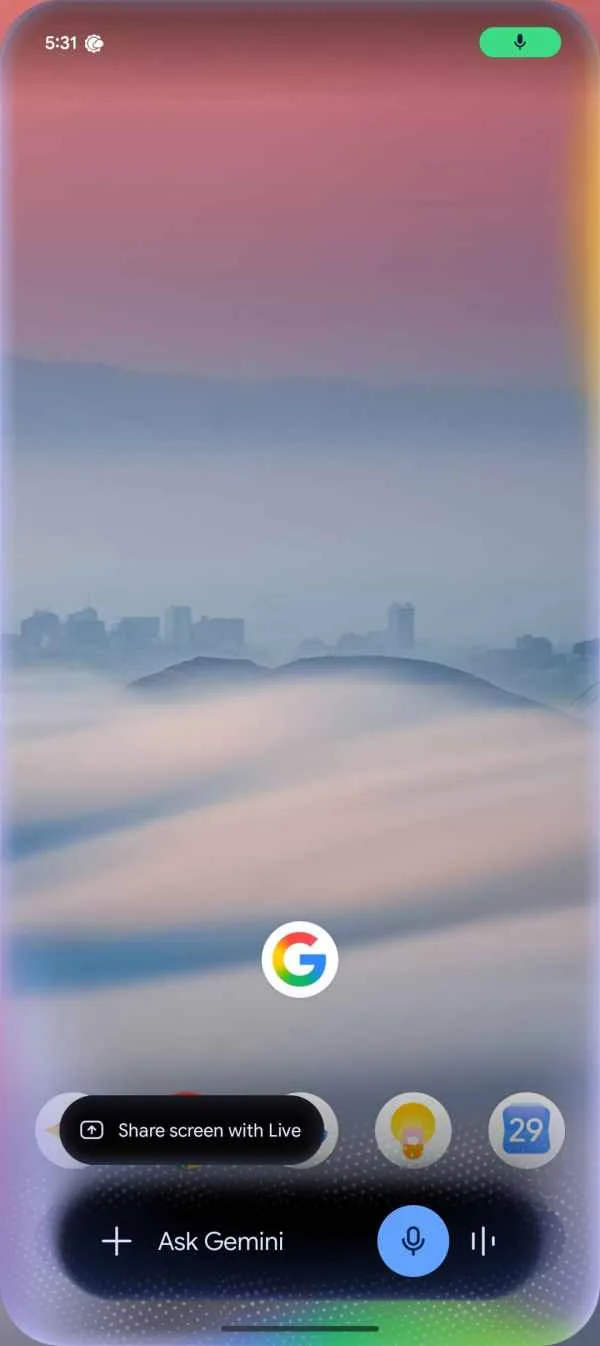
Abner Li reported for 9To5Google that Android users also received a refreshed overlay design around the same time. The updated bar features a translucent perimeter with tiny color specks and swirls, replacing the older solid pill look. That visual refresh first rolled out on Pixel 11 phones before reaching other Android handsets. Pixel 11 received the update first. Users who do not see the new interface yet can force stop the Google app to load the changes [4].

Changes to Gemini Document Editing
Google laid the groundwork for this release six months earlier. In an April 29, 2026 post, Google product manager Maryam Sanglaji introduced an update that let Gemini build downloadable files from chat prompts. That launch supported exports to Microsoft Word (.docx), Microsoft Excel (.xlsx), CSV, LaTeX, and Rich Text Format (RTF) [6].
Aseem Kishore compared the two updates with a simple picture: “Think of April as Gemini learning to print. October is Gemini learning to hand you a pen so you can mark up what it printed.” The update centers on direct in-place editing, turning Gemini from a one-way export engine into a responsive working canvas. Back in April, users could send files to Google Drive or download them locally, but they could not tweak a single sentence without leaving the app or copying the entire draft into a separate program. April brought exports; October brought editing. The shift marks a distinct milestone where Gemini document editing moves from one-way exports to interactive work [5].
Anthropic, Microsoft, and OpenAI offer competing tools in their own assistants. Anthropic added document and slide editing tools to Claude chats earlier this year, while Microsoft 365 Copilot and OpenAI ChatGPT have let users edit files for months [3]. Sudhanshu Kumar Mangalam at Digital Trends noted that Google also released Gemini 4 Carbon and Gemini 4 Argon recently. Independent benchmarks comparing these tools do not exist yet [5].
Study Guides from Notes
Google demonstrated education as a helpful use case for the tools. In an official video walkthrough, a student uploads photos of handwritten lecture notes and asks Gemini to turn them into a clean PDF study guide. The model deciphers the handwriting and organizes the information into structured sections with clear headings [1].
Digit editor Vikas Yadav reviewed the demonstration and said that users can select numbers within a generated table and ask Gemini to convert that data into a bar chart. The system draws the graph straight into the study guide without calling on external spreadsheet tools. Students can download the finished document as a PDF or store the file in Google Drive. Yadav said that Google discussed these workflow improvements during the Android Dev Summit 2026, showing how assistant tools are evolving to handle everyday study tasks rather than just simple conversational prompts. Practical document creation benefits from inline tweaking, making Gemini document editing a dependable option for students and educators who need fast drafts [7]. Drive export remains available.
Workplace drafting follows the same pattern across Google Workspace. Google previously introduced Gemini business tools for small firms to handle common routine chores. Abner Li at 9To5Google reported that users can also build slide outlines in chat, review layouts, and adjust deck contents before opening them in Google Slides or saving them as PowerPoint PPTX presentations [4].
Gemini File Editing Rollout
Google made the editing features available in all supported languages where the Gemini app operates. The base editing and preview tools do not need a paid subscription. However, Jade Bryan Jardinico said at Android Police that advanced multistep routines connect to paid Google One AI plans [2].
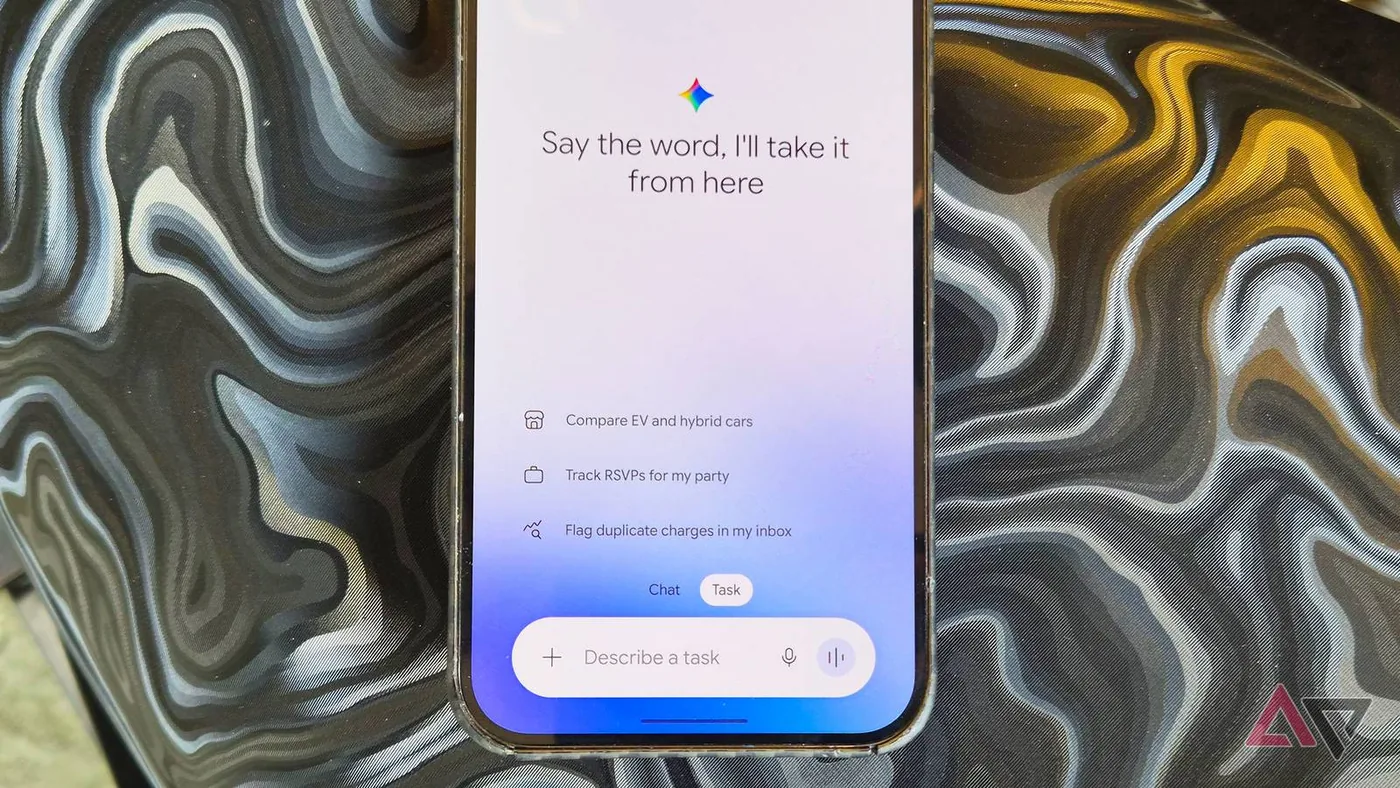
Subscribers on paid Google One AI tiers gain extra capabilities through Task, running multistep routines when generating, editing, or sharing their files. Paid tiers include Task. Back when Google introduced Canvas last year as a coding surface, heavy revisions forced users into Google Workspace apps where Gemini acted only as a sidebar helper rather than a direct document editor. While Google earlier launched Gemini text-to-speech custom voices to expand spoken interactions, this update focuses on visual file editing. Users can generate, tweak, and finalize a project without toggling between multiple browser tabs or waiting for external programs to launch [2].
Google plans to expand mobile editing support beyond PDFs down the line, but has not shared a specific date for Docs or Sheets on phones. For now, users can handle PDFs on mobile devices while turning to desktop browsers for heavier documents. In-chat editing cuts out the tedious chore of copying and pasting text across windows [5].
- PRESS RELEASE Kimberly Fusaro. You can now generate, preview, and edit documents, PDFs, presentations, spreadsheets, and more directly in Gemini. Google Blog. [Article Link]
- ONLINE NEWS Jade Bryan Jardinico. Gemini now lets you create, preview, and edit PDFs and files directly in your chat. Android Police. [Article Link]
- ONLINE NEWS Stevie Bonifield. You can generate and edit Google Docs files directly in Gemini chats now. The Verge. [Article Link]
- ONLINE NEWS Abner Li. Latest Gemini design comes to all Android devices, app upgrades file generation. 9To5Google. [Article Link]
- ONLINE NEWS Aseem Kishore. Gemini gains document and PDF generation and editing capabilities. Online Tech Tips. [Article Link]
- PRESS RELEASE Maryam Sanglaji. You can now easily generate files in Gemini. Google Blog. [Article Link]
- ONLINE NEWS Vikas Yadav. You can now use Gemini to create and edit PDFs, presentations and other documents, here is how. Digit. [Article Link]


1 comment