



Apple announced on its Developer portal that it plans to tighten macOS Full Disk Access controls, responding directly to heightened privacy concerns surrounding increasingly capable and autonomous desktop artificial intelligence. Local operating system permissions historically treated storage as a passive repository, but modern background software can now inspect and catalog personal documents within seconds. Could earlier permission architectures withstand continuous automated scanning? System architects at Apple concluded that current configurations expose too much sensitive data. The company confirmed that future platform updates will mandate explicit user consent before granting software unrestricted system storage privileges [1].
Why Full Disk Access Was Created
Apple originally introduced the Full Disk Access permission to enable complete backup utilities to catalog and safeguard local drives without triggering continuous security prompts. Standard macOS security controls require software to request separate authorization before reading protected personal directories such as documents, downloads, or email databases. Backup utilities must index the entire file system to create exact system images and historical snapshots. In an explanatory technical bulletin published on its Developer portal, Apple emphasized that while it provides developers with powerful APIs to build incredible application capabilities, Full Disk Access largely sidesteps these protective controls to allow backup apps to function properly on the Mac [1].
Because Full Disk Access sidesteps conventional permission boundaries, granting the entitlement effectively removes the technical safeguards that isolate private applications from one another. Apple warned that several modern utilities are now utilizing the privilege in ways that could put customers at risk by exposing local files, mail archives, chat threads, and web browsing history. When a communication application obtains this level of access, the privacy exposure extends beyond the device owner to compromise external contacts who exchange messages with that user [1].
Backup utilities required total access. Apple originally created the setting specifically to allow local system backups without interrupting active machine workflows [1].
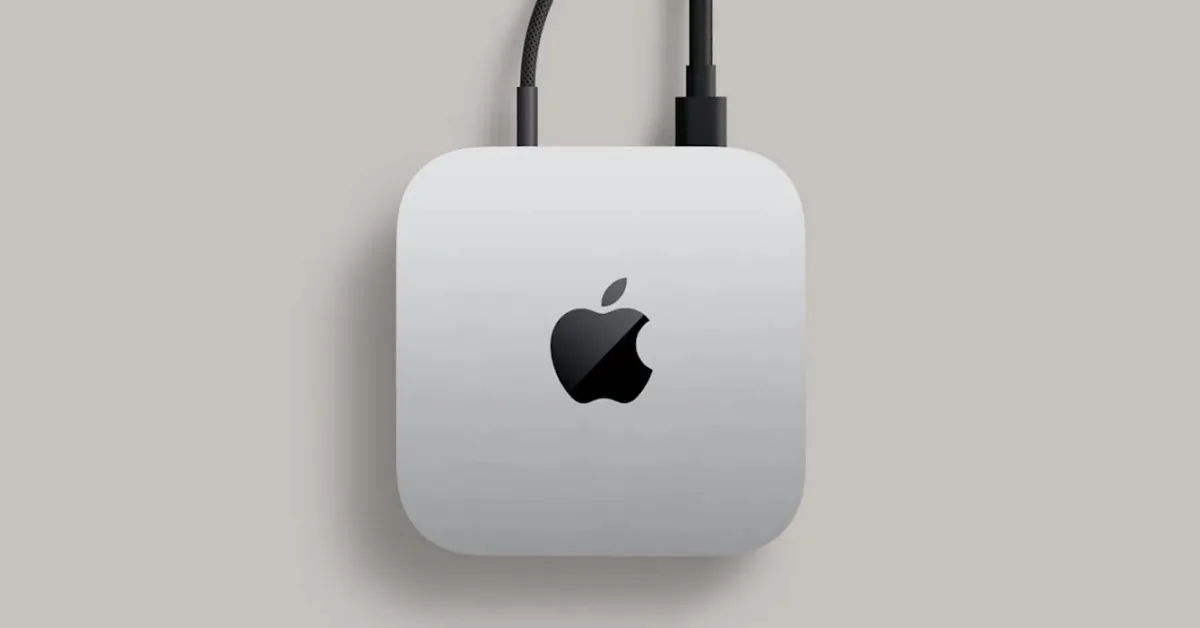
How AI Agents Exploit Broad Permissions
Desktop environments have recently experienced a rapid influx of persistent artificial intelligence utilities that operate continuously in the computer background. Systems such as Meta Muse and OpenAI Dots function as always-on assistants designed to parse personal data to automate daily computing tasks [1]. Unlike traditional software that operates strictly within sandboxed folders, desktop AI agents frequently encourage individuals to adjust their macOS settings to unlock broader hard drive access. Granting these permissions allows desktop language models to read local text documents, inspect project code repositories, and index correspondence across personal applications without requiring manual file selection [2].
Apple issued a direct warning to software creators, stating that some developers are using Full Disk Access in ways that jeopardize system safety without adequate user comprehension. In its public bulletin, the company explained that granting blanket permission exposes an entire machine, including personal files, mail messages, and browser logs. “Addressing this is critical,” Apple wrote regarding the operational evolution of modern software tools. “As AI agents become increasingly capable and autonomous, the risks associated with this level of access will grow substantially.” The official statement highlights an emerging structural tension between highly autonomous desktop utilities and Apple’s historical commitment to preserving rigorous local device confidentiality standards across macOS [1].
Architectural boundaries separate background utilities from private records. When previous platform updates demonstrated how Siri AI reshaped macOS systems, integrations relied strictly on structured application frameworks rather than unmonitored disk readouts. Unrestricted storage privileges bypass these intentional protective filters entirely. Can desktop assistants function reliably without inspecting raw machine directories? Security analysts note that autonomous desktop agents often request full administrative clearance simply because navigating granular system permissions complicates software setup for non-technical computer owners [2].

Meta Muse Sparks Private Message Controversy
Scrutiny intensified after Inc. columnist Jason Aten reported that Meta’s desktop application, Muse, appeared to read his private messages without authorization. Aten claimed that the desktop assistant referenced personal message content despite his firm assertion that he had never granted the program explicit permission to review those private conversations. Meta disputed the claim. The disagreement demonstrated how difficult it remains for desktop users to verify which files a background process reads once installed on a local machine [2].
The controversy surrounding Muse stems partly from how the software prompts owners to adjust operating system controls during configuration. In standard operation, the application optionally allows individuals to enable Full Disk Access to unlock broader contextual capabilities across their desktop environment. Around the same time, an investigative report published by Wired revealed that a software vulnerability in the official ChatGPT Mac application could have allowed unauthorized attackers to access sensitive personal files [2]. Wired documented the software vulnerability.
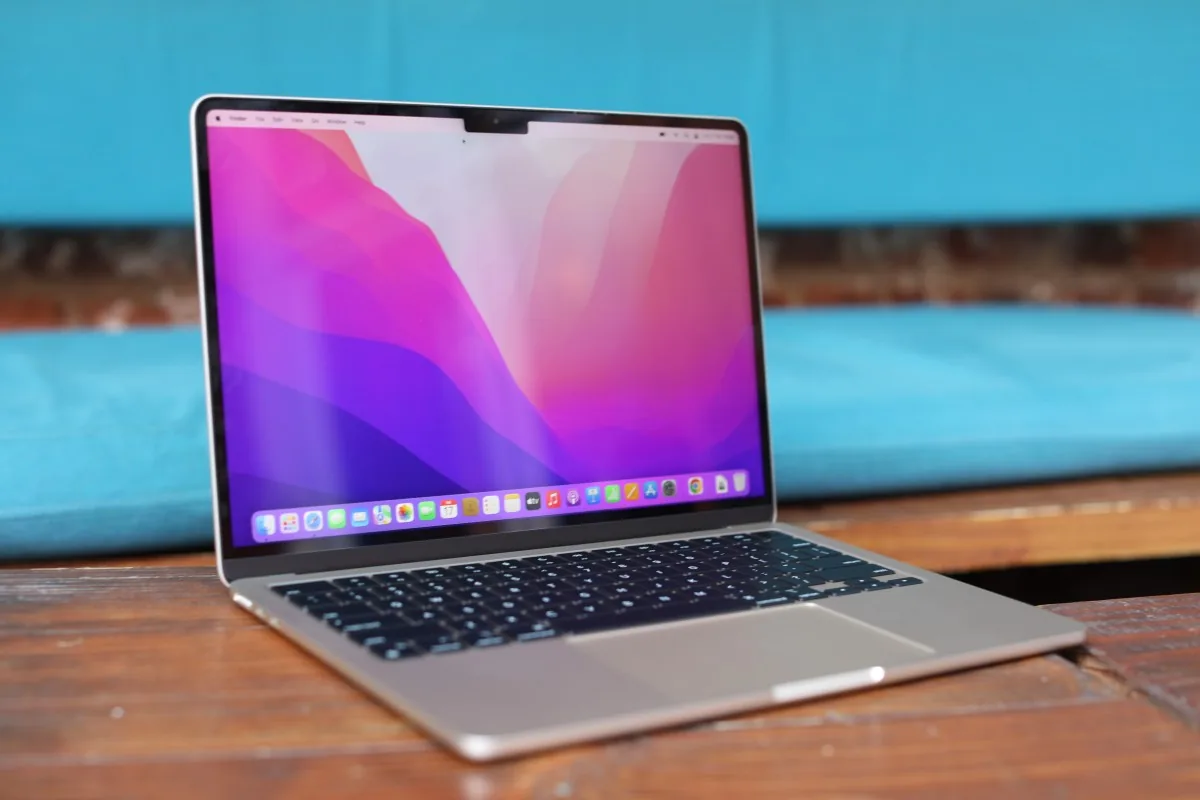
Concurrent desktop security incidents accelerated industry conversations regarding whether conventional desktop permission dialogs provide sufficient protection against modern artificial intelligence. When programs run locally with system-level permissions, they possess the technical ability to monitor active file changes, inspect proprietary project directories, and catalog communication histories [2]. Users often assume that granting file access applies only to documents actively opened in an application interface. In reality, elevated system privileges permit background software to sweep every attached storage volume silently.
Tightening macOS Full Disk Access Controls
Responding to these expanding risks, Apple announced that it will introduce stricter protocols governing how desktop software acquires Full Disk Access privileges. The platform maintainer emphasized that customers must clearly recognize the extraordinary implications of granting software complete system visibility before approving administrative configuration prompts [1]. Under planned policy changes, macOS will require explicit user action rather than allowing applications to nudge individuals through confusing setup screens. Software developers will no longer be able to rely on passive authorization mechanisms when requesting comprehensive administrative visibility [2].
In its developer announcement, Apple underscored that autonomous agents pose unique challenges that separate them from conventional software utilities. “Going forward, we will introduce additional controls to ensure that users who genuinely wish to grant an app this extraordinary level of access can only do so with very explicit user action,” the company stated in its official guidance. The engineering team stressed that autonomous desktop tools will become increasingly capable, making informed user decisions fundamental to personal device security. Although the company published its security philosophy regarding Full Disk Access on its Developer portal, it has not yet revealed specific architectural designs or implementation schedules for the upcoming controls [1]. Apple declined further comment.

Technology news outlets sought clarification regarding how the upcoming changes will affect existing backup utilities and active artificial intelligence software. Both 9to5Mac and TechCrunch reported that Apple declined to provide technical specifics or release timetables beyond its written developer post [1]. TechCrunch confirmed that Apple did not respond to direct journalistic inquiries seeking further detail regarding the planned interface modifications or developer guidelines [2].
Explicit User Action for Desktop Security
Modern operating systems rely on TCC (Transparency, Consent, and Control) frameworks to protect user folders such as Desktop, Documents, and Downloads from unapproved reading. Full Disk Access was engineered as an administrative override to bypass TCC constraints so that backup systems could mirror physical disk structures reliably. However, when consumer AI software receives that same override, the software gains access to private communication databases and web browser cache files. Requiring explicit user action forces individuals to evaluate carefully whether an autonomous artificial intelligence assistant genuinely requires total file visibility to perform its intended daily functions [1].
Will future operating system dialogs introduce multi-step verification or time-limited session tokens for background utilities? Apple has indicated that developers should build features using specialized system APIs rather than requesting unrestricted macOS disk permissions. As desktop agents continue to evolve toward autonomous operation, modern operating system platforms must maintain distinct technical barriers between private user storage and third-party models [1]. The upcoming macOS policy adjustments signify a broader industry shift toward restricting background software autonomy to preserve personal data integrity [2].
Apple’s developer notice reinforces that granting Full Disk Access carries permanent privacy implications. Future macOS updates will determine how software creators adapt their autonomous tools to comply with stricter consent requirements. Until specific technical guidelines arrive, users face the responsibility of evaluating whether desktop assistants deserve complete visibility into their private digital lives [2]. Details remain unannounced.
- ONLINE NEWS Miller, C. (2026, October 2). Apple says it’s tightening macOS privacy controls amid the rise of AI agents. 9to5Mac. [Article Link]
- ONLINE NEWS Perez, S. (2026, October 2). Apple says it’s tightening macOS ‘Full Disk Access’ controls due to new risks from AI agents. TechCrunch. [Article Link]


