




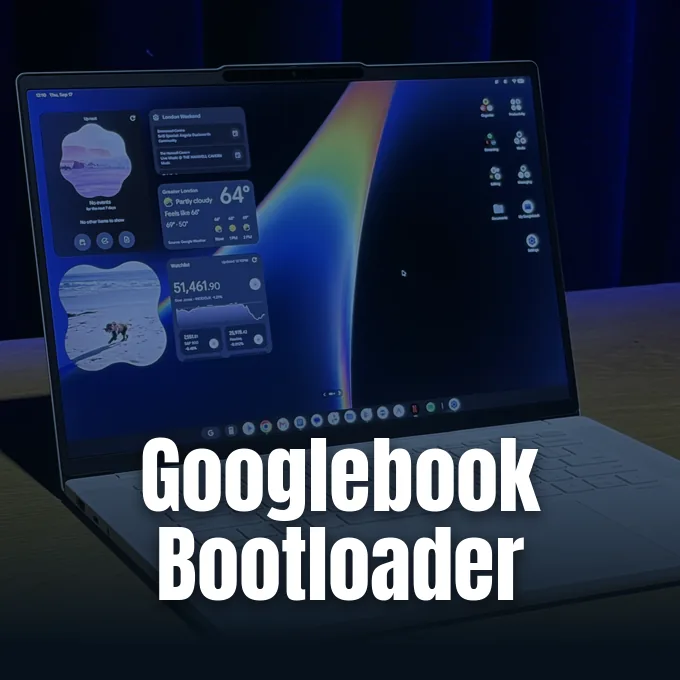
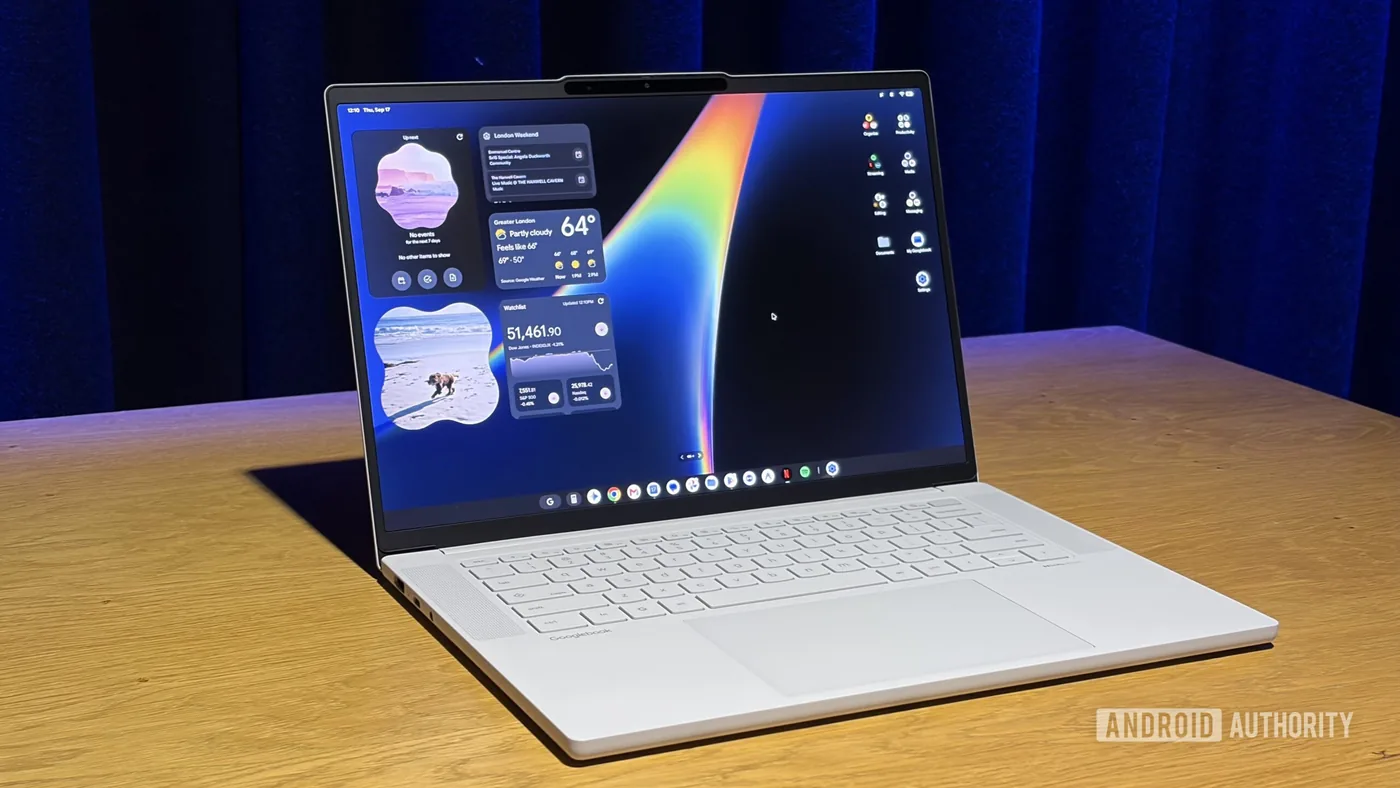
Google confirmed through an official support document that the Googlebook bootloader is officially unlockable, giving software builders the freedom to modify the underlying Android desktop operating system. While commercial laptop makers usually lock firmware to stop system changes, Google chose an open path that mirrors its Pixel smartphone family. Magisk creator John Wu also revealed that root access tools for the platform are already in active development. As Google expands its Googlebook laptop lineup to bridge mobile apps and personal computers, this bootloader choice shows the company still values its open-source roots [2].
Official Support for the Googlebook Bootloader
Google detailed the unlock process on its official support page, explaining that the option exists for programmers who want to test custom operating system builds or run experimental code on the new laptops. The company stated that a “developer or advanced user can unlock their device’s bootloader to install a custom version of the operating system or test an app,” showing that tinkering is allowed by design. Still, Google warned everyday consumers against making unnecessary system changes, stressing that “most users don’t need to unlock their Googlebook’s bootloader” [1].
The decision gives the Googlebook platform an edge over conventional laptops, where locked firmware environments often stop users from gaining complete control over hardware. When power users toggle the OEM switch and unlock the Googlebook bootloader, the hardware automatically erases all stored local files and returns the operating system to factory defaults to keep personal data safe if the device is lost. That wipe protects personal records if a portable machine falls into the wrong hands, but it also means buyers should back up important documents before they start tinkering with custom firmware partitions [2].
Tech enthusiasts had worried that Google might lock down the laptop platform, especially since recent developer verification rules and mobile app policies have grown tighter over the past few years. Keeping firmware open avoids that barrier. It’s a welcome sign for people who want an open computer [2].
Key Steps to Unlock OEM Options
Unlocking the bootloader on a Googlebook follows a sequence that feels familiar to anyone who has ever rooted a modern Pixel phone. Users begin by opening the device Settings menu, navigating to Developer options, and toggling the OEM unlocking switch to permit firmware modifications. Setup starts in Settings. After enabling that software toggle, the user must shut down the laptop and trigger the recovery environment [1].
The recovery sequence needs users to hold down Esc and F2 together on the built-in keyboard, tap the power switch, and let go of each key once the display panel illuminates. Once the device enters that recovery screen, the bootloader unlock option is located under the “advanced options” menu, where users follow on-screen instructions to finish the process [1]. The procedure sounds simple and Pixel-like [2].
While the full step-by-step documentation is still rolling out across support portals, having an official hardware key shortcut confirms that Google built this capability directly into laptop firmware from day one. Modders don’t have to search for leaked engineering utilities or exploit software bugs just to flash a custom system kernel on their machine. By integrating OEM unlock options right alongside standard developer tools in system menus, Google lets anyone who wants to test custom software builds do so without voiding their basic access to recovery tools. That open design sets a helpful precedent for the upcoming generation of Android laptops [2].
John Wu Confirms Magisk Support for Modders
Shortly after Google published its documentation, Magisk creator and Google employee John Wu shared encouraging news on Twitter/X for the Android modding community. Wu posted a short update stating, “Magisk on Googlebook. New code and instructions will come in the following days,” confirming that dedicated root tools are already underway [2].
In a separate post, Wu described the laptop line as “the ideal platform for Android modding” because standard mobile rooting has run into headaches on handheld devices. Handheld rooting brings headaches. Because modern Android smartphones often break sensitive mobile software when rooted, causing banking tools and payment services to fail security checks on cellular networks, a desktop laptop offers a much safer testbed for system-level experiments. A desktop laptop doesn’t carry the same everyday risks for many users, making it a much friendlier testbed for system-level experiments [1].
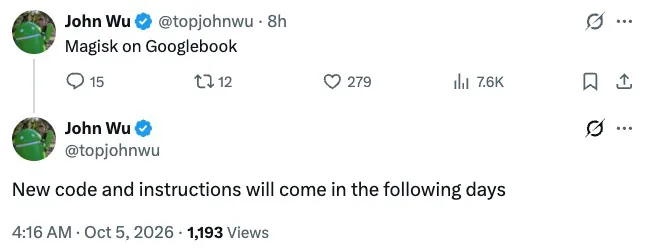
Wu explained that bringing Magisk to the new hardware still needs a few tweaks to account for laptop-specific system structures, but the core foundation is ready. Code tweaks arrive soon [1]. Once those code adjustments land, developers will gain access to modular root tools that modify system behavior without permanently altering system partitions [2].
Why Enthusiasts Value Googlebook Bootloader Access
Root access on a full laptop form factor unlocks capabilities that standard mobile operating systems don’t provide out of the box. Power users can install system modifications, fine-tune processor performance profiles, configure system-wide ad blocking, and deploy custom background scripts that traditional mobile operating systems typically block. Instead of running mobile software inside a sandboxed container, root privileges grant direct control over underlying system services and storage layers [2].
The unlocked Googlebook bootloader also lets enthusiasts test alternate operating systems and custom Android builds tailored for multi-window desktop workflows [1]. Community discussions on Reddit showed eager anticipation, as power users welcomed Google’s decision to support tinkering right out of the gate. While some critics remain skeptical about how well unoptimized mobile phone applications will scale on large laptop screens, having low-level system access gives power users the tools to fix scaling bugs and build custom interface improvements. Enthusiasts welcome the chance to tune software themselves [2].
Enthusiasts see this open posture as an important safeguard against software obsolescence over the coming years. When official operating system updates eventually slow down, an open bootloader allows independent maintainers to keep hardware useful through community-built software releases [2].
Community Hopes and Practical Hardware Risks
Modifying the Googlebook bootloader isn’t without genuine practical drawbacks that every owner must consider before unlocking. Unlocking the device wipes user data, triggers integrity warnings, and might block access to certain secure workplace applications that enforce device compliance [2]. Inexperienced users face real recovery hurdles if things go wrong [1].
Hardware differences within the lineup could also affect the modding experience as more devices reach retail shelves. Googlebooks equipped with Intel chipsets might experience trouble when translating complex Android apps or handling specialized modding modules. Other software debuts, such as the productivity app Fantastical and the Google Antigravity Googlebook app hitting the Google Play Store, show how quickly the broader software ecosystem is expanding around the new hardware. That rapid software growth keeps power users engaged with the new platform [1].
Google faces strong competition in the personal computer market, particularly with Apple’s MacBook Neo creating pressure across entry-level laptop price brackets. By leaving the Googlebook bootloader open for developer exploration and welcoming tools like Magisk, Google gives power users a compelling reason to consider desktop Android [2].
- ONLINE NEWS Schoon, B. (2026, October 5). You can unlock a Googlebook’s bootloader, Magisk support in the works. 9to5Google. [Article Link]
- ONLINE NEWS Siddiqui, A. (2026, October 5). Googlebooks have unlockable bootloader support, and there’s also good news for Magisk. Android Authority. [Article Link]


